

How to Reset Password
Public
Resetting your Password 1. Navigate to https://fundsub.anduin.app/# or https://id.anduin.app/#/login and enter the email address associated with your accou
Resetting your Password
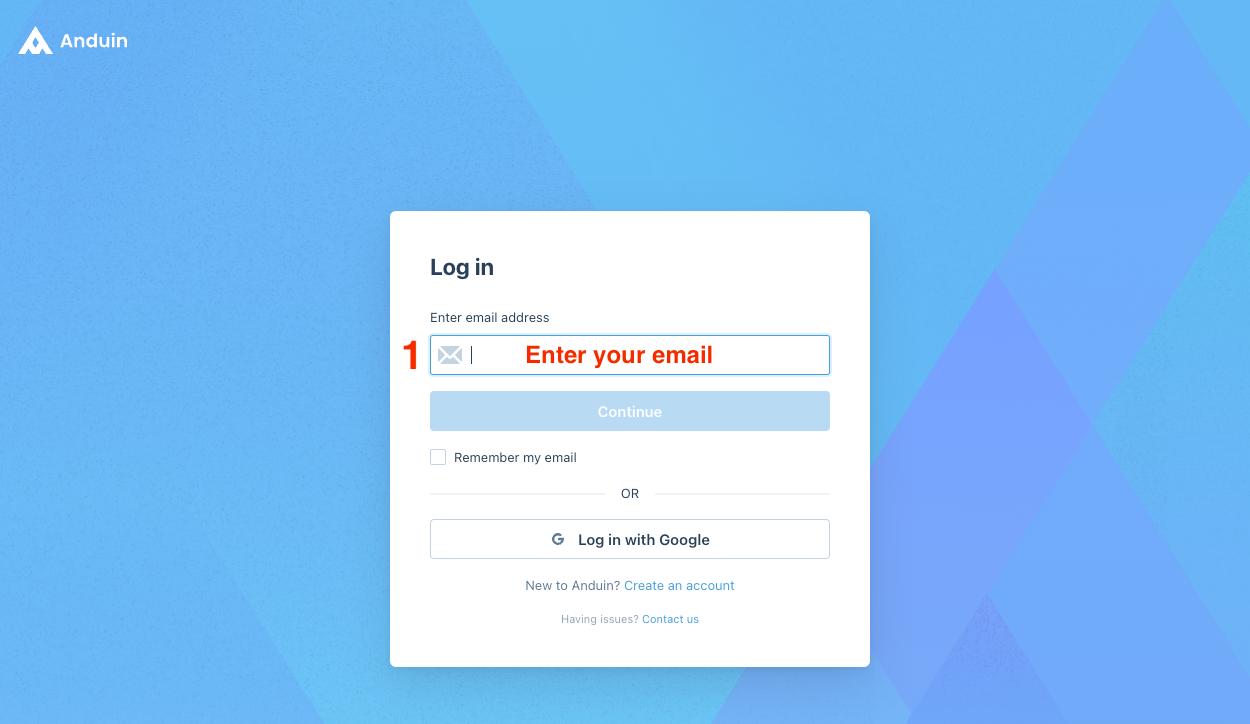
- Navigate to https://fundsub.anduin.app/# or https://id.anduin.app/#/login and enter the email address associated with your account in the Enter email address field. After entering your email address, click Continue
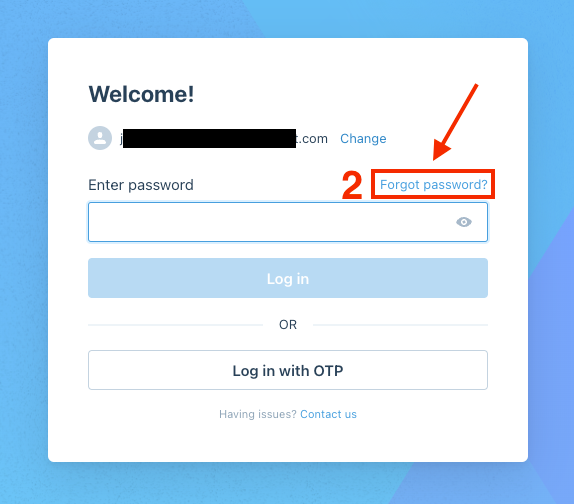
- Click the Forgot password? button
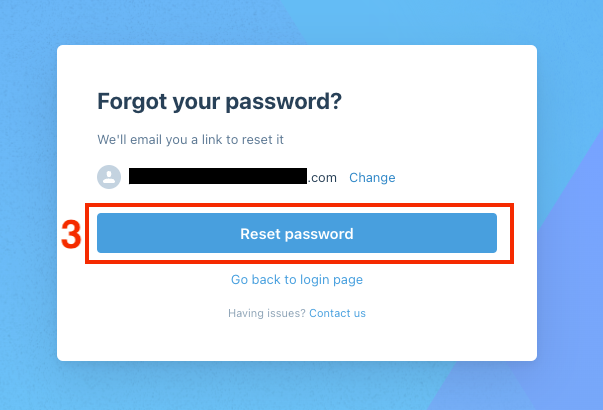
- Click Reset password
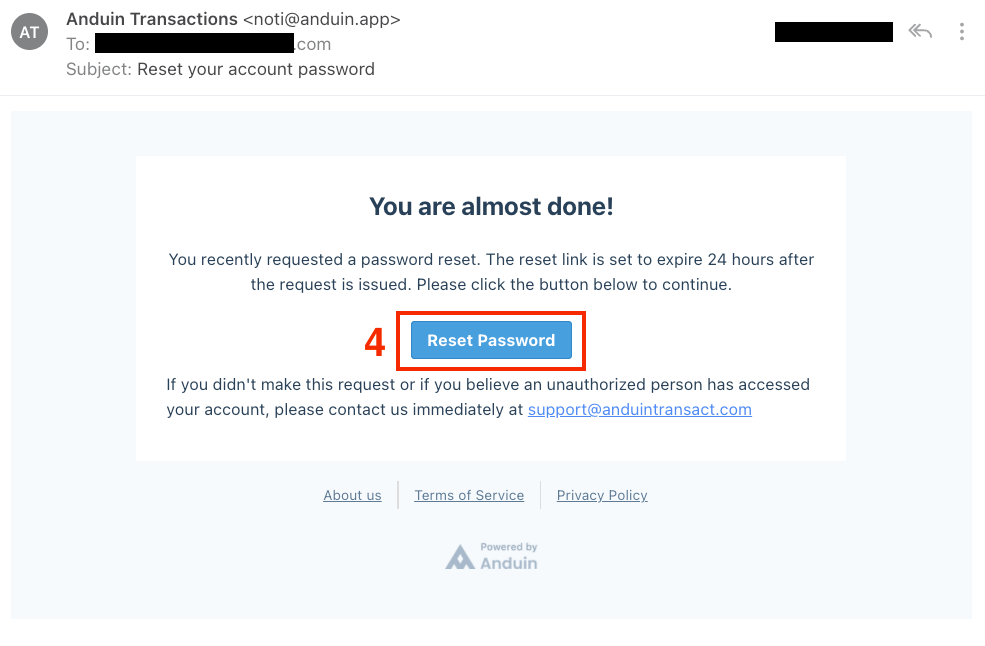
4. You will receive an email from "Anduin Transactions" <noti@anduin.app>, which will include a Reset Password link. Click the Reset Password button
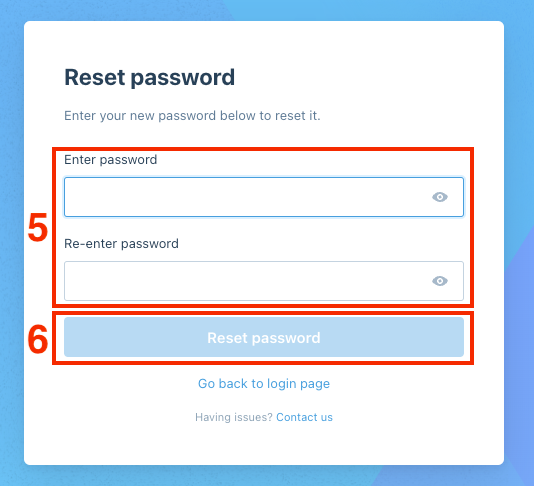
5. Enter your new password in the Enter password and Re-enter password fields and then click Reset password
Was this page helpful?