

Not Receiving Emails and Notifications
Public
If you are not receiving emails or notifications from Anduin, or the messages are appearing in your Spam Folder, here are the steps to whitelist the Anduin
If you are not receiving emails or notifications from Anduin, or the messages are appearing in your Spam Folder, here are the steps to whitelist the Anduin Domain to ensure that all messages and notifications are received
Gmail
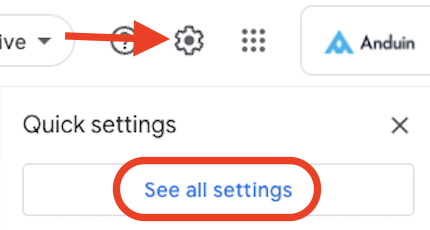
- Select the Gear Icon in the top right corner and click See all settings:
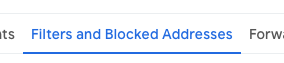
- At the top Nav Bar, select Filters and Blocked Addresses:
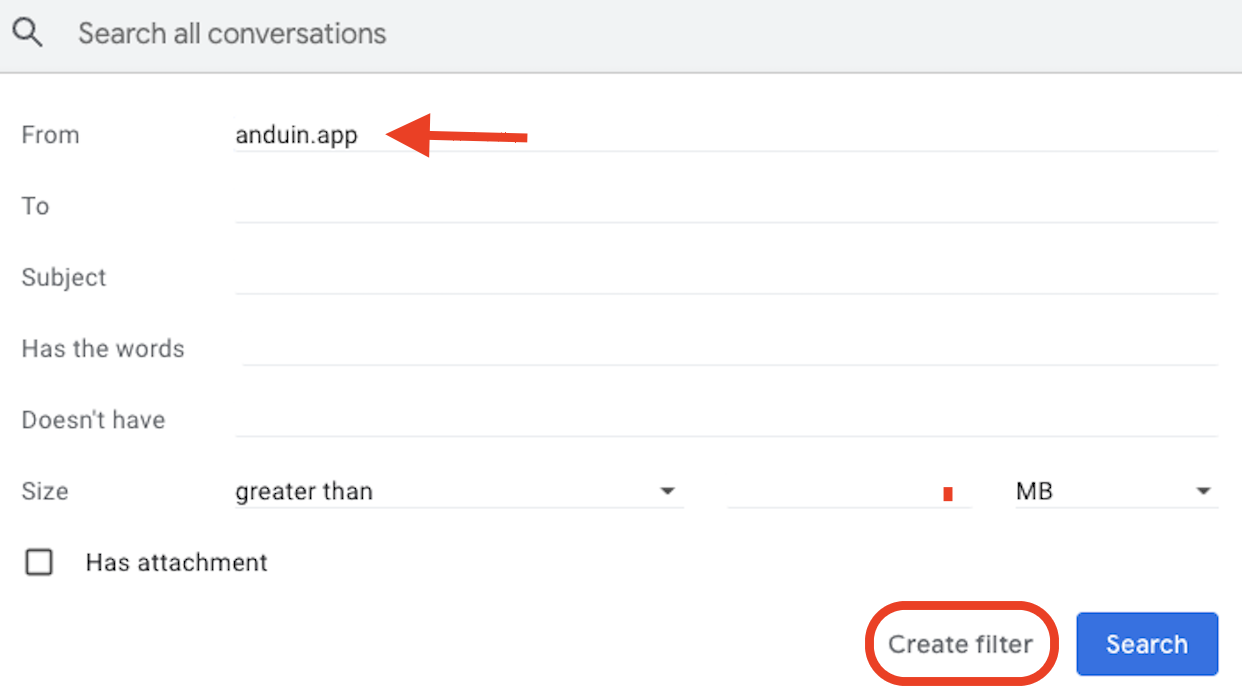
- Under the From Section, add in anduin.app and click Create Filter:
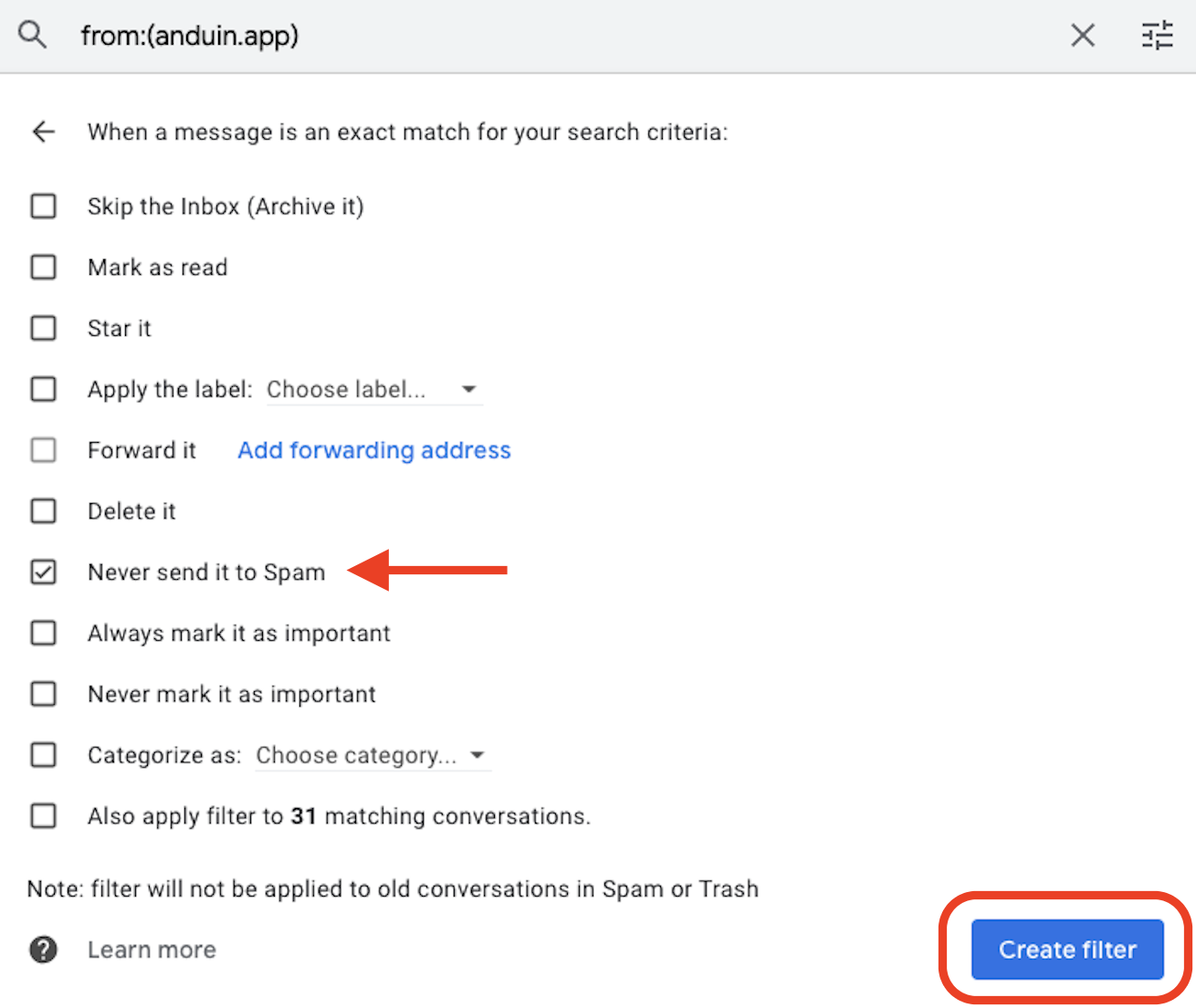
- Select Never Set it as Spam and click Create Filter:
Office 365
- Expand Mail flow and click on Rules
- Click on the plus icon and select Bypass Spam Filtering
- Enter a name
- Under Apply this rule if, select Domain is
- Enter anduin.app
- Click Save
Was this page helpful?