Invest from an Additional Entity
If you would like to create additional subscription documents for other entities that you will be investing from, click on the Invest from additional entit
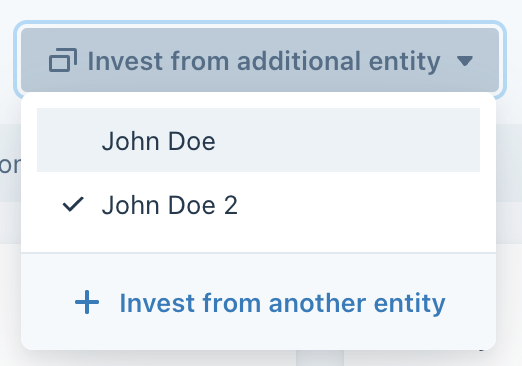
If you would like to create additional subscription documents for other entities that you will be investing from, click on the Invest from additional entity button next to your Investment entity name.

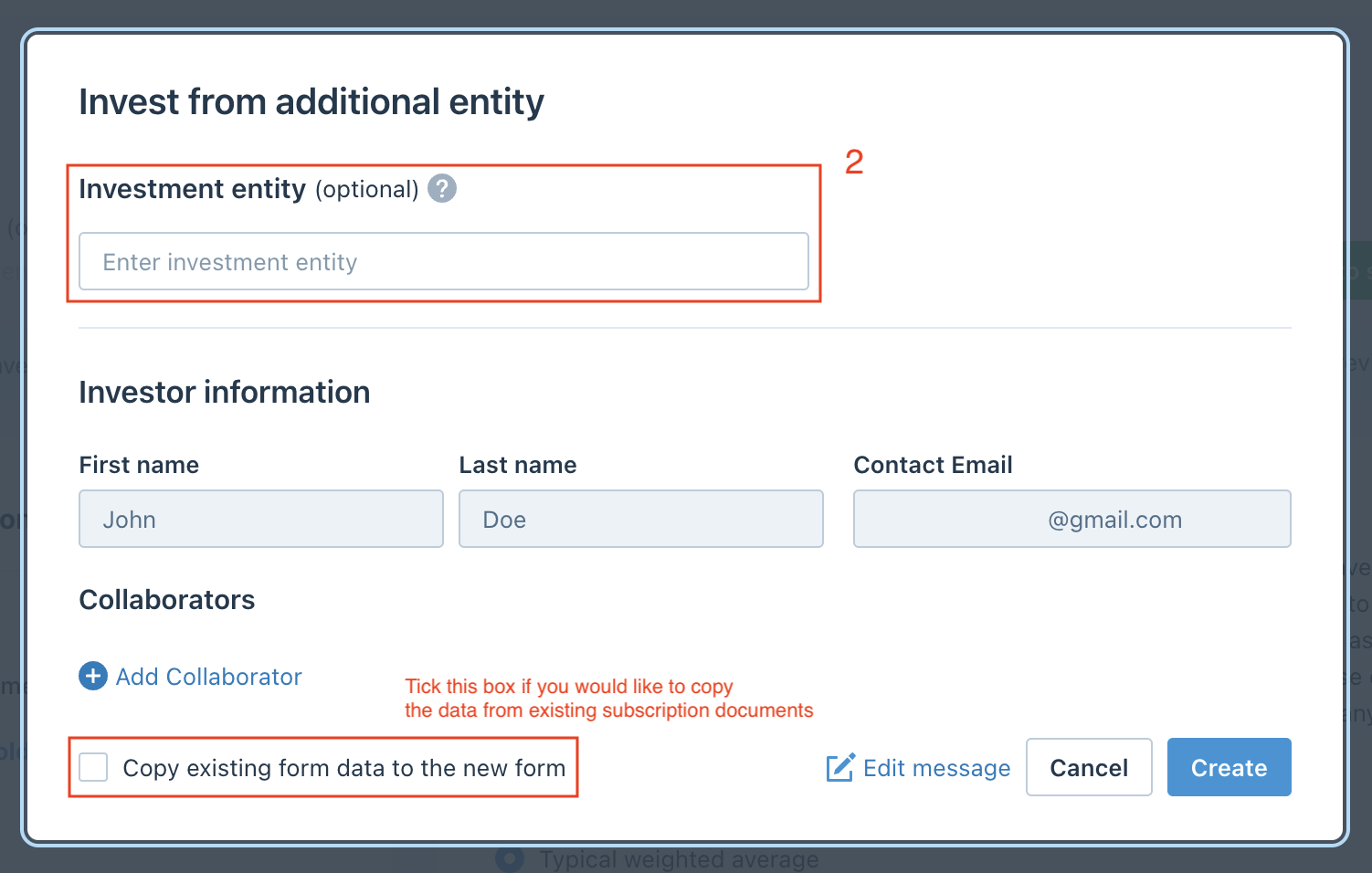
Enter the name of the new investment entity to differentiate it from others. You can invite collaborators to this new investment entity using the Add Collaborator button.
If you would like to duplicate the most recent subscription document, check the box at the bottom, then click Create.
During the process, you can switch between investment entities using the Invest from additional entity drop-down: