

Starting Your Subscription
Public
subscribingbeginning
How to Start Your Subscription When you are invited to the Fund Subscription platform by the Fund Manager/Fund Admin, follow the below steps to begin yo
How to Start Your Subscription
When you are invited to the Fund Subscription platform by the Fund Manager/Fund Admin, follow the below steps to begin your subscription.
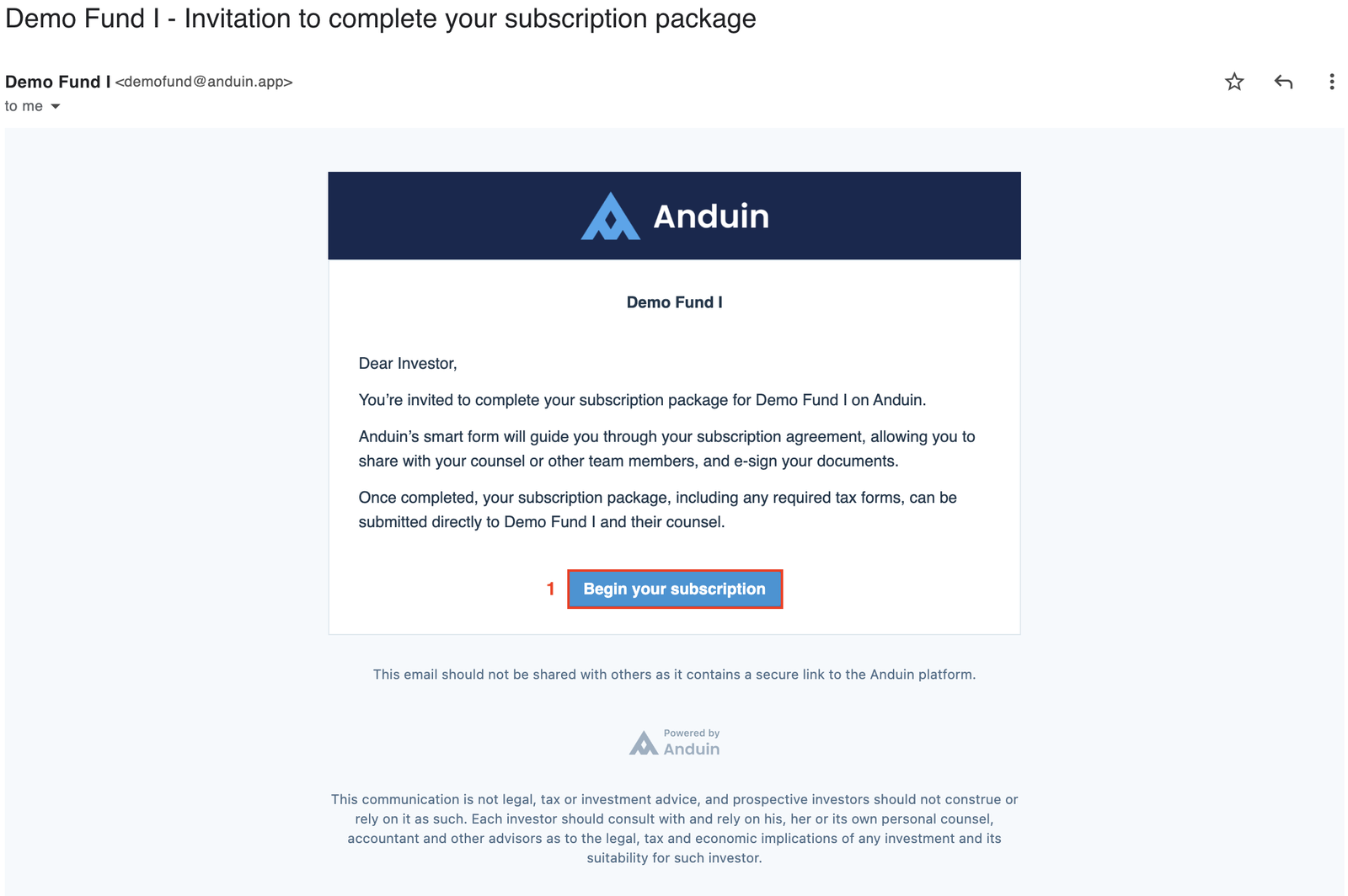
- Click on the Begin your subscription button in the invitation email.
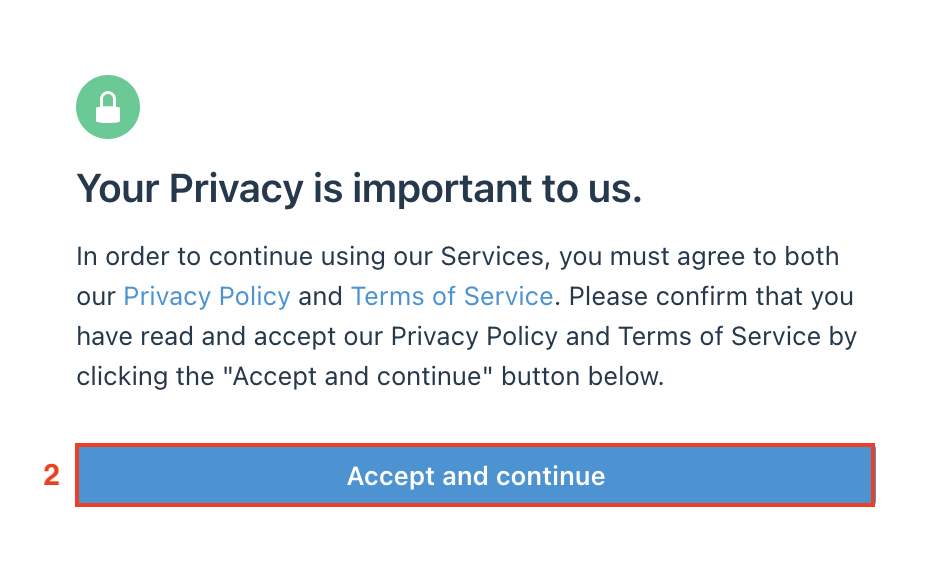
- When the window below pops up on the screen, read and accept the Privacy Policy and Terms of Service by clicking the Accept and continue button.
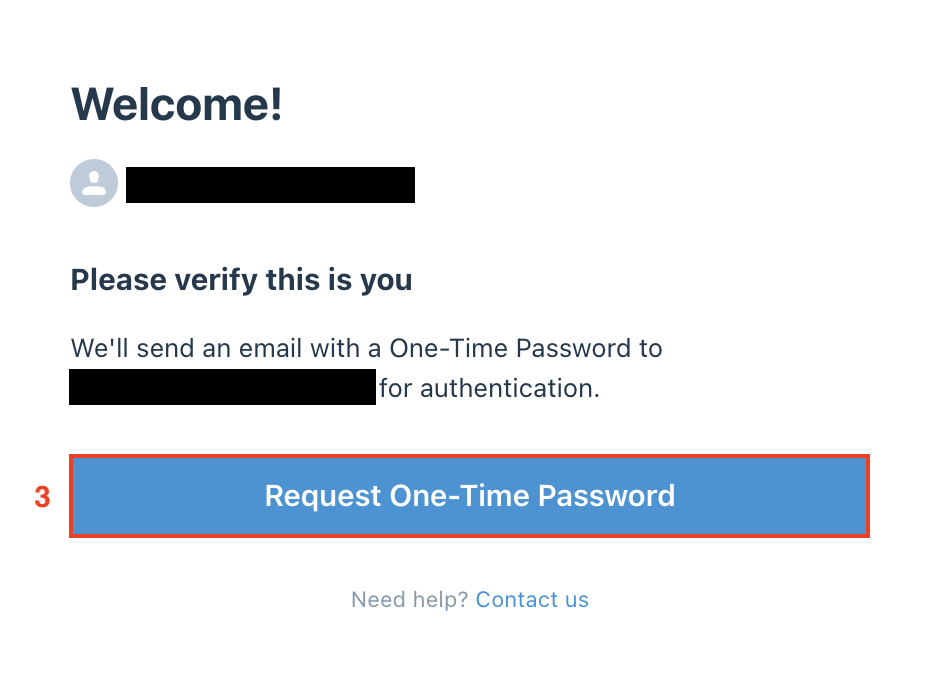
- Click the Request One-Time Password button in the next screen.
- An email with a 6-digit Verification Code will be sent to your email.
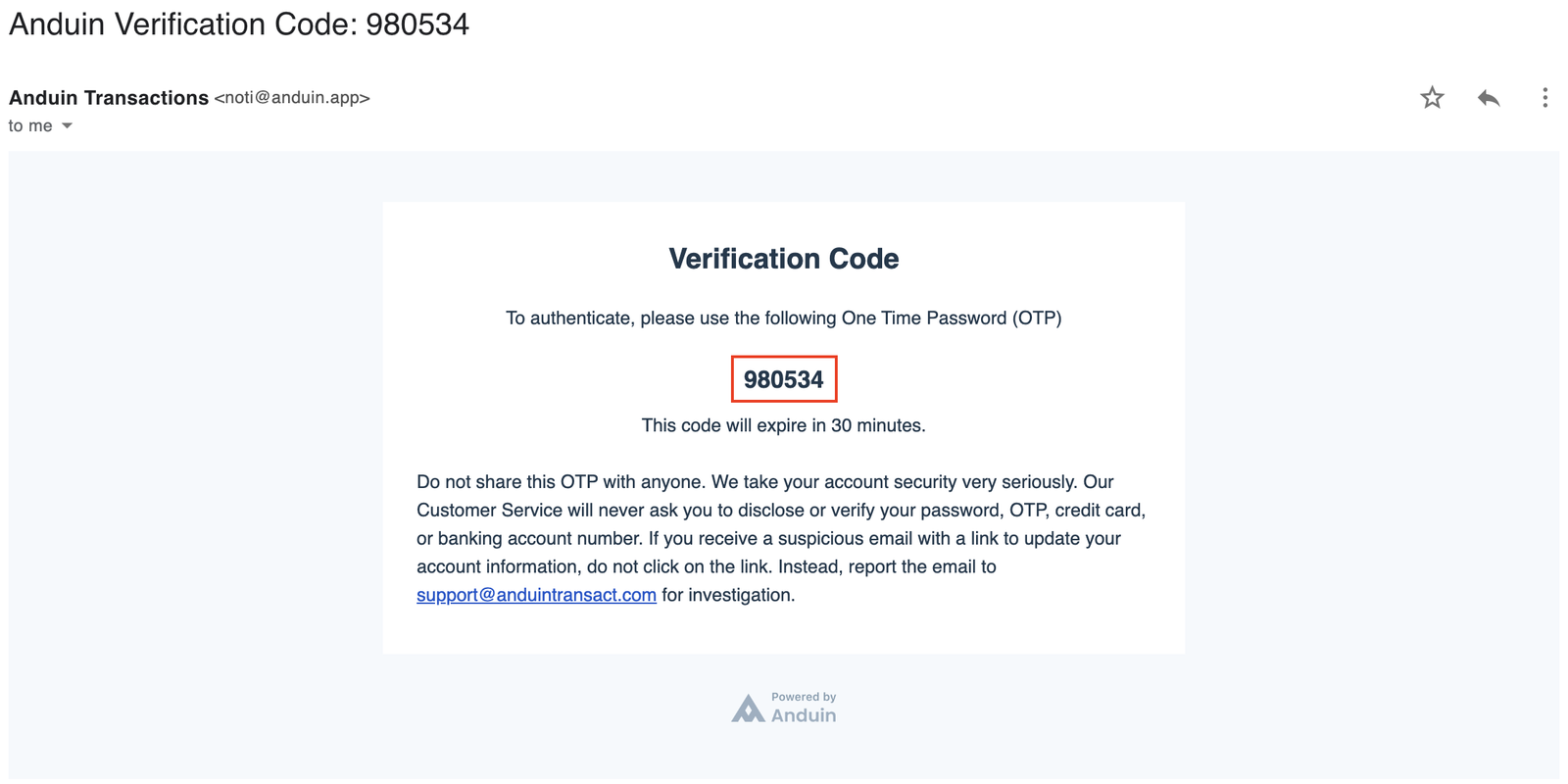
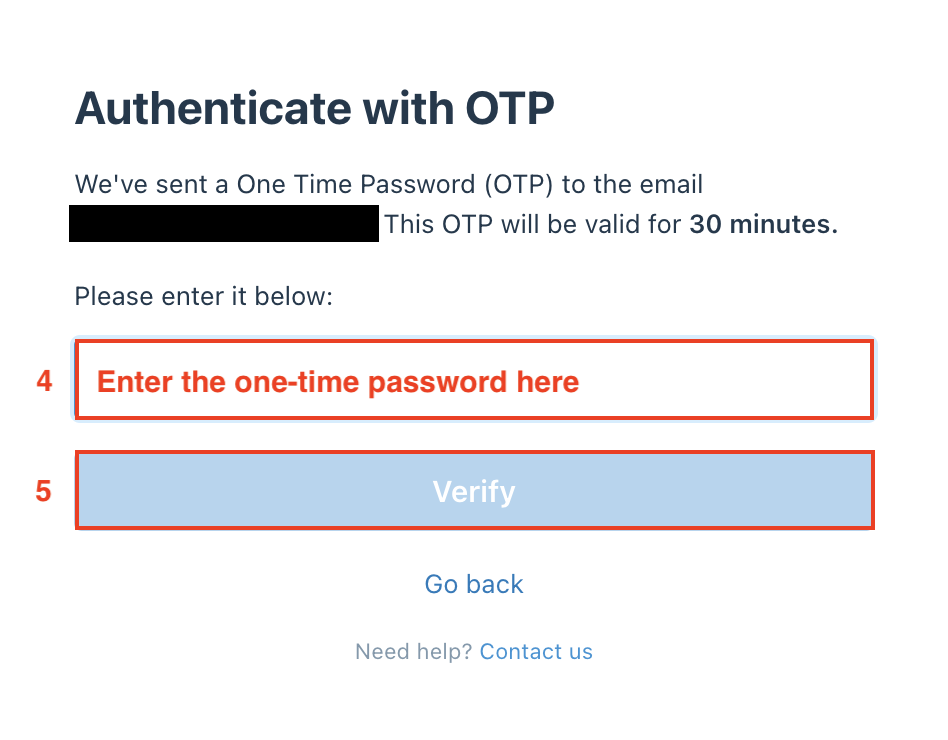
- Copy the One-Time Password and paste it to the field below, then click Verify.
Was this page helpful?