

Upload Additional Documents
Public
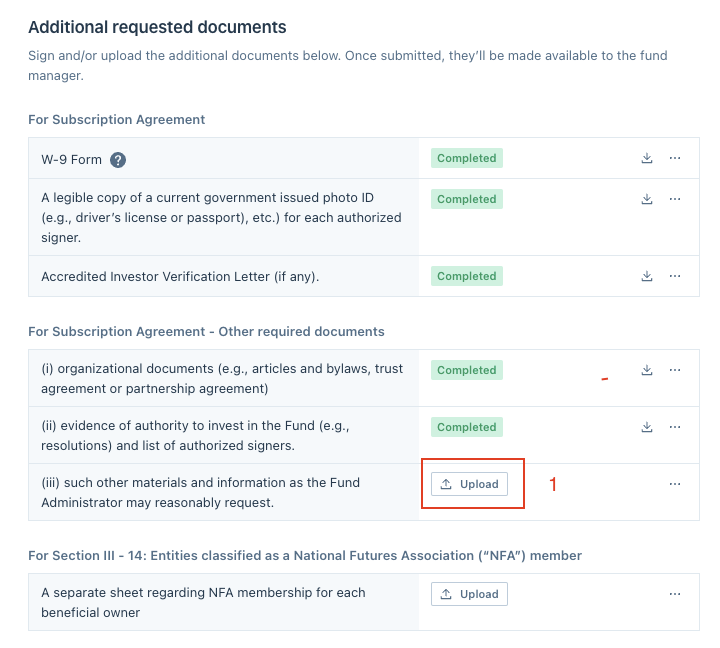
You are provided with a list of additional requested documents that you need to provide along with the subscription documents. Click the Upload button a
You are provided with a list of additional requested documents that you need to provide along with the subscription documents.
Click the Upload button and select the file from your computer:
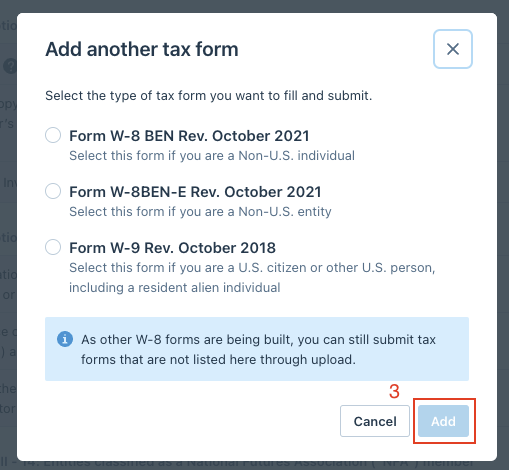
If you are required to submit additional tax forms, click the Add a form button and select the tax form you want to fill and submit:

Next, choose Add:
Was this page helpful?