

Landing Page Invitation Links
Public
landing pageinvitation links
Introduction Invitation links are a flexible way to share Landing Pages with multiple guests at once. Ideal for group access, each link comes with configur
Introduction
Invitation links are a flexible way to share Landing Pages with multiple guests at once. Ideal for group access, each link comes with configurable settings for access control.
You can use invitation links to grant access to both new and existing contacts to your pages.
Where to find this feature
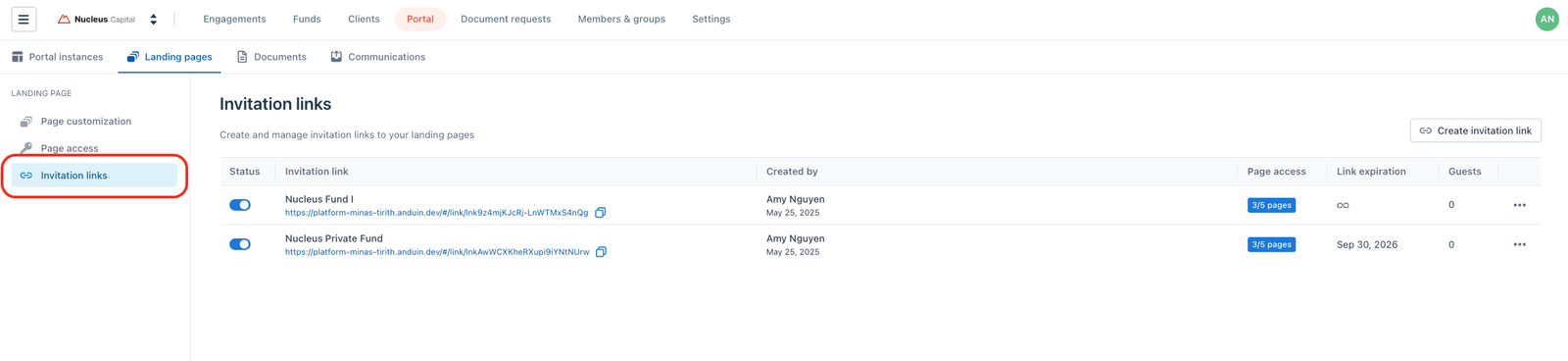
Go to your IDM Firm
→ Open the Portal tab
→ Navigate to Landing Pages
→ Go to the Invitation Links tab
Pre-condition
You must have at least one published page.
Create new link
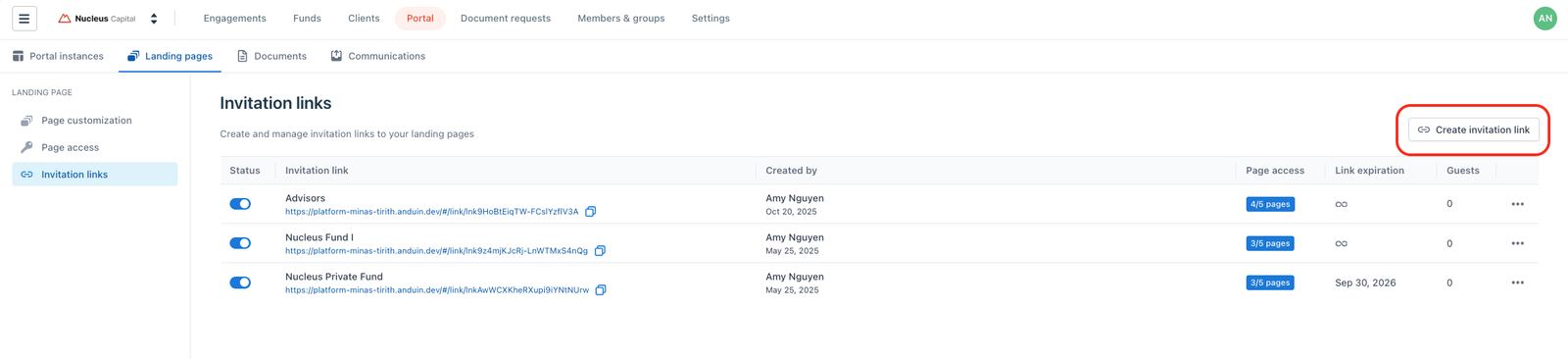
- In the Invitation Links tab, click Create Invitation Link
- Select the pages you want the link to provide access to
- (Optional) Set an expiry date and/or password protection
- Click Create Link
- Copy and share the link with guests
Guests who use the link and log in will automatically be granted access to the selected pages.
Edit link settings
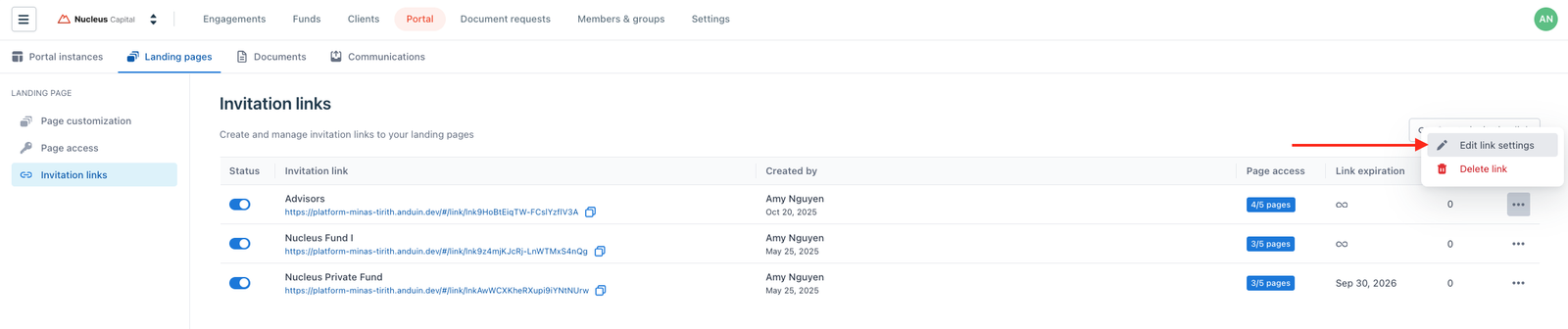
- In the Invitation Links tab, find the link you want to update
- Click the three-dot menu (⋯) → Choose Edit link settings
- Update the page selection, expiration date, or password
- Save your changes
Activate or deactivate a link
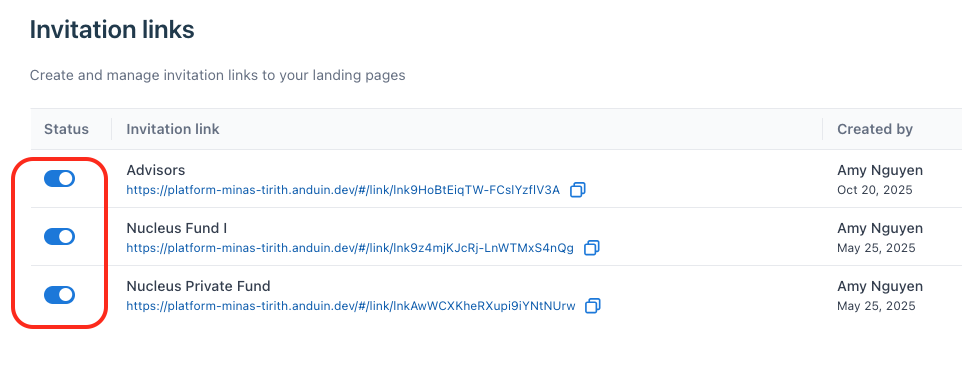
- Use the toggle next to each link to enable or disable access
- When a link is deactivated, it becomes immediately unusable
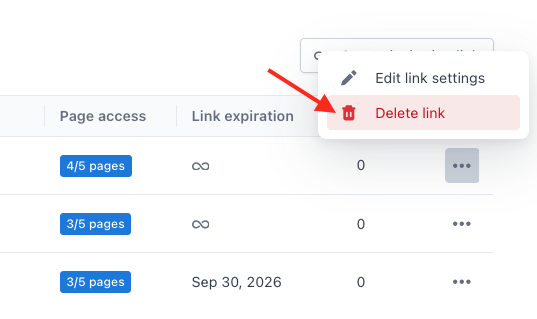
Delete a link
- In the Invitation Links tab, find the link you want to update
- Click the three-dot menu (⋯) → Choose Delete link
Deleted links cannot be restored. Guests will lose access through that link immediately.
Notes
- New guests are automatically added to your firm’s contact list.
- If the destination page tied to a link becomes unpublished, guests will no longer be able to access the Landing Page through the link.
Was this page helpful?