

Section templates
Public
layout samplestemplate sections
Introduction To help you speed up the landing page building process, Anduin provides a library of premade, mobile-responsive content sections. These templa
Introduction
To help you speed up the landing page building process, Anduin provides a library of premade, mobile-responsive content sections. These templates let you create polished, professional pages faster — without starting from scratch.
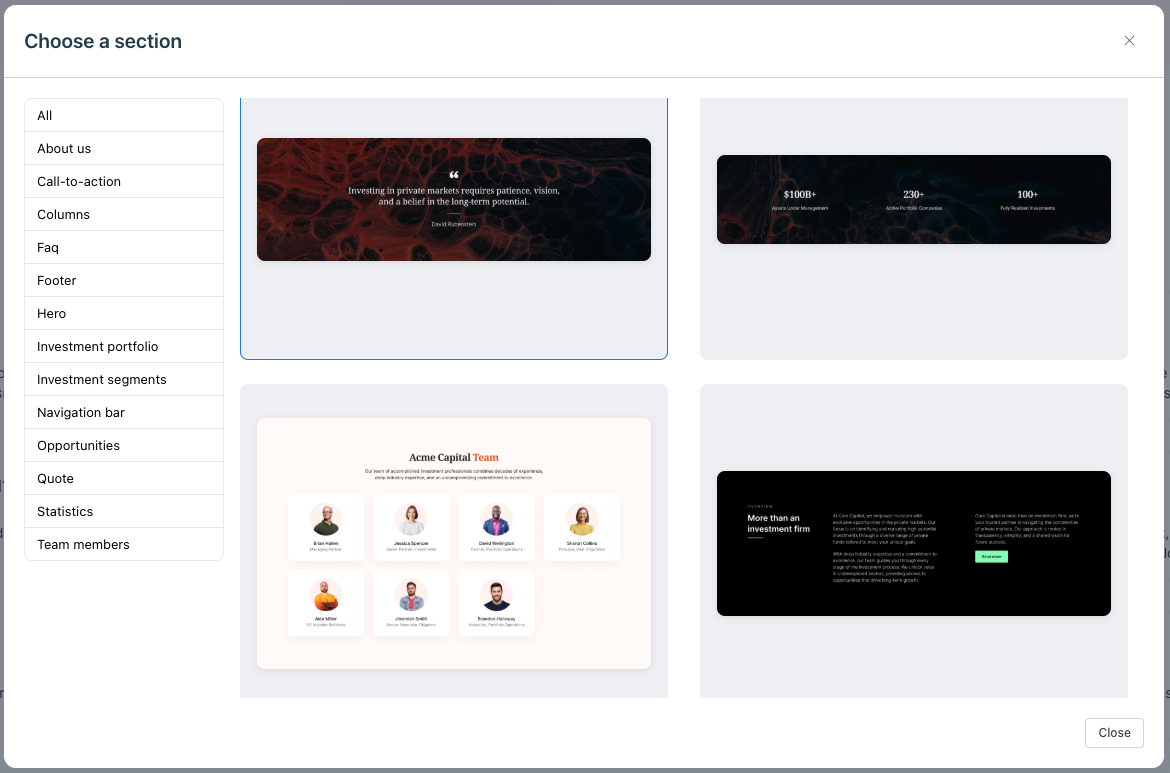
Where to Find This Feature
Inside the Web Builder, open any editable page. On the left sidebar, click the Section Library icon.
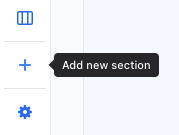
Insert a section:
- Open your editable page in Web Builder.
- Click the Section Library icon on the left sidebar.
- Browse the available templates.
- Click any layout to select it
- Place it on the page by hovering between 2 sections until the long blue line appears. You cannot insert a section inside another section.
- Customize the text, images, or links as needed.
Alternatively, you can insert a new section below an existing one:
- Select a section on the page.
- Click the + button that appears.
- Choose a template from the Section Library.
- The selected section will be added right below the current one.
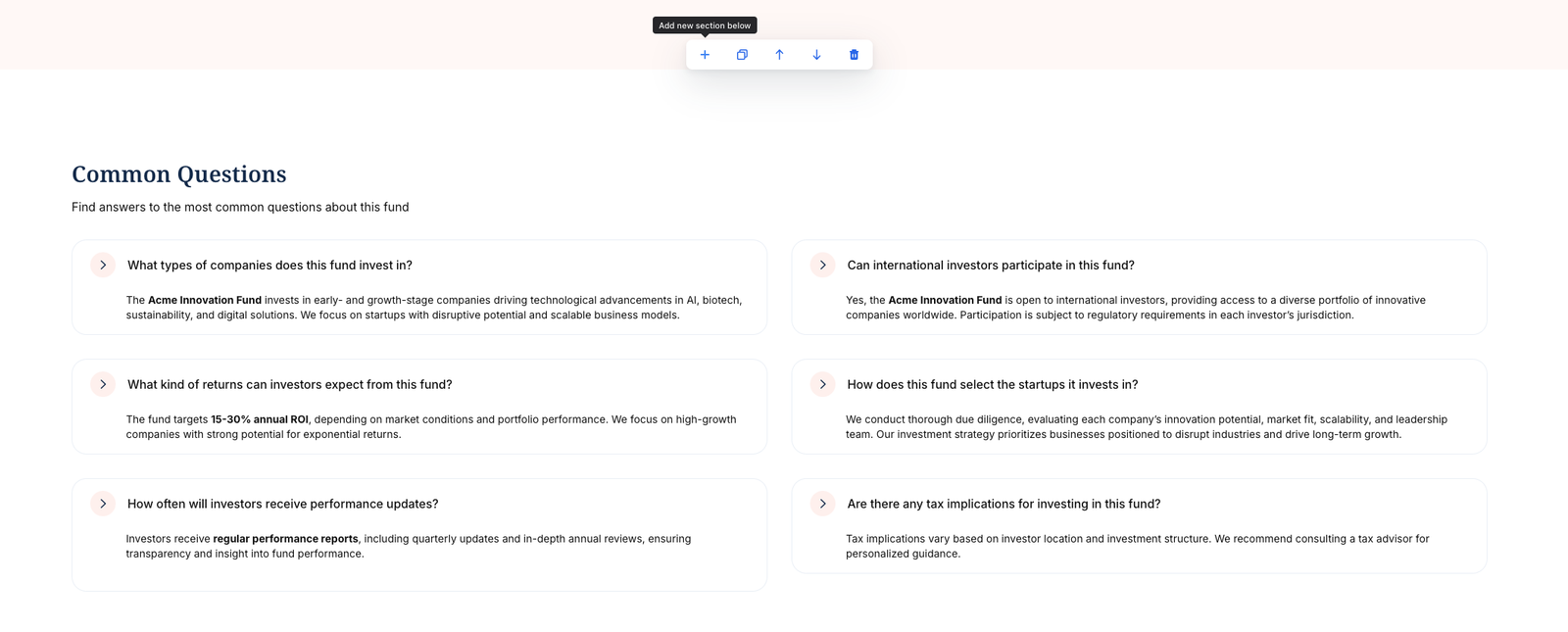
Reorder, duplicate, or delete a section:
- Select the section
- Use the floating menu to reorder, duplicate, or remove it.

Was this page helpful?