Review LP Subscription Changes Faster with IDM Master Profile
Introduction Typically, to streamline the onboarding process for existing LPs, fund managers pre-fill subscription documents with data from IDM. However, L
Introduction
Typically, to streamline the onboarding process for existing LPs, fund managers pre-fill subscription documents with data from IDM. However, LPs may later edit this information.
Thus, to optimize the review process, we are introducing a feature that allows fund managers to focus only on new or changed data. By eliminating duplicate work, this feature, available exclusively to IDM-enabled customers, will expedite the review process and save valuable time and resources.
Where to find this feature?
In the Fund Subscription application, navigate to:
- The LP’s document dashboard; or
- Status column in master dashboard
Pre-condition
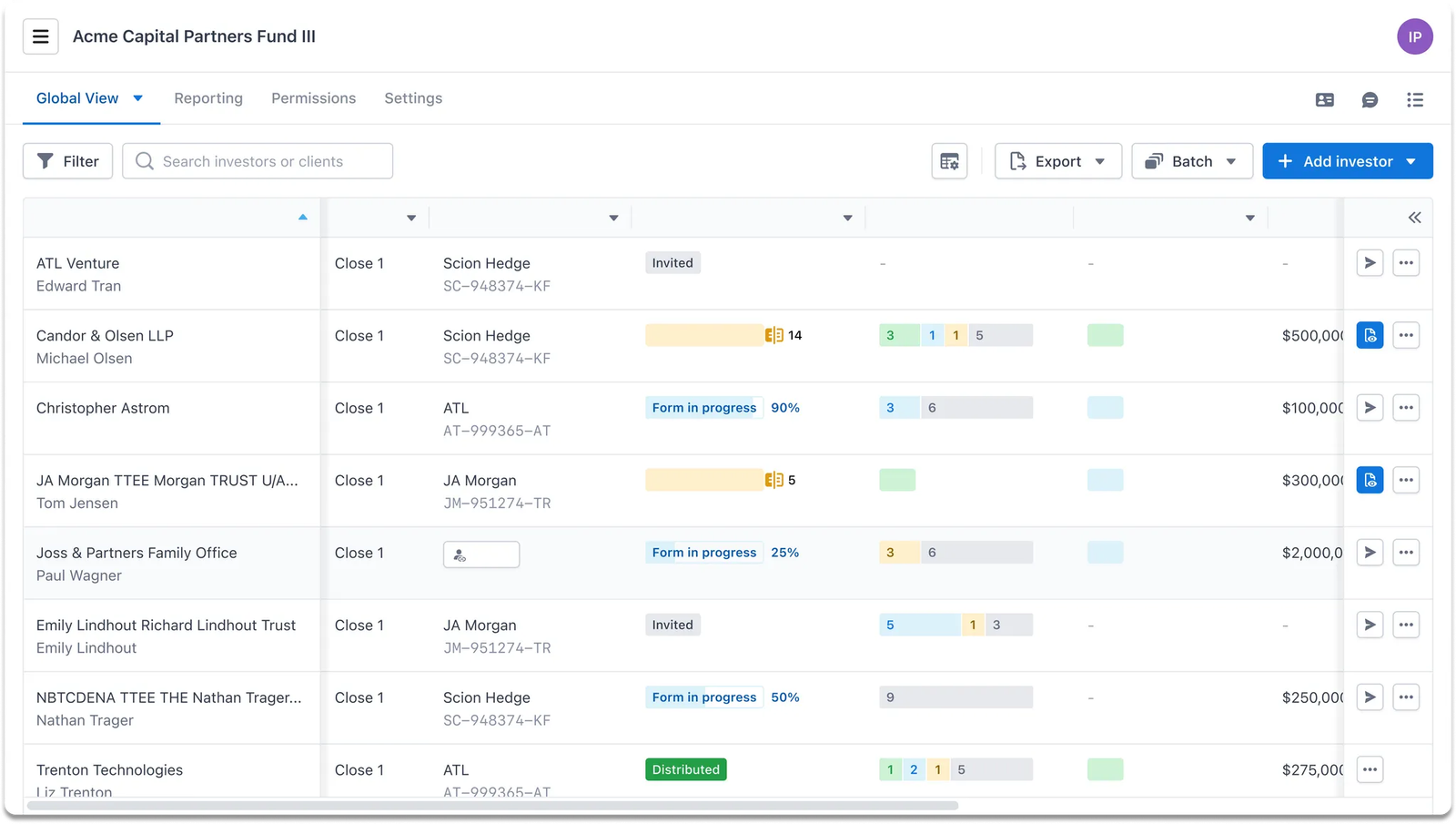
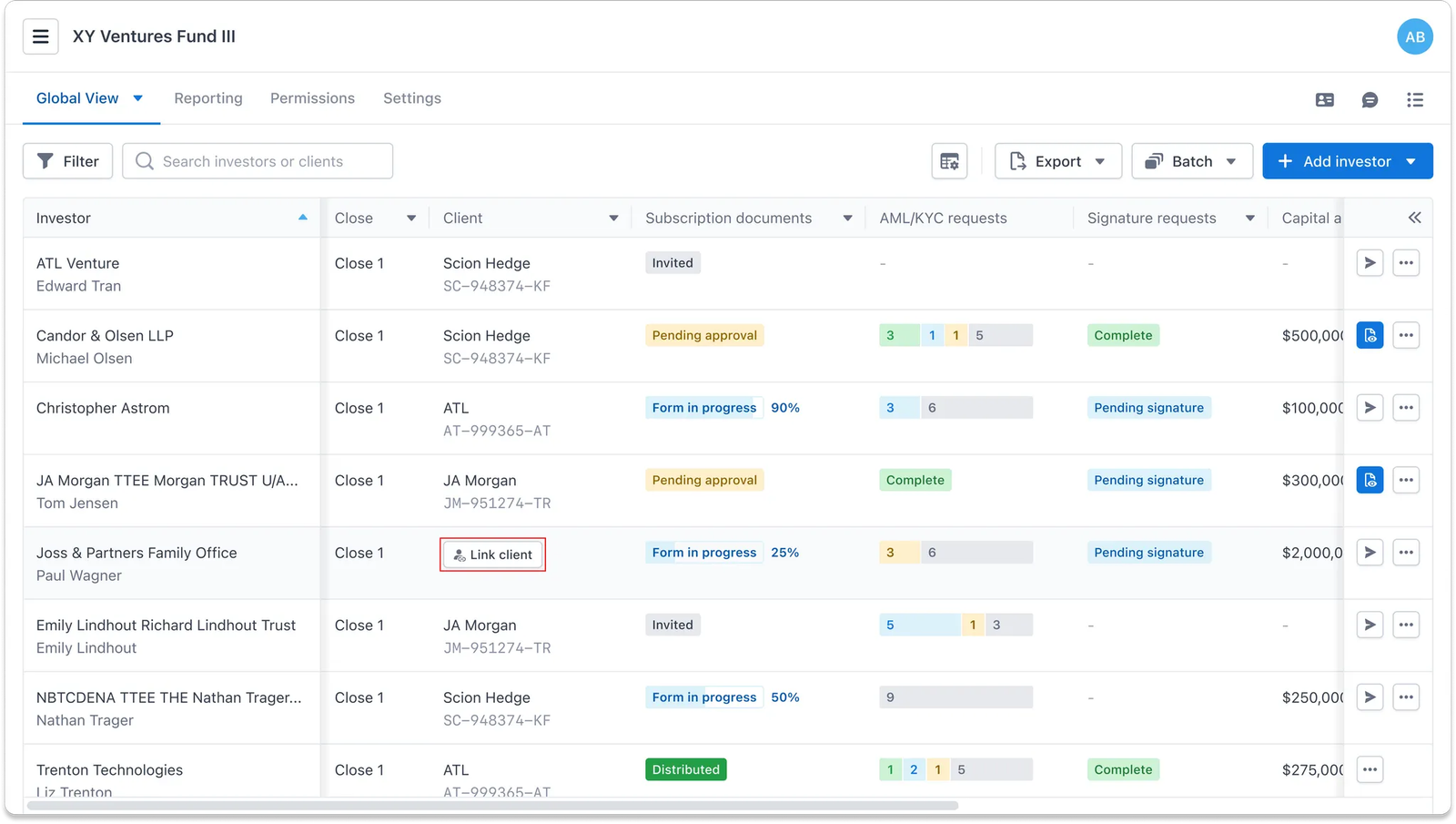
This feature is only available for those LPs whose subscription is linked with an IDM investor profile. This can occur in the following scenarios:
- Manually linked via FS dashboard
- Automatically linked via FS invitation flow
Guideline
💡 Use case When an LP’s subscription reaches at least the
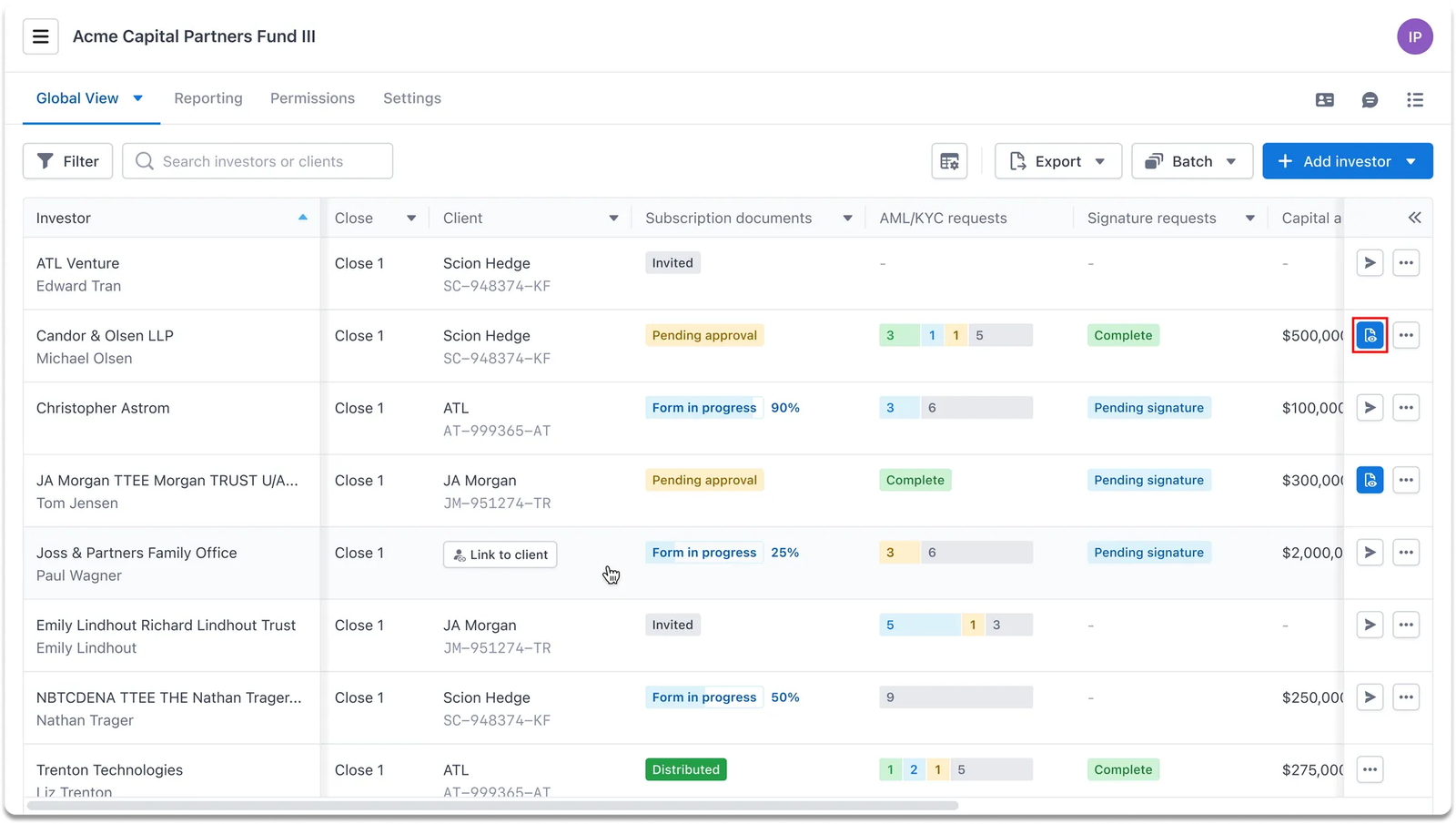
Pending reviewstatus, fund managers need to review the information, particularly changes made in the subscription data compared to the LP’s existing information in IDM, to ensure accuracy and validity.
From the FS master dashboard, fund managers can click the Review document button of the LP’s subscription they want to examine (e.g., Subscription with Pending review status… etc.)
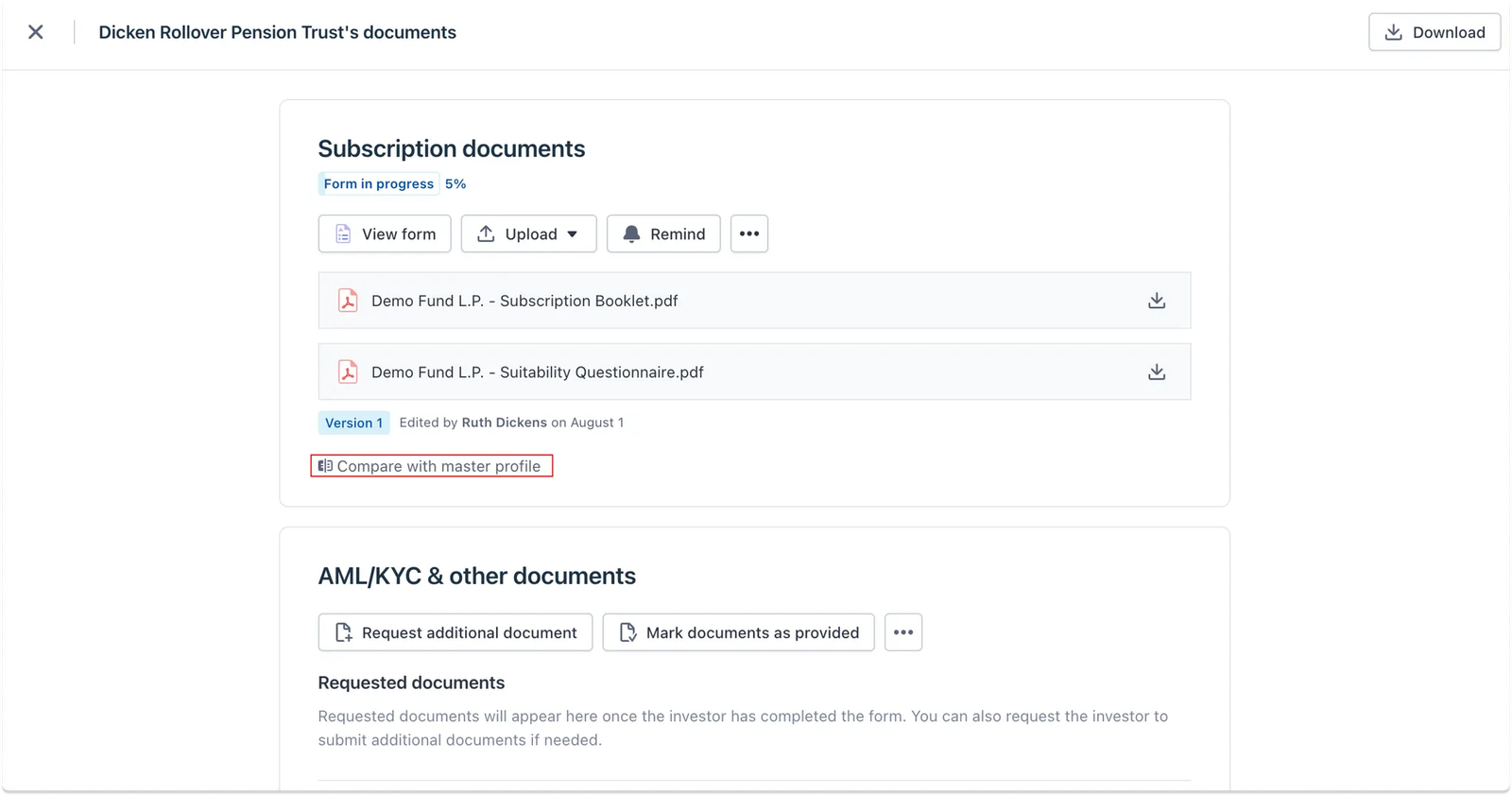
This will take users to the Document dashboard of the selected LP, where fund managers can easily get a general overview of all documents.
From this screen, users can compare the LP’s subscription with their master profile stored in IDM at any point in time, regardless of the subscription status, by clicking the
Compare with Master Profilebutton
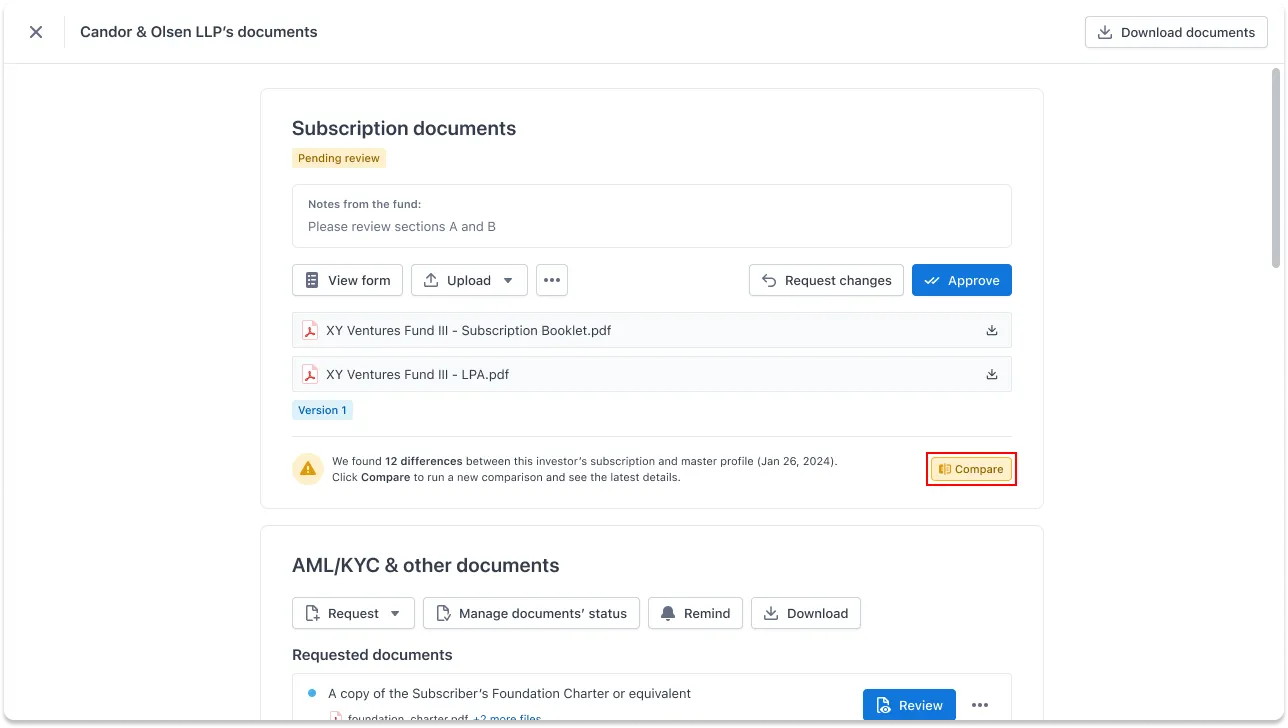
In our case, when a subscription requires review, the system will automatically flag any differences to capture reviewers' attention, ensuring all information gaps are addressed before approval.
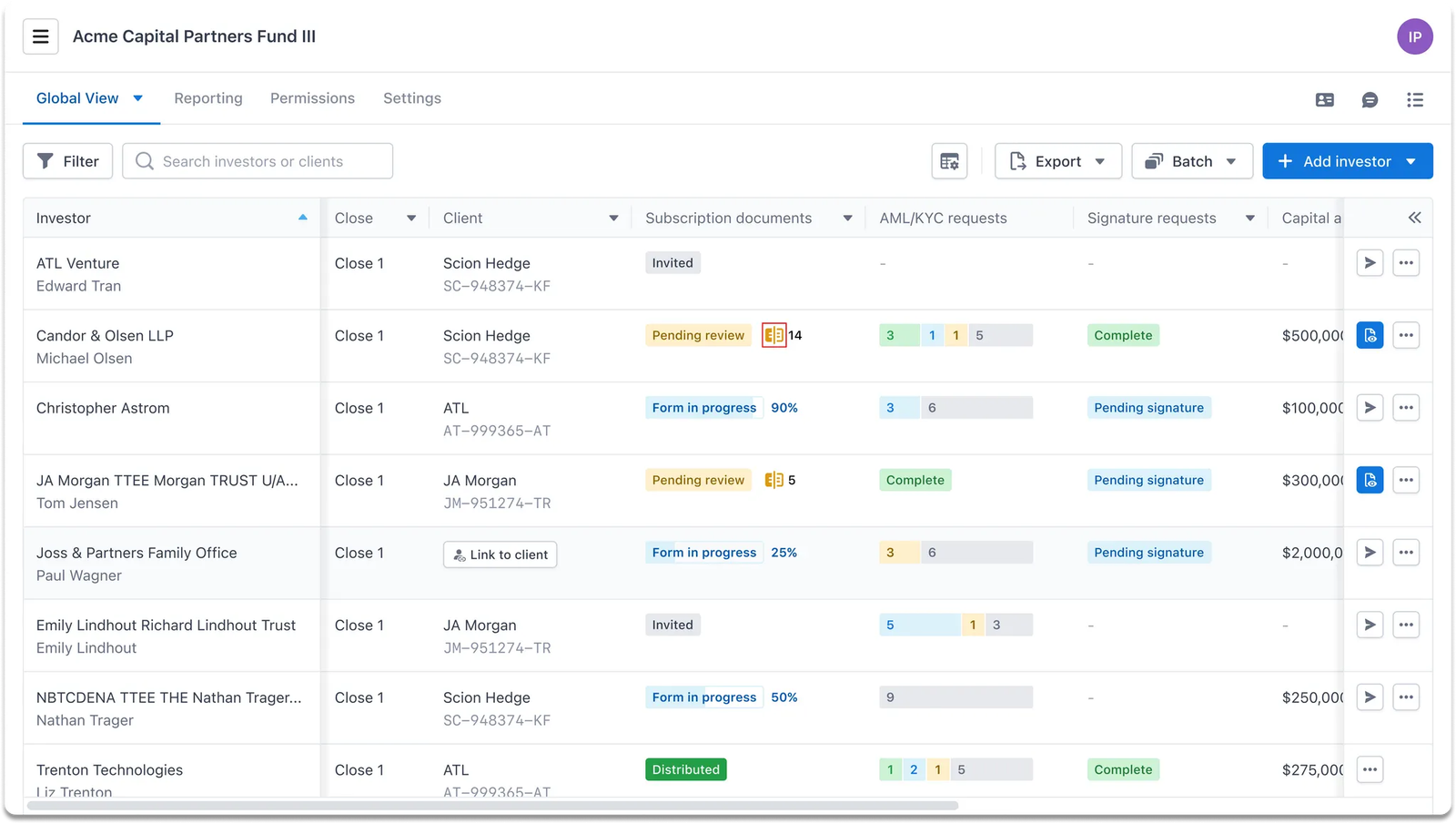
⚡ Shortcut:
You can also easily find a quick shortcut to the comparison page from the master dashboard, with the number of detected differences displayed beside it.
Then, users will be taken to the Comparison screen. On the left side, the system displays the subscription version if filled with information from IDM, while the subscription data submitted by the LP is shown on the right.
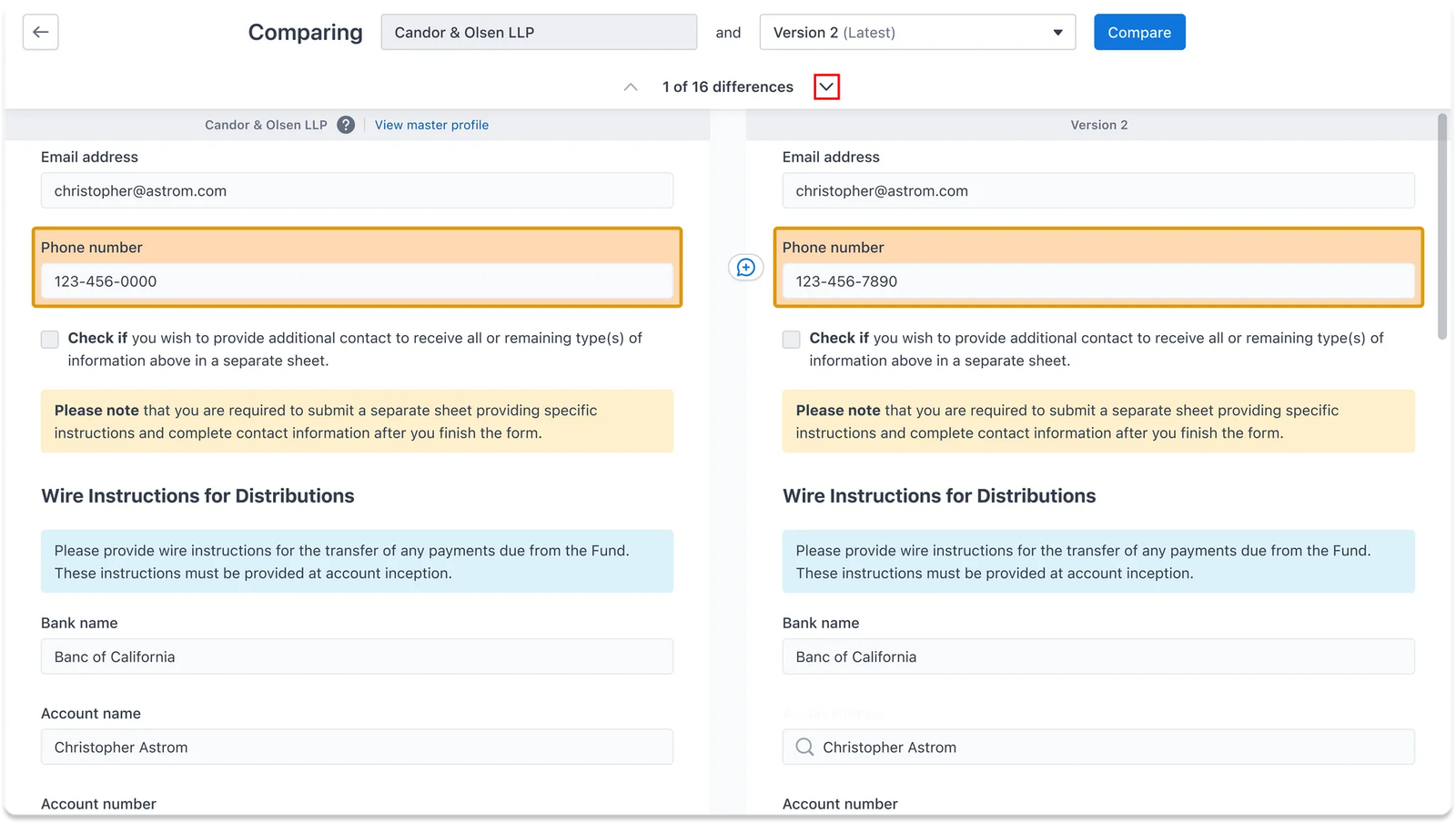
Any differences between the two versions are highlighted. Users can navigate through the different highlighted fields using the arrow sign.
Based on this comparison, fund managers can more easily review changes or take action to clarify or validate subscription information with LPs if needed. This feature helps minimize miscommunications and unintentional errors during the document completion for the onboarding process.
Appendix
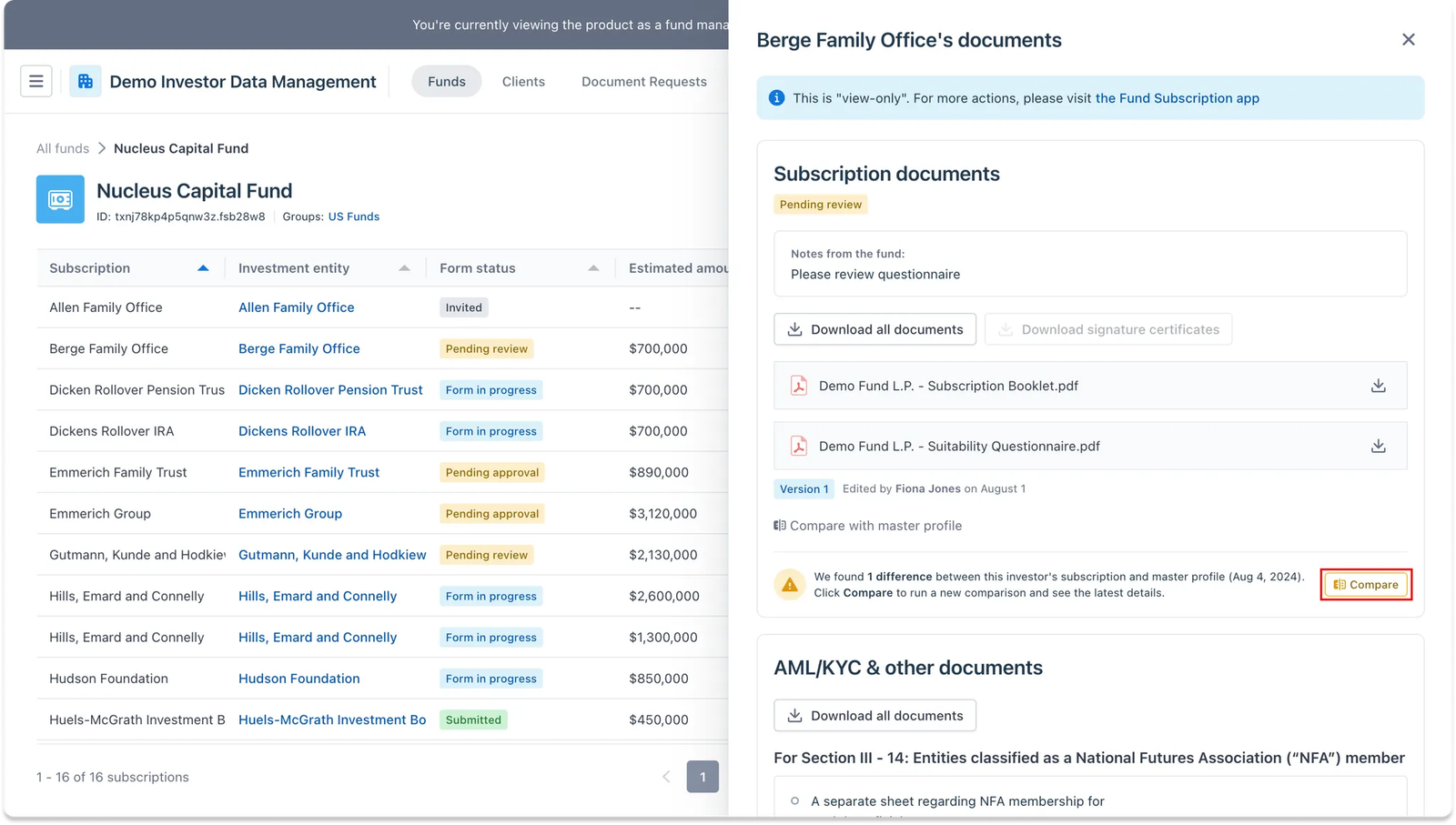
Fund managers can also access this feature from a Fund dashboard from IDM.
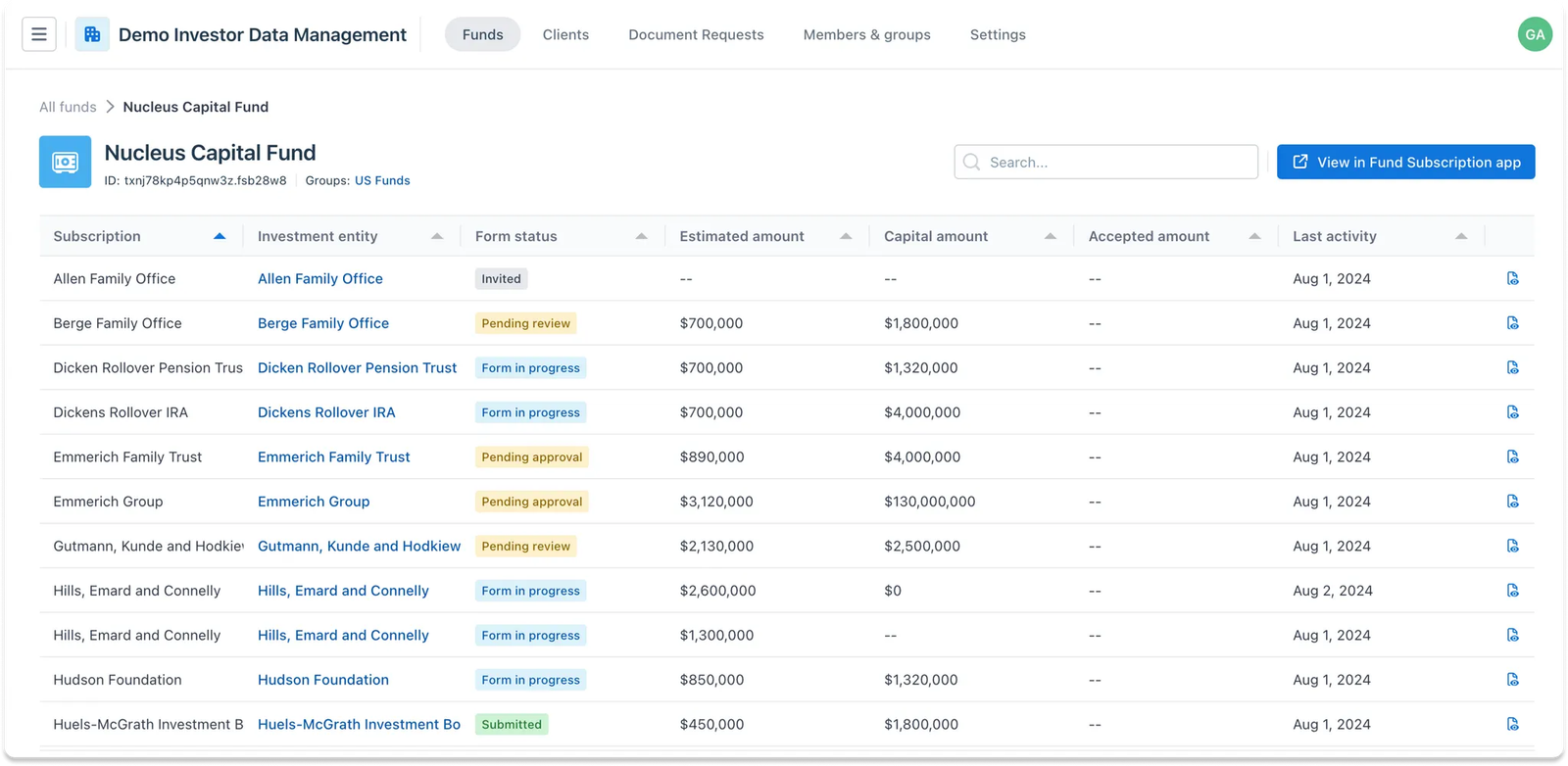
Similarly, if fund managers need to review changes in subscription documents and the IDM profile of an LP, they can select View All Documents from the dashboard. This will open a side modal displaying a document dashboard view from Fund Sub, same to what is available in Fund Sub itself.