Automated Upload Notification Email for Data Room
The automated upload notification emails specify which documents have been uploaded. It lists up to 10 files in the email, and allows the user to click the
The automated upload notification emails specify which documents have been uploaded. It lists up to 10 files in the email, and allows the user to click the +X more files to see more
When users click on the View recent uploads in the email, they are taken to the Recent Files section of the Data Room which lists the latest 100 files uploaded
To turn this feature on, in your Data Room go to the Settings tab:
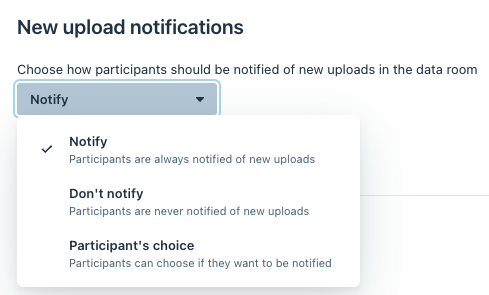
At the bottom of the page, you will see where you can turn on Notify Participants, Don't Notify Participants, and Participants choice:
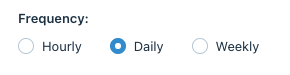
You are also able to choose how frequently the emails are sent: