

Rename File or Folder in Data Room
Public
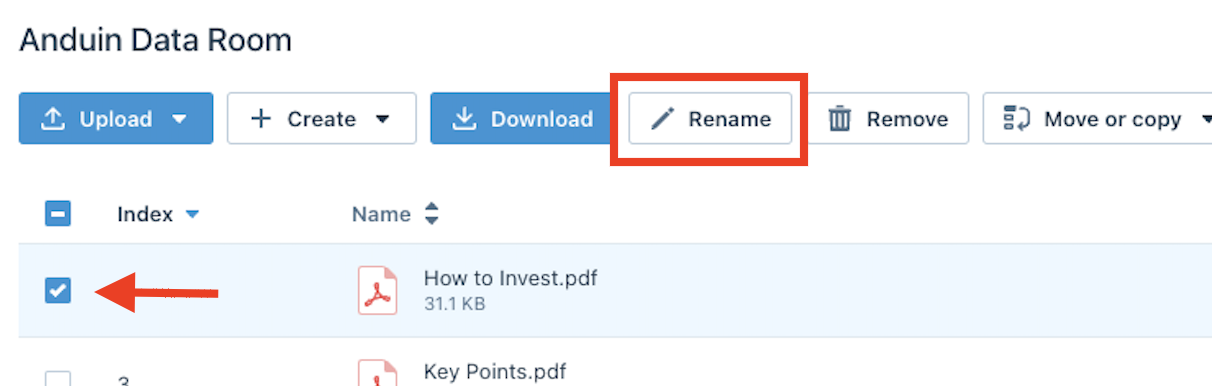
1. Click on the Documents Tab in the top Nav Bar: 2. Choose Upload: 3. Select the File or Folder and click Rename: 4. Enter the new name and cl
- Click on the Documents Tab in the top Nav Bar:

- Choose Upload:

- Select the File or Folder and click Rename:
- Enter the new name and click the V:

Was this page helpful?