

Create Groups in Data Room
Public
Data Room Admins have the ability to create Groups, which can be used to assign Permission sets and Roles 1. To create a group, click on the Participants t
Data Room Admins have the ability to create Groups, which can be used to assign Permission sets and Roles
- To create a group, click on the Participants tab in the top Nav Bar:
- In the left Nav Bar under Groups, click Create a Group:
- Give the Group and unique Group Name:

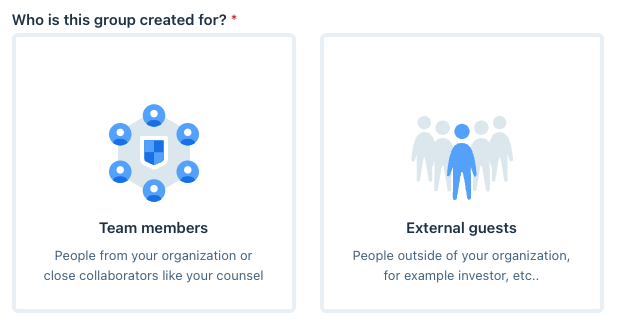
- Select whether this is for Internal Team Members or External Guests:
- Click Next: Set Role and Permissions
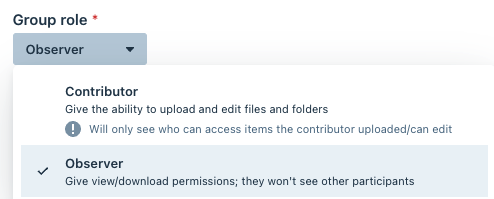
- Choose the Group Role at the top(for Internal Team choose Members or Admin, for External choose Contributor or Observer):
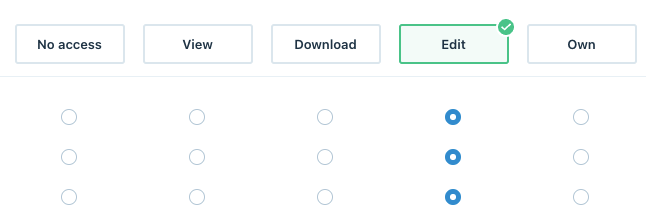
- Choose their level of access to the folders/documents by granting them a Permission Set:
- Click Create Group
Was this page helpful?