

Set Point of Contact for Data Room
Public
Data Room has the ability to set a contact or contacts that potential Participants in the Data Room can reach out too with any questions or concerns. Ro
Data Room has the ability to set a contact or contacts that potential Participants in the Data Room can reach out too with any questions or concerns.
Roles Required for Point of Contact
Please note that only Admins and Members can be Points of Contact
Setting a Point of Contact
- In the top Nav Bar, click Settings:
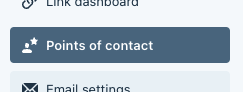
- In the left Nav Bar, click Points of Contact:
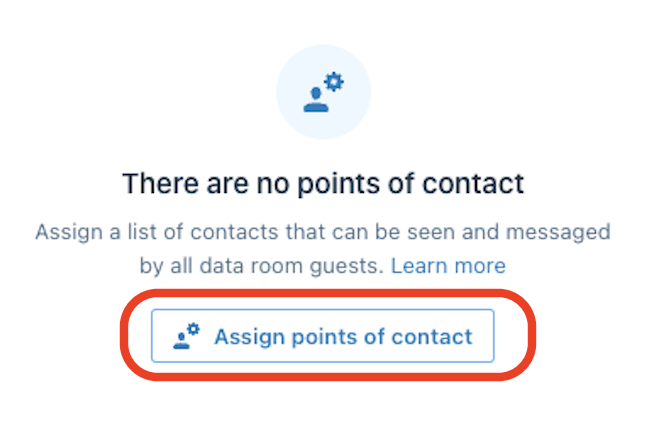
- In the middle of the page click Assign points of contact:
- Click the Check Box next to the Admin or Member you would like to make a Point of Contact:

- Click Update
Was this page helpful?