

Removing Participant from Data Room
Public
Data Room Managers have the ability to remove any Participants at any time Removing Participants from Data Room 1. In the top Nav Bar, click Participan
Data Room Managers have the ability to remove any Participants at any time
Removing Participants from Data Room
- In the top Nav Bar, click Participants:

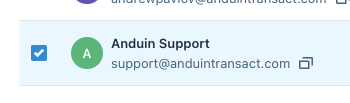
- Click the Check Box next to any user you would like to assign:
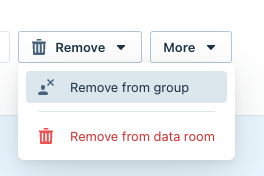
- Choose Remove > Remove From Data Room:
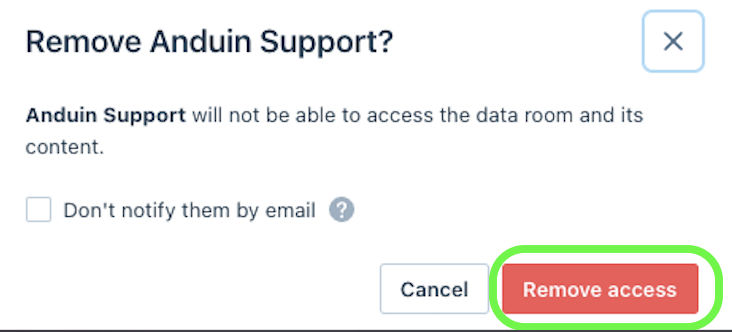
- If you would like to not send out any notification check Don't notify them by email:

- Click Remove access:
Was this page helpful?