

Message Single Participant
Public
Data Room Managers have the ability to message any Participants at any time Message a Participant 1. In the top Nav Bar, click Participants: 2. Cli
Data Room Managers have the ability to message any Participants at any time
Message a Participant
- In the top Nav Bar, click Participants:
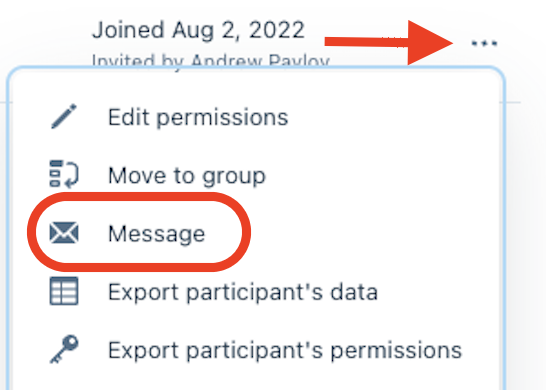
- Click the Menu(…) on the right side of the Participant you would like to message and choose Message:
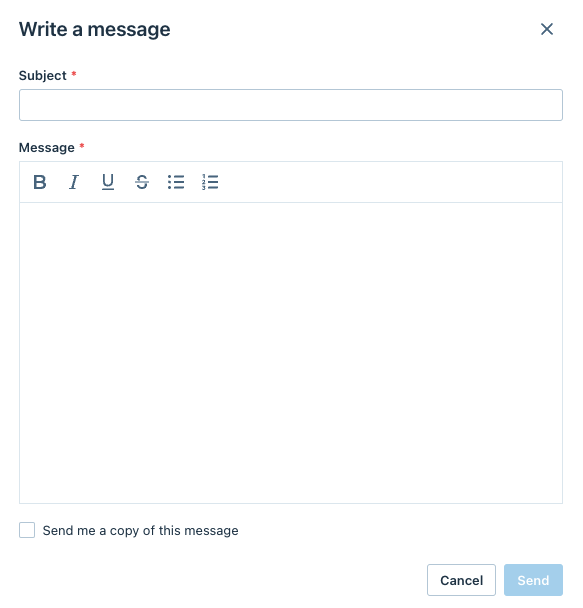
- Write the Subject and Message and click Send:
Was this page helpful?