

Enable/Disable Custom Link
Public
Data Room Managers have the ability to enable or disable Custom Links at anytime without deleting the link 1. In your Data Room, click the Settings tab in
Data Room Managers have the ability to enable or disable Custom Links at anytime without deleting the link
- In your Data Room, click the Settings tab in the top Nav Bar:

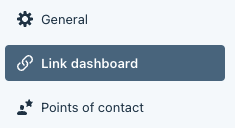
- In the left Nav Bar, click Link Dashboard:
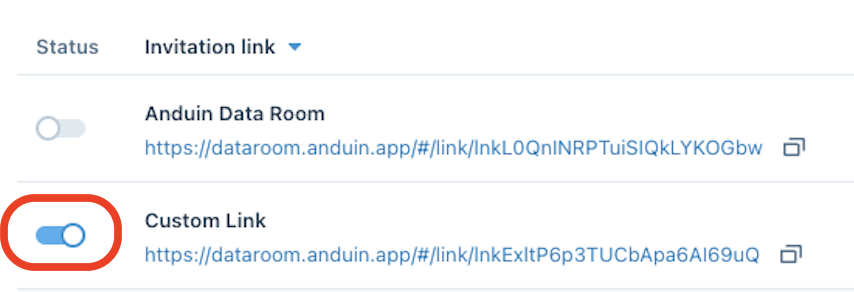
- On the left side toggle the Status to on or off:
Was this page helpful?