How to Access Anduin Data Room
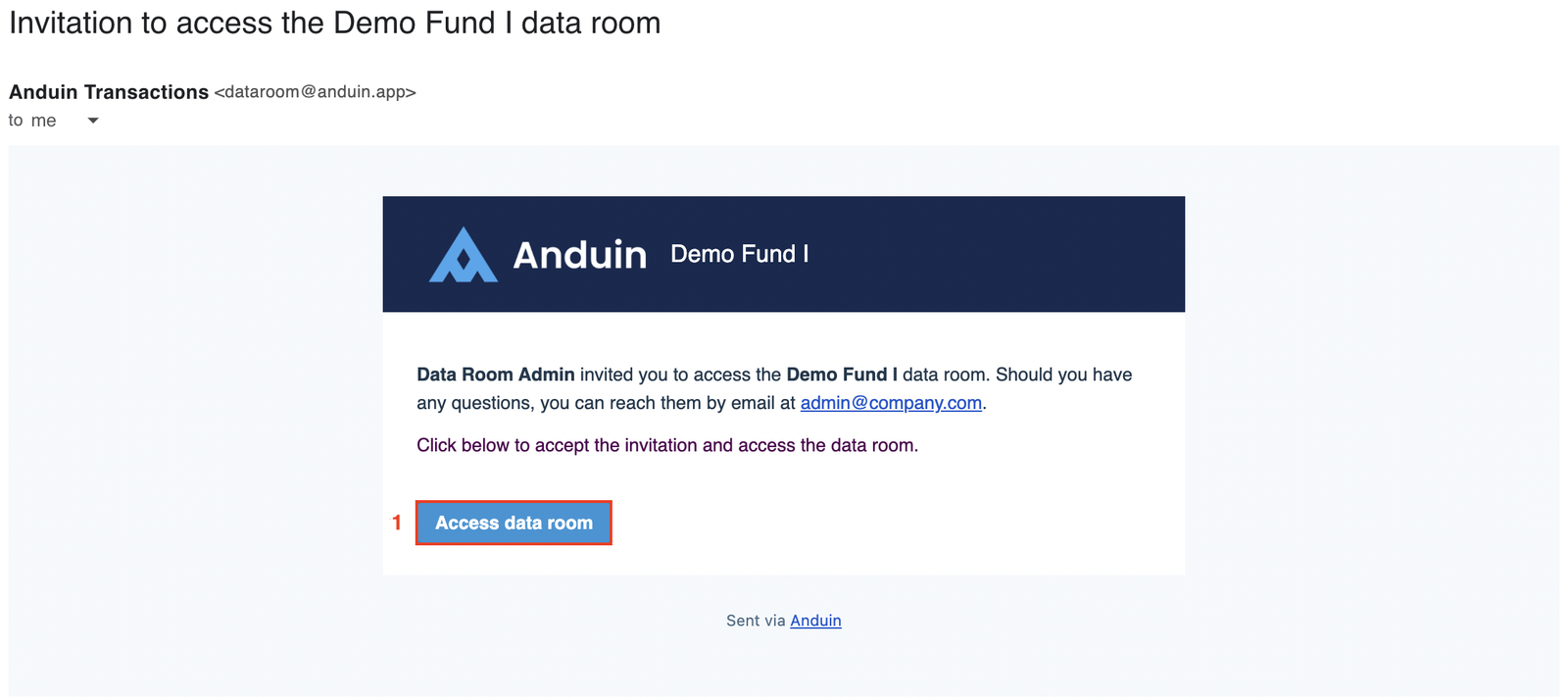
You will receive an invitation email from the data room Admin team at dataroom@anduin.app or fundname@anduin.app. Click Access data room to begin. When the
You will receive an invitation email from the data room Admin team at dataroom@anduin.app or fundname@anduin.app. Click Access data room to begin.
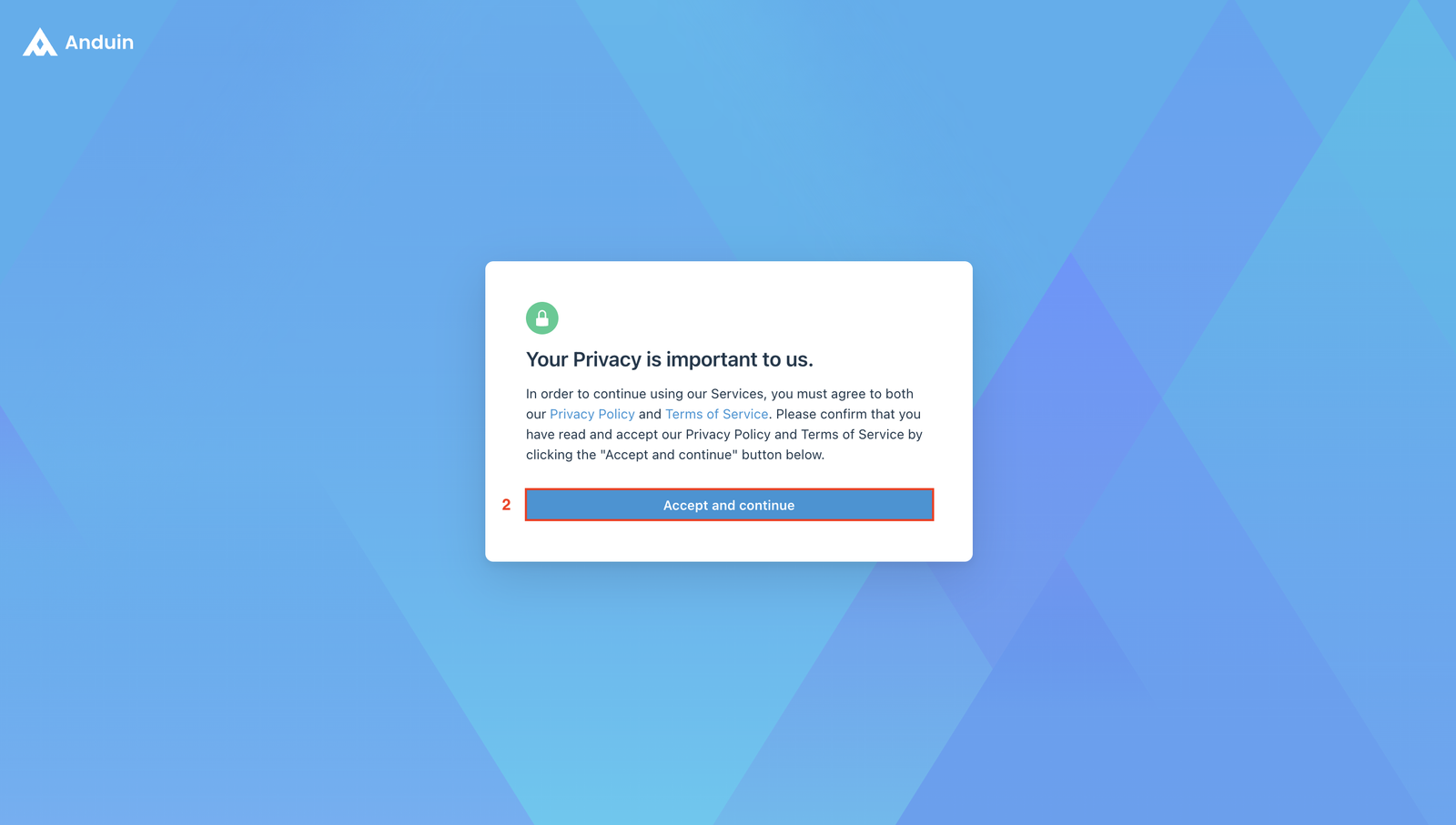
When the window below pops up on the screen, read and accept the Privacy Policy and Terms of Service by clicking the Accept and continue button.
- If you have an Anduin account, you will proceed to the log in page. Follow the instruction to log in to Anduin Data Room.
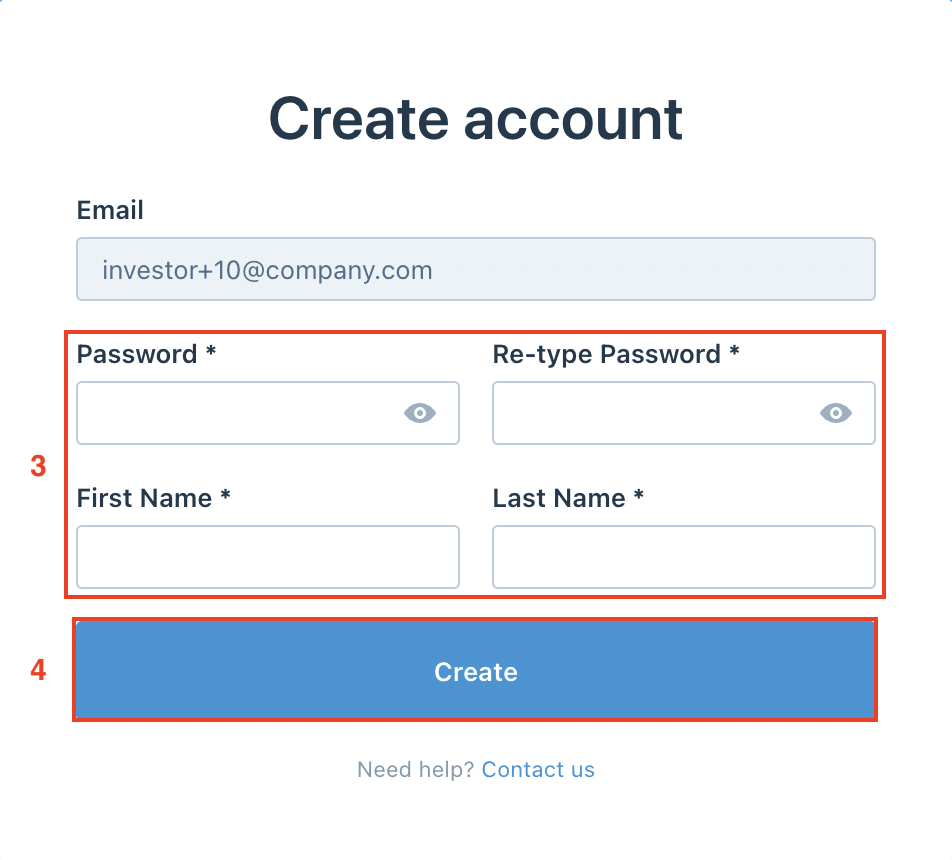
- If you do not have an existing Anduin account, you will be asked to create one. Enter your Password, First name, and Last name, then click Create.
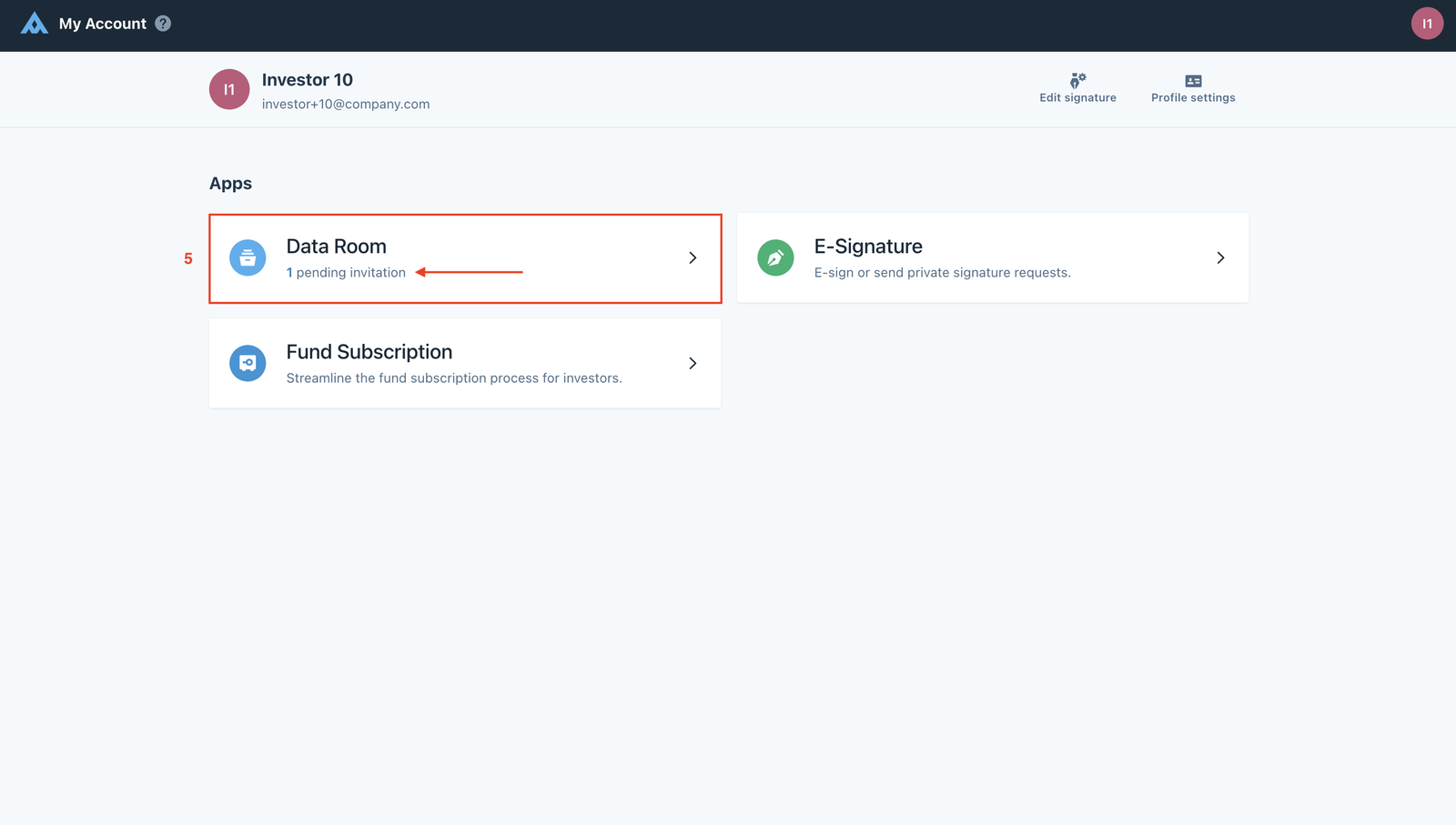
Select Data Room where you can see that you have 1 pending invitation.
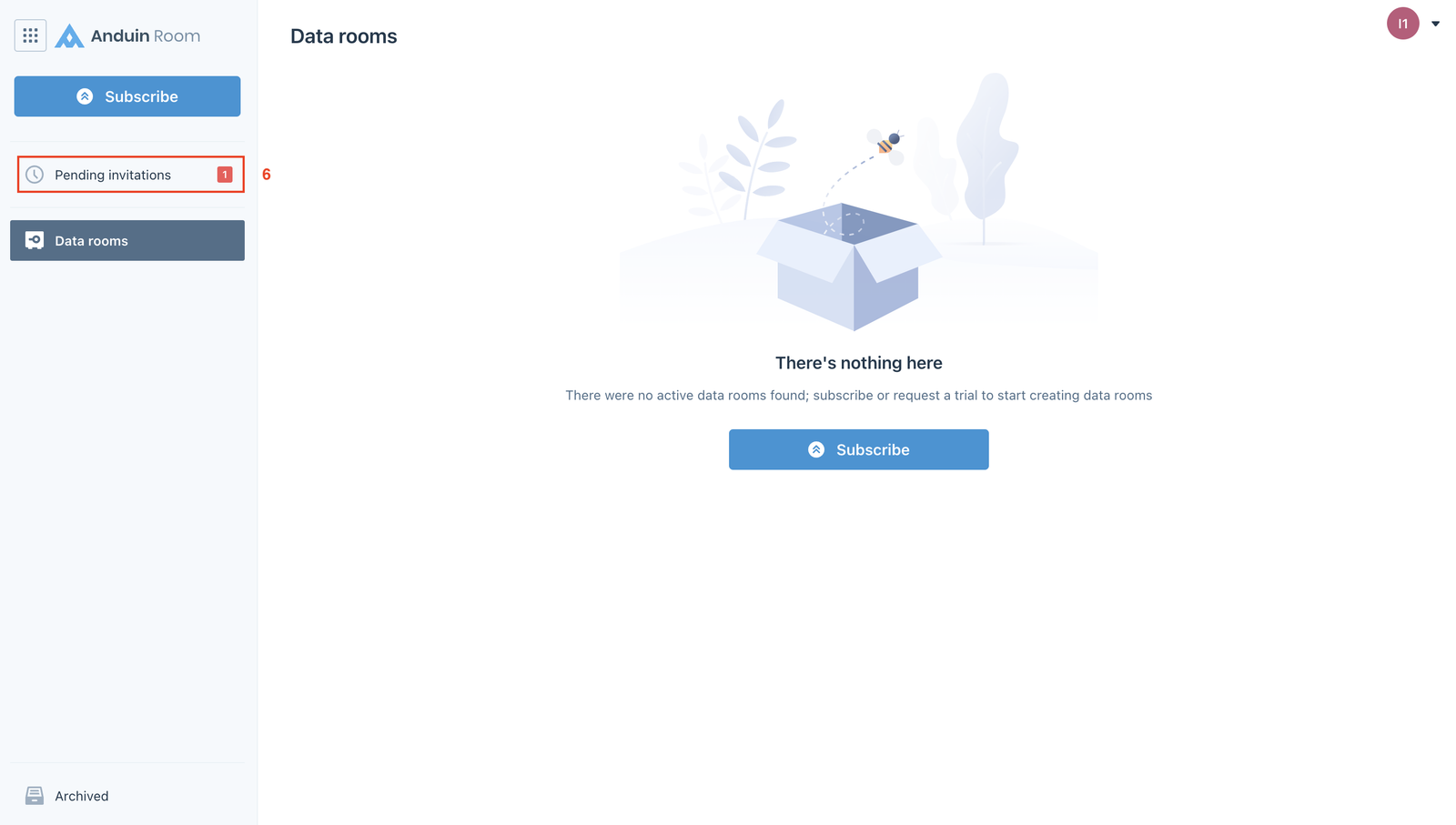
Click on Pending invitations.
In this section, you will see all of your pending invitations from different data rooms and the people who sent you those invitations. Click the Accept button to accept each of them.
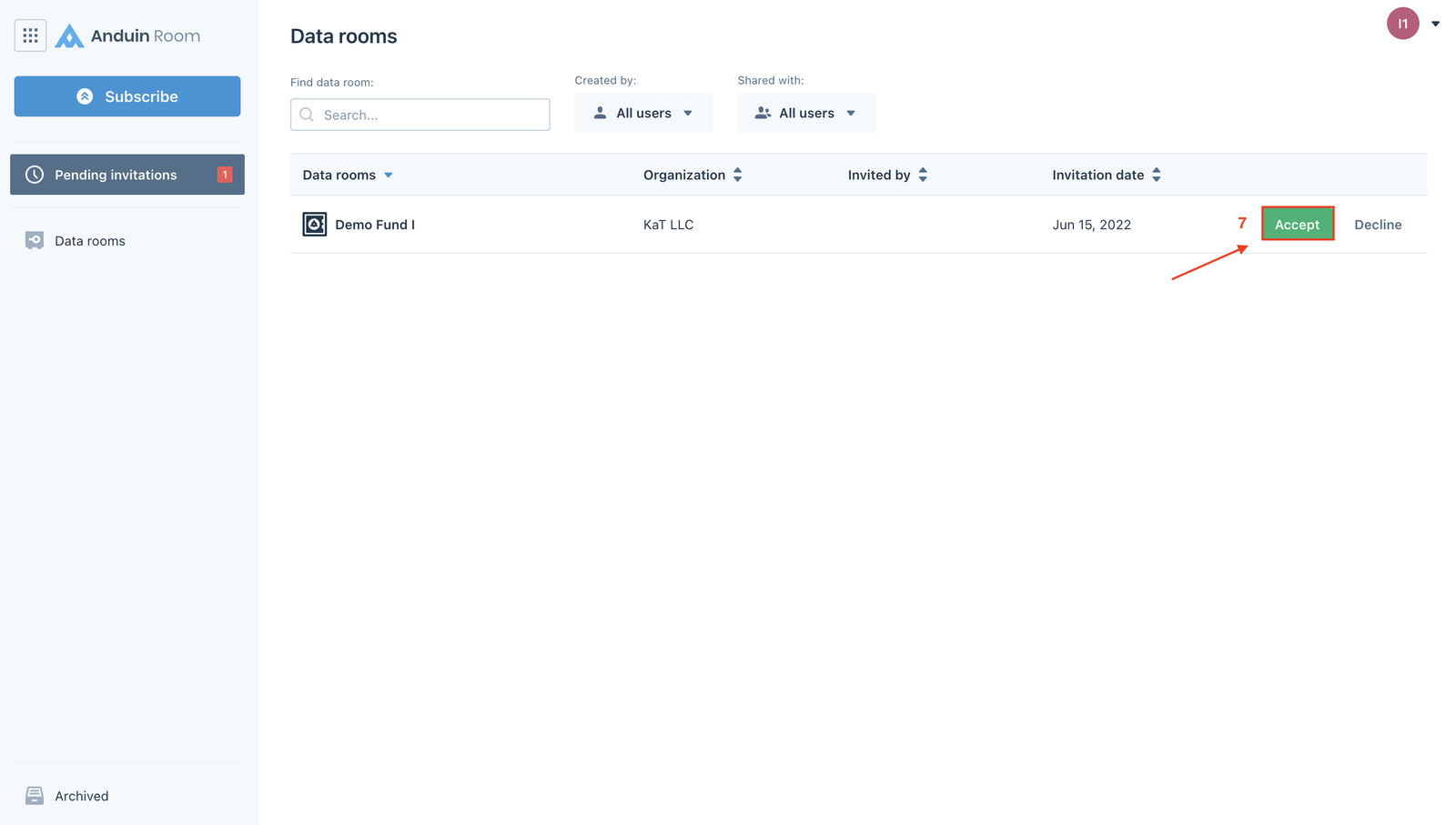
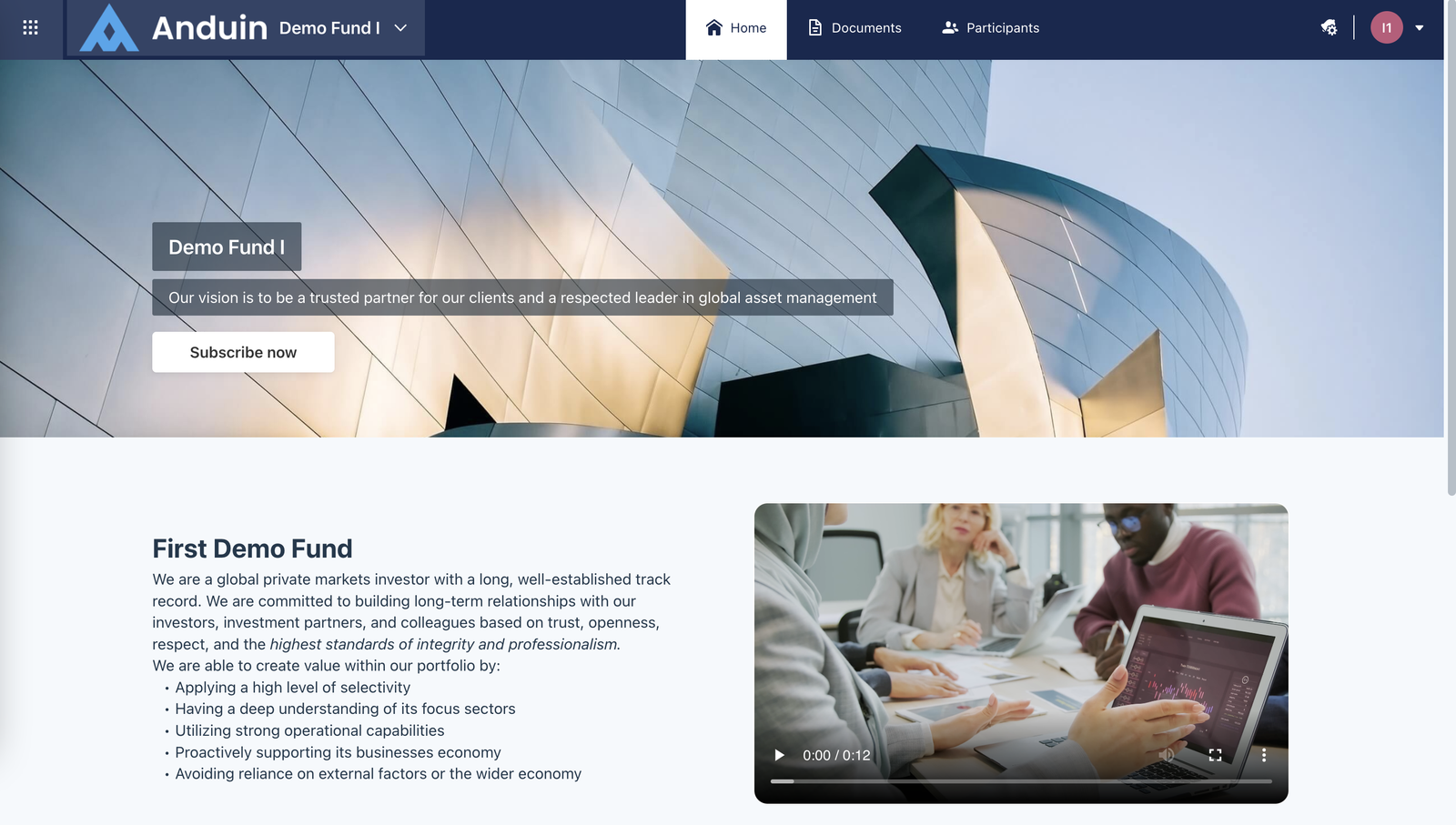
After accepting the invitation, the system will take you to the Home page of the data room.