

Delete Custom Link
Public
Data Room Managers have the ability to delete Custom Links at anytime 1. In your Data Room, click the Settings tab in the top Nav Bar: 2. In the left N
Data Room Managers have the ability to delete Custom Links at anytime
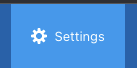
- In your Data Room, click the Settings tab in the top Nav Bar:
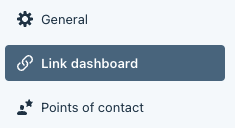
- In the left Nav Bar, click Link Dashboard:
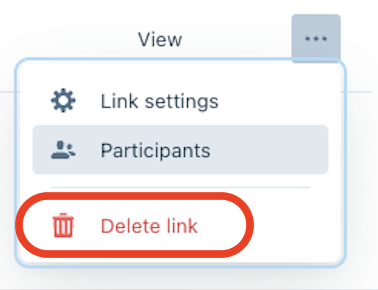
- On the right side click the Menu(…) button and Delete:
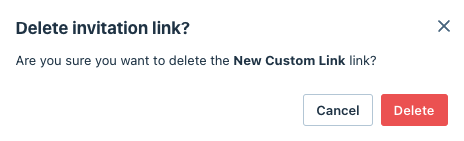
- From the pop up, click Delete:
Was this page helpful?