

Edit Participants Permissions
Public
adjust rightsmodify access
Data Room Admins have the ability to edit any participants permissions at any time 1. In the Data Room, click the Participants tab in the top Nav Bar:
Data Room Admins have the ability to edit any participants permissions at any time
- In the Data Room, click the Participants tab in the top Nav Bar:

- Select the checkbox next to the participants names you wish to edit:

- Click Edit Permissions:

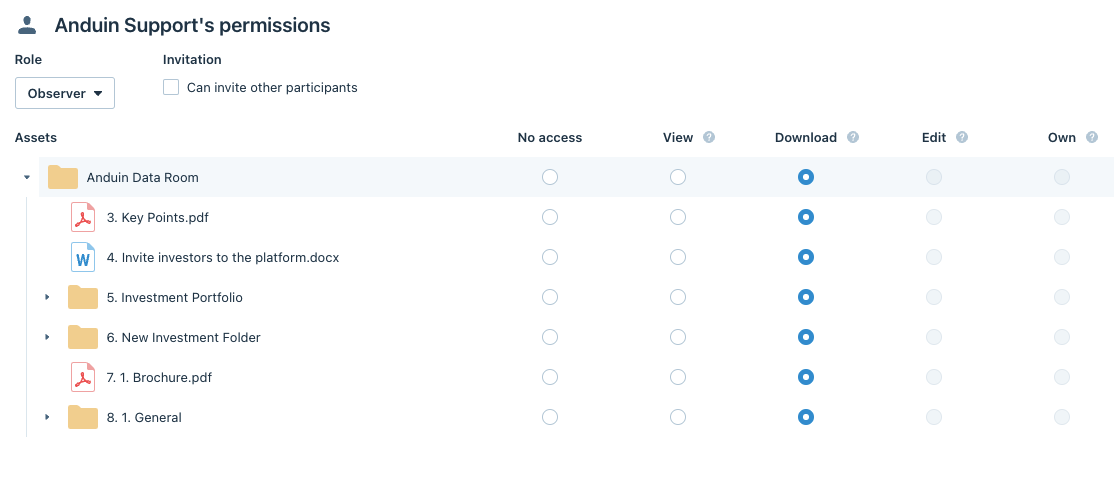
- Edit the permissions to the new permissions and click Save
Was this page helpful?