

Removing Participant from a Group
Public
After you have created a new group, you are able to move Participants into that group. You also have the ability to remove Participants from the Group Re
After you have created a new group, you are able to move Participants into that group. You also have the ability to remove Participants from the Group
Removing Participants from Group
- In the top Nav Bar, click Participants:

- Click the Check Box next to any user you would like to assign:

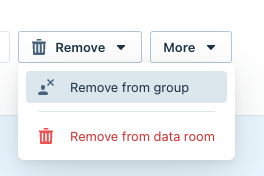
- Choose Remove > Remove from Group:
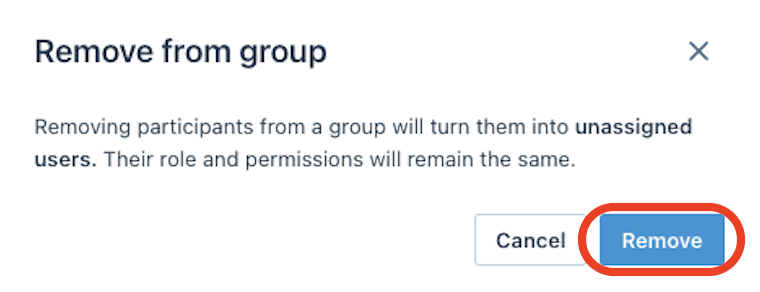
- Click Remove:
Was this page helpful?