

Download Participants Permissions in Data Room
Public
To Export participants data in your Data Room follow these instructions below 1. Click Participants in the top Nav Bar: 2. Choose Global Actions:
To Export participants data in your Data Room follow these instructions below
- Click Participants in the top Nav Bar:

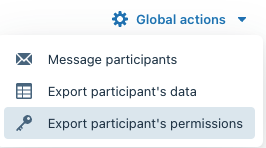
- Choose Global Actions:

- Select Export Participants Permissions:
- From here, select which documents/folders you would like to download in the report
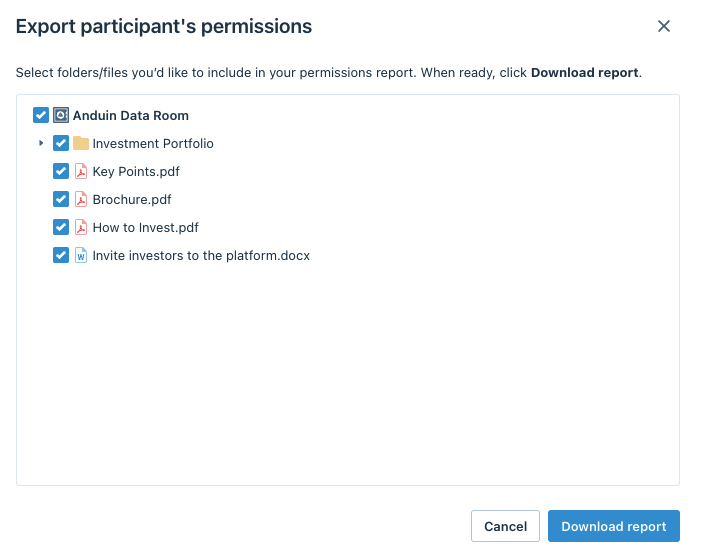
- Click Download report
Was this page helpful?