

Manage Participants by Custom Link
Public
Data Room Managers have the ability to manage the Participants that have joined from the different Custom Links created 1. In your Data Room, click the Set
Data Room Managers have the ability to manage the Participants that have joined from the different Custom Links created
- In your Data Room, click the Settings tab in the top Nav Bar:

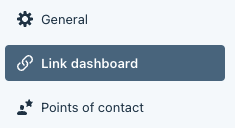
- In the left Nav Bar, click Link Dashboard:
- On the right side click the Menu(…) button and Participants:
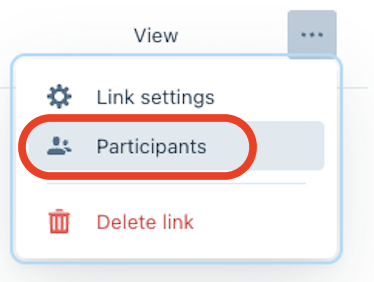
From here, you are able to manage the Participants who have joined via the custom link
Was this page helpful?