

Add Reference Documents
Public
You have the ability to add reference documents that all investors will see, in addition to the subscription document 1. In the top nav bar, click Settin
You have the ability to add reference documents that all investors will see, in addition to the subscription document
- In the top nav bar, click Settings:

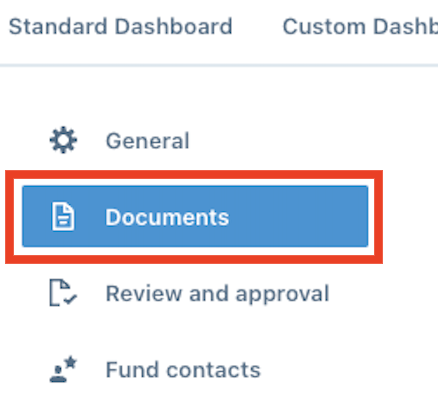
- In the left nav bar, click Documents:
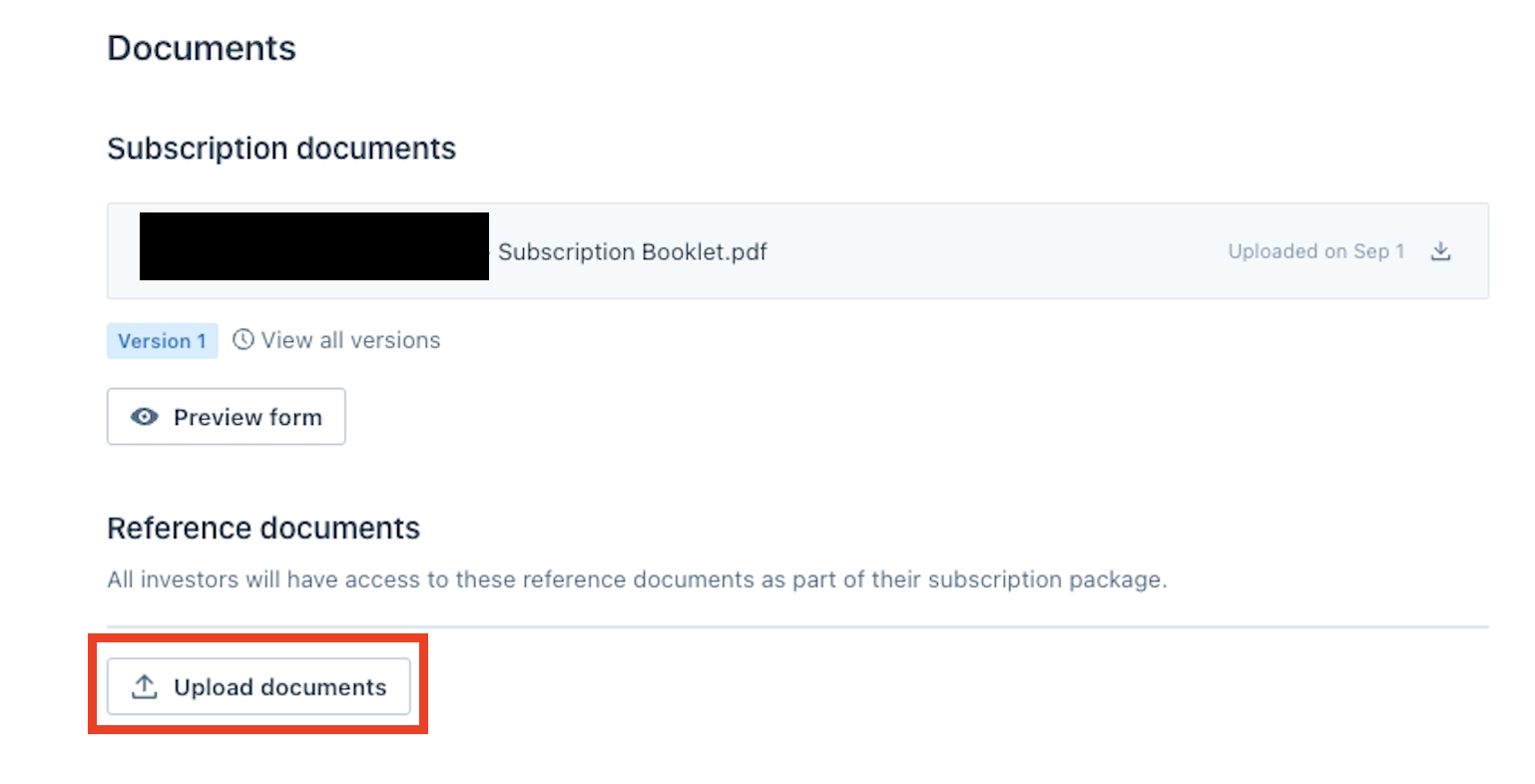
- Choose Add Documents and pick the document you would like to upload:
Delete
Renumbering the Documents
You can rearrange the order of the documents by clicking on the dots next to the document, and dragging it to the order of your preference
Was this page helpful?