Begin your Subscription (Sign up)
When you are invited to the Fund Subscription platform by the Fund Manager/Fund Admin, follow the below steps to begin your subscription. Click on the Begi
When you are invited to the Fund Subscription platform by the Fund Manager/Fund Admin, follow the below steps to begin your subscription.
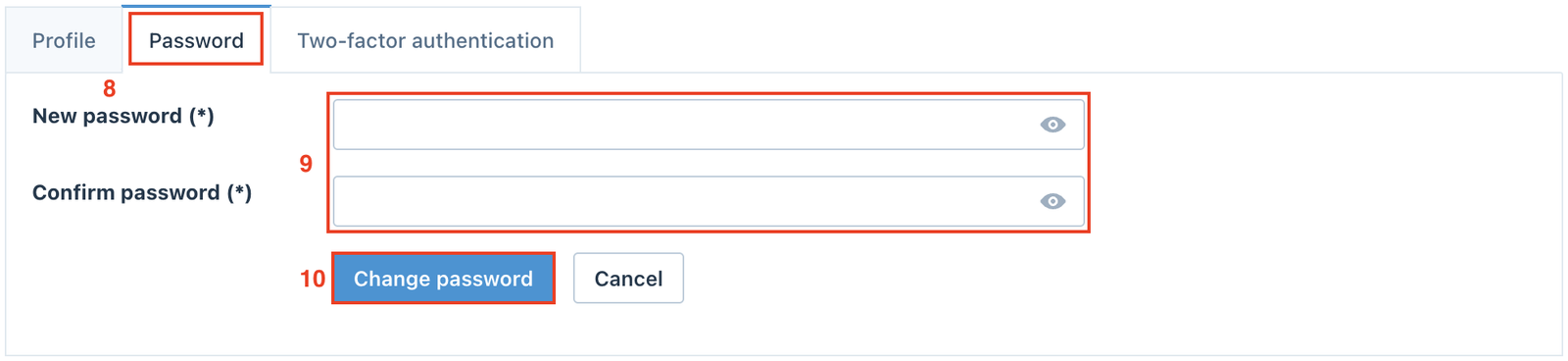
Click on the Begin your subscription button in the invitation email.
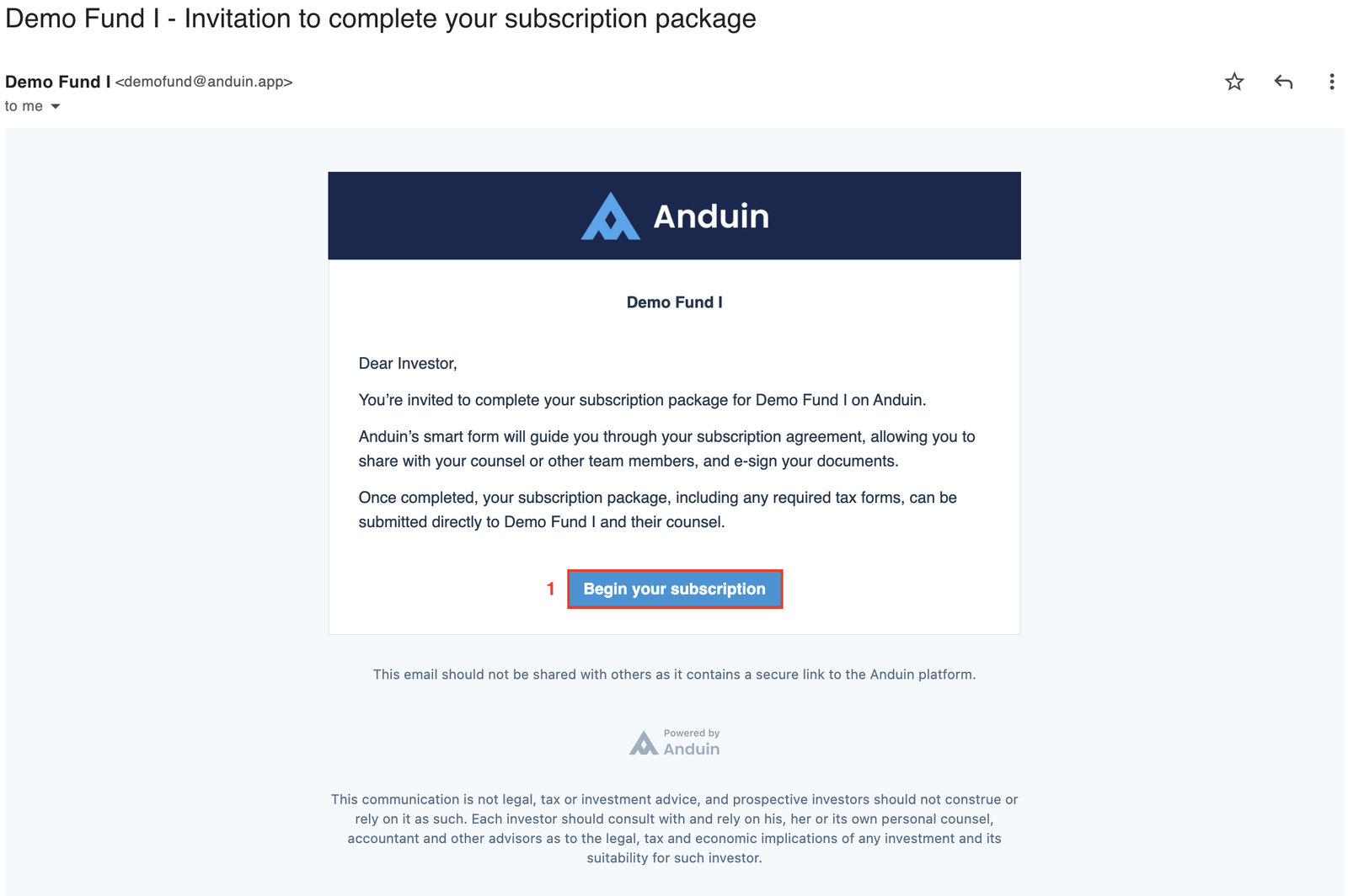
When the window below pops up on the screen, read and accept the Privacy Policy and Terms of Service by clicking the Accept and continue button.
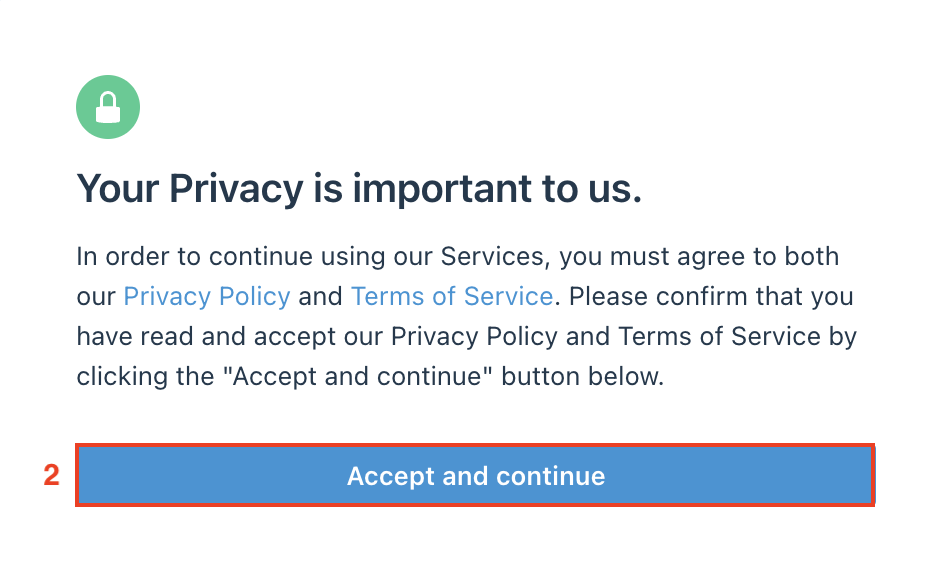
Click the Request One-Time Password button in the next screen.
An email with a 6-digit Verification Code will be sent to your email.
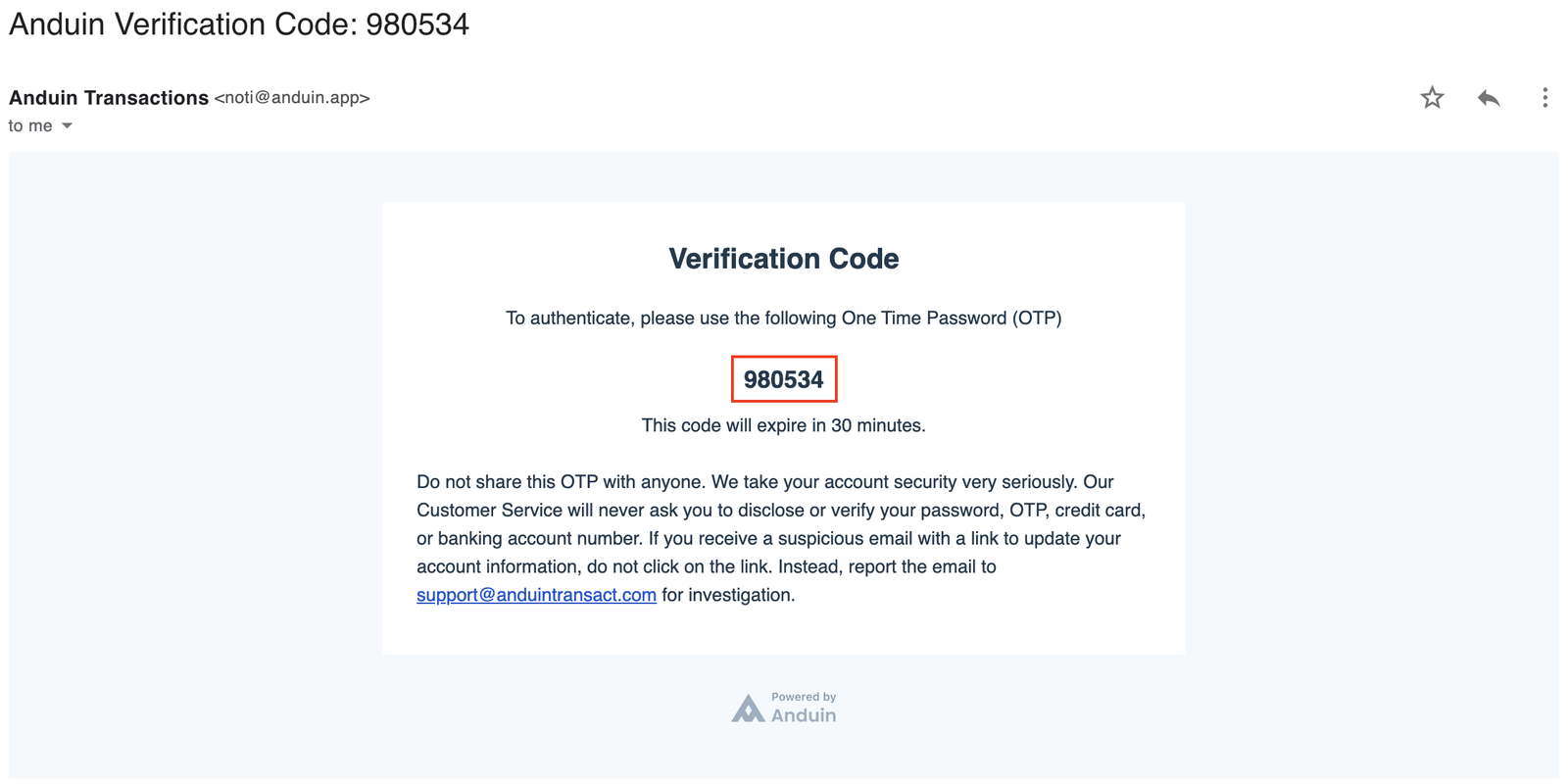
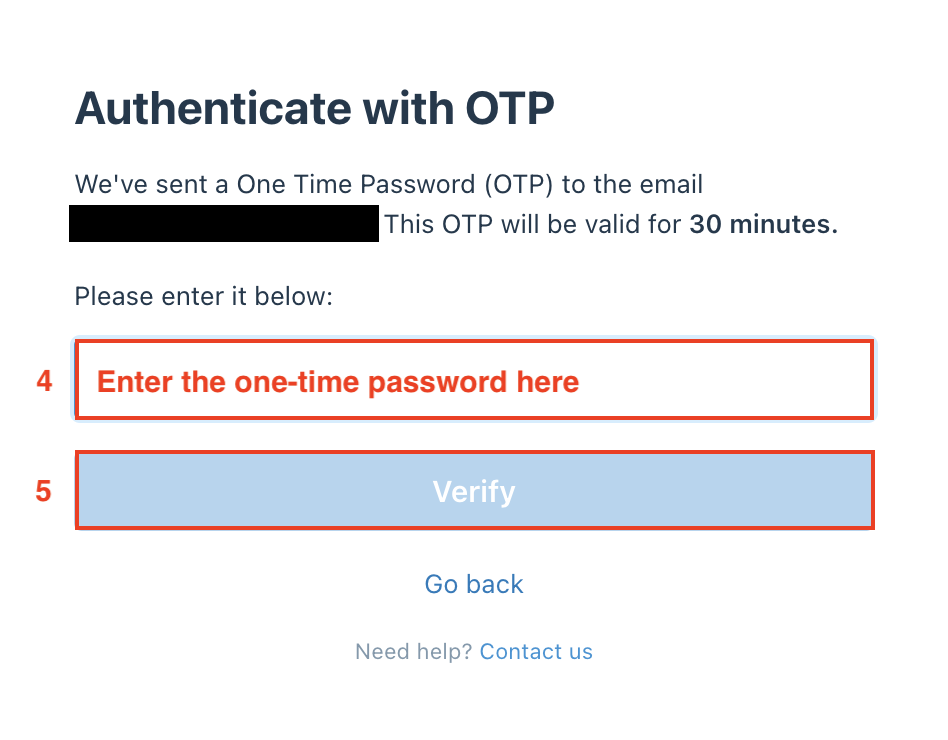
Copy the One-Time Password and paste it to the field below, then click Verify.
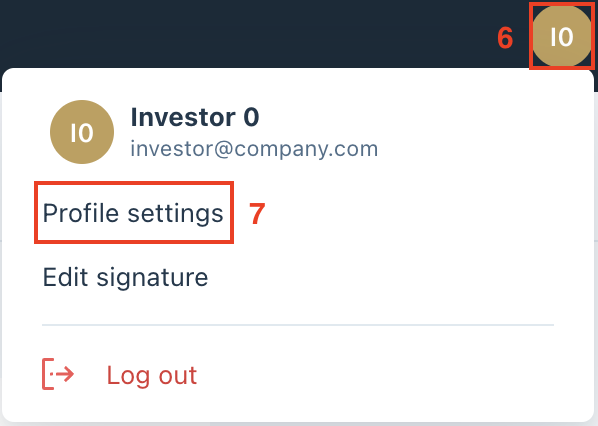
Optionally, after you log in, click on the Profile icon in the top right corner, then select Profile settings.
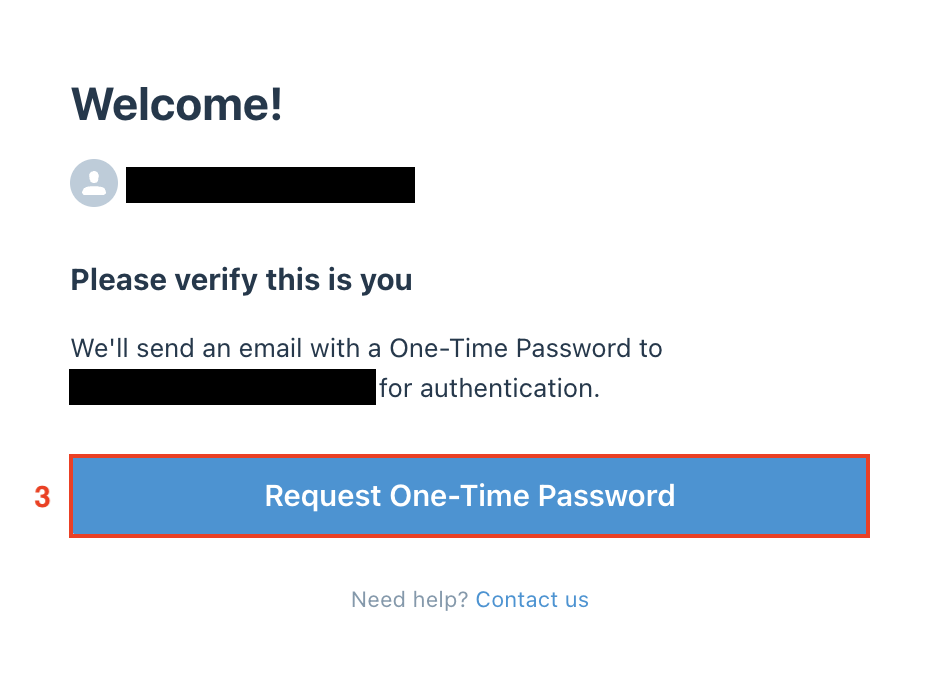
Go into the Password tab and set up your new password, then click Change password to complete.