

AML/KYC Commenting
Public
Anduin allows Fund Managers and Clients to leave comments on any AML/KYC required documents, whether they are uploaded or need to be uploaded. 1. From th
Anduin allows Fund Managers and Clients to leave comments on any AML/KYC required documents, whether they are uploaded or need to be uploaded.
- From the Standard Dashboard, find the Investor and click View all documents:

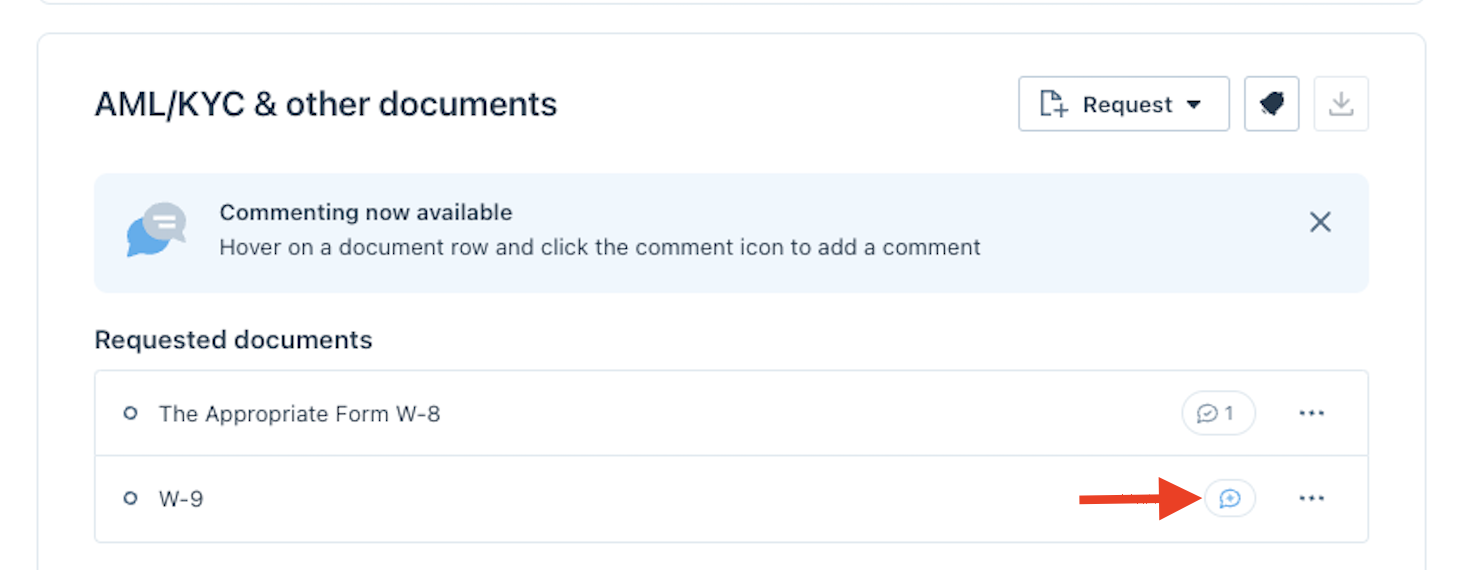
- Under the AML/KYC & other documents section, highlight over the document you would like to comment on(uploaded or not uploaded) and click the Comment bubble:
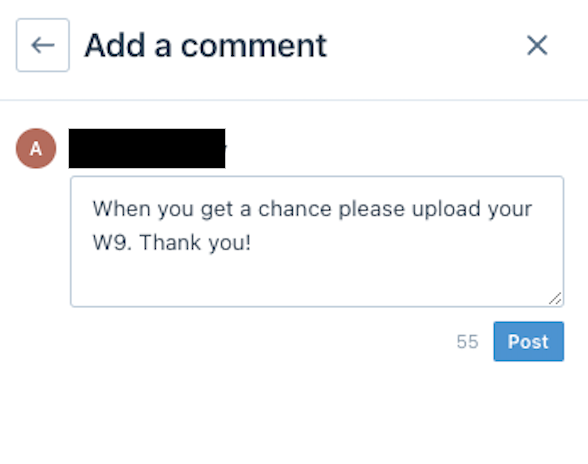
- Type your comment in the comment box on the right side and click Post:
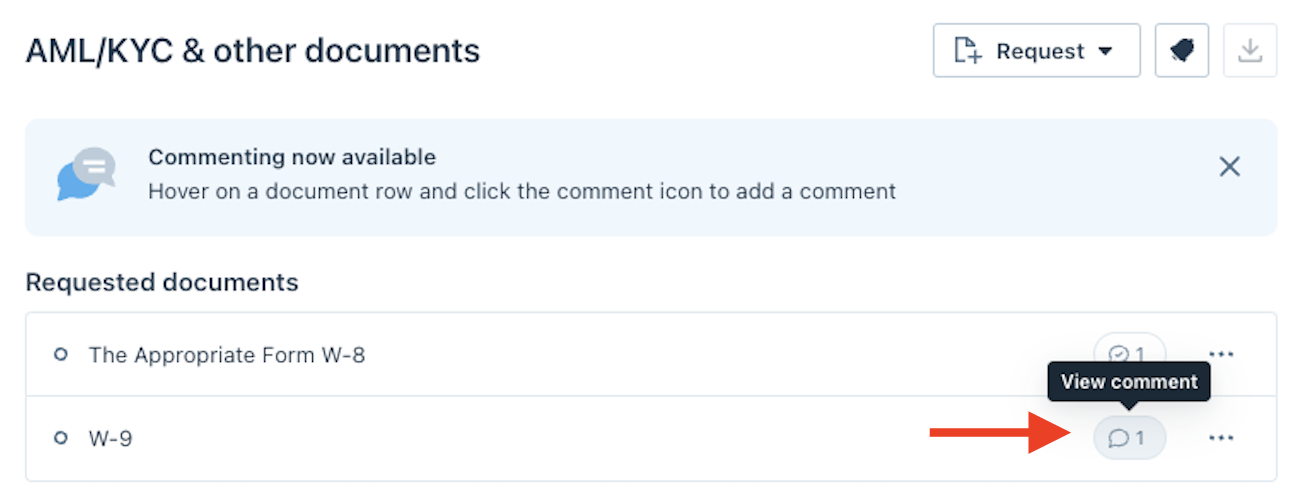
- You will now see a new comment bubble showing the comment:
Clients will be able to respond and comment back on the thread. Clients can also initiate comments and open a thread with the Fund Manager using the same process as above.
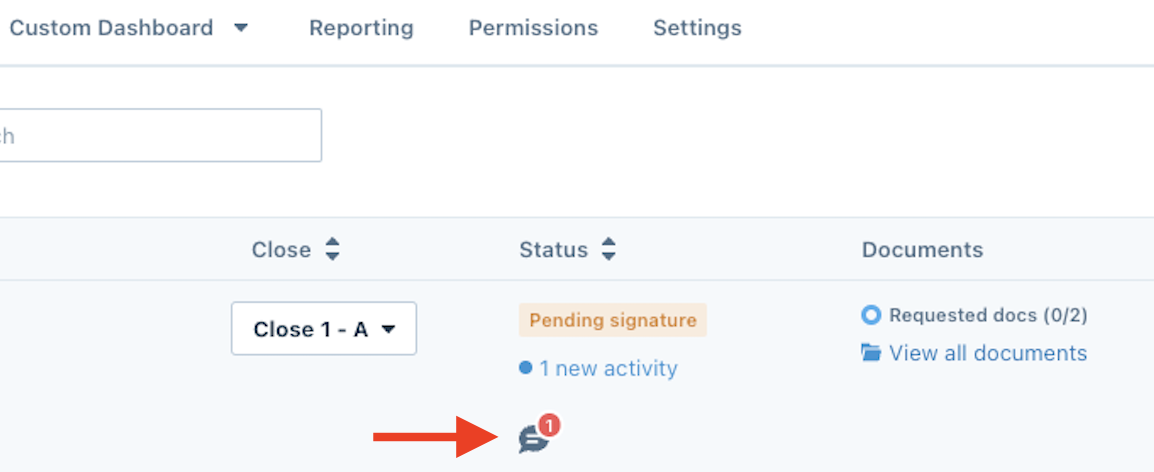
You will see a red notification with the number of new unread comments in it from the Standard Dashboard:
Was this page helpful?