Investor experience with Shareable link
Investor Experience with Shareable Link In addition to the traditional invitation method via email, fund managers can generate a shareable link that allows
Investor Experience with Shareable Link
In addition to the traditional invitation method via email, fund managers can generate a shareable link that allows investors to join and subscribe to a fund directly.
How Fund Managers Set It Up
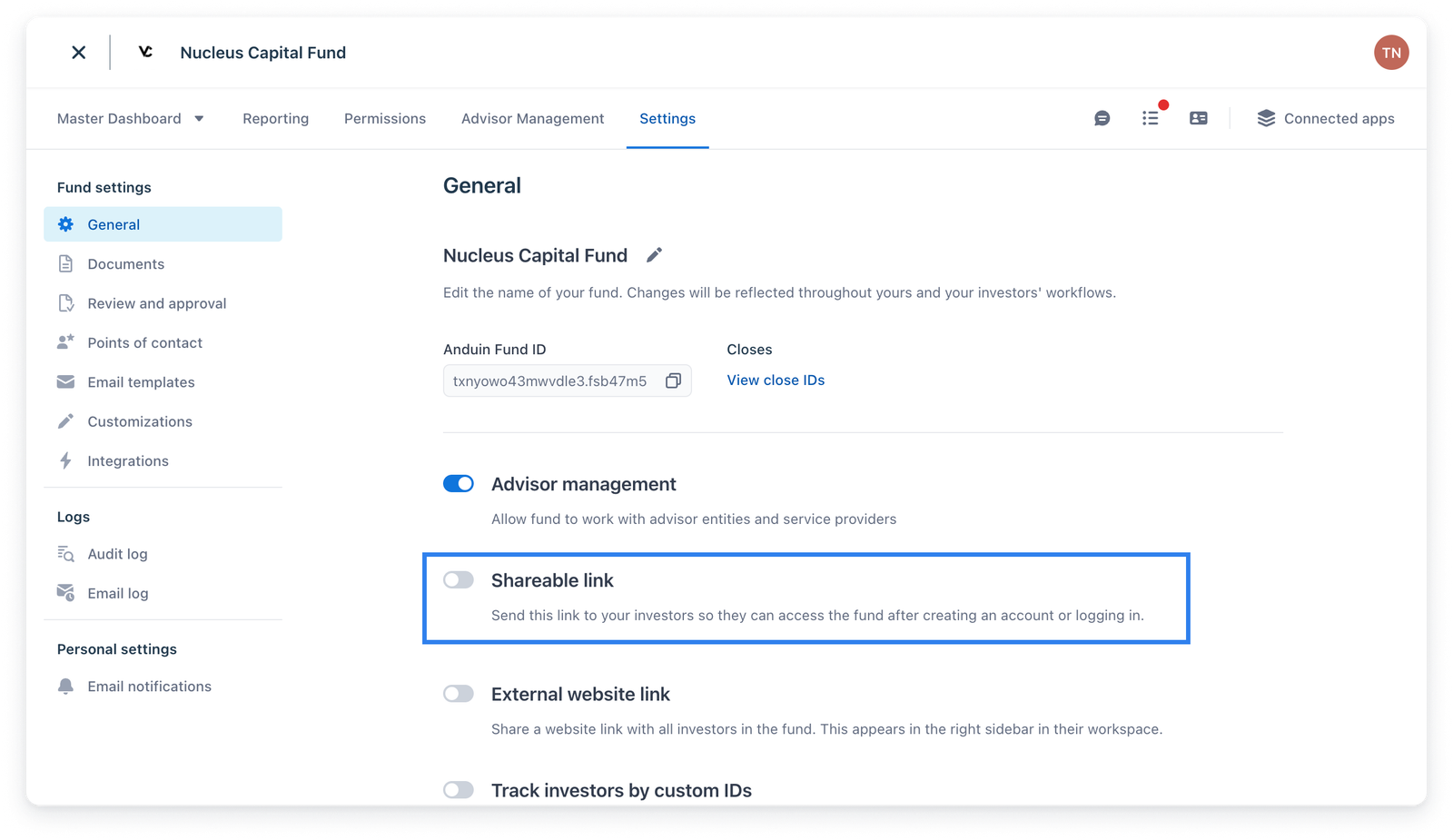
1. Navigate to Fund Settings You can go to your Fund Settings and enable the Shareable Link feature.
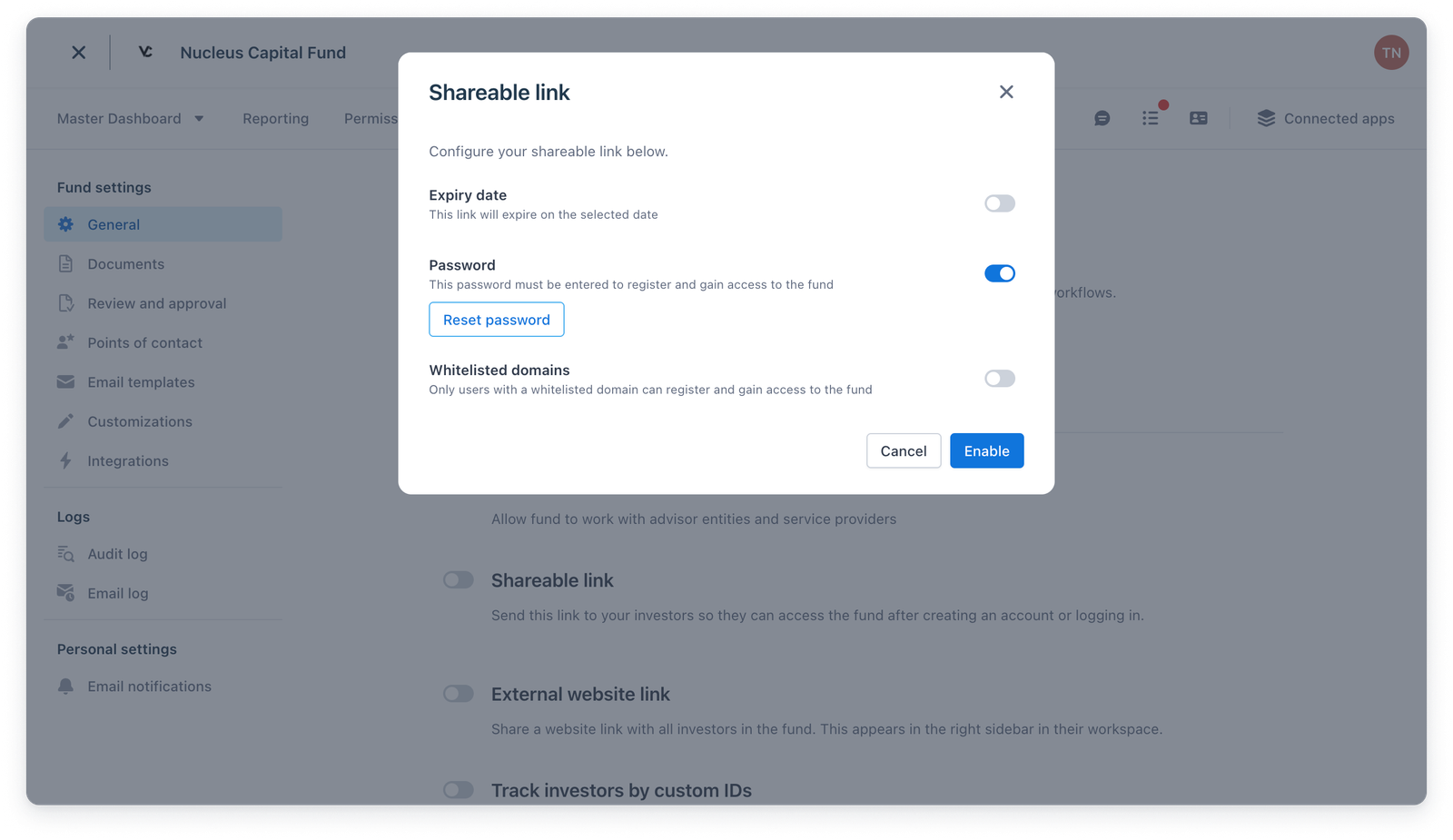
2. Configure the Link After enabling, fund managers can configure the following:
- Expiry Date – define when the link will become inactive.
- Password Protection – set a password that investors must enter to access the link.
- Whitelisted Domains – restrict access to users from specific email domains.
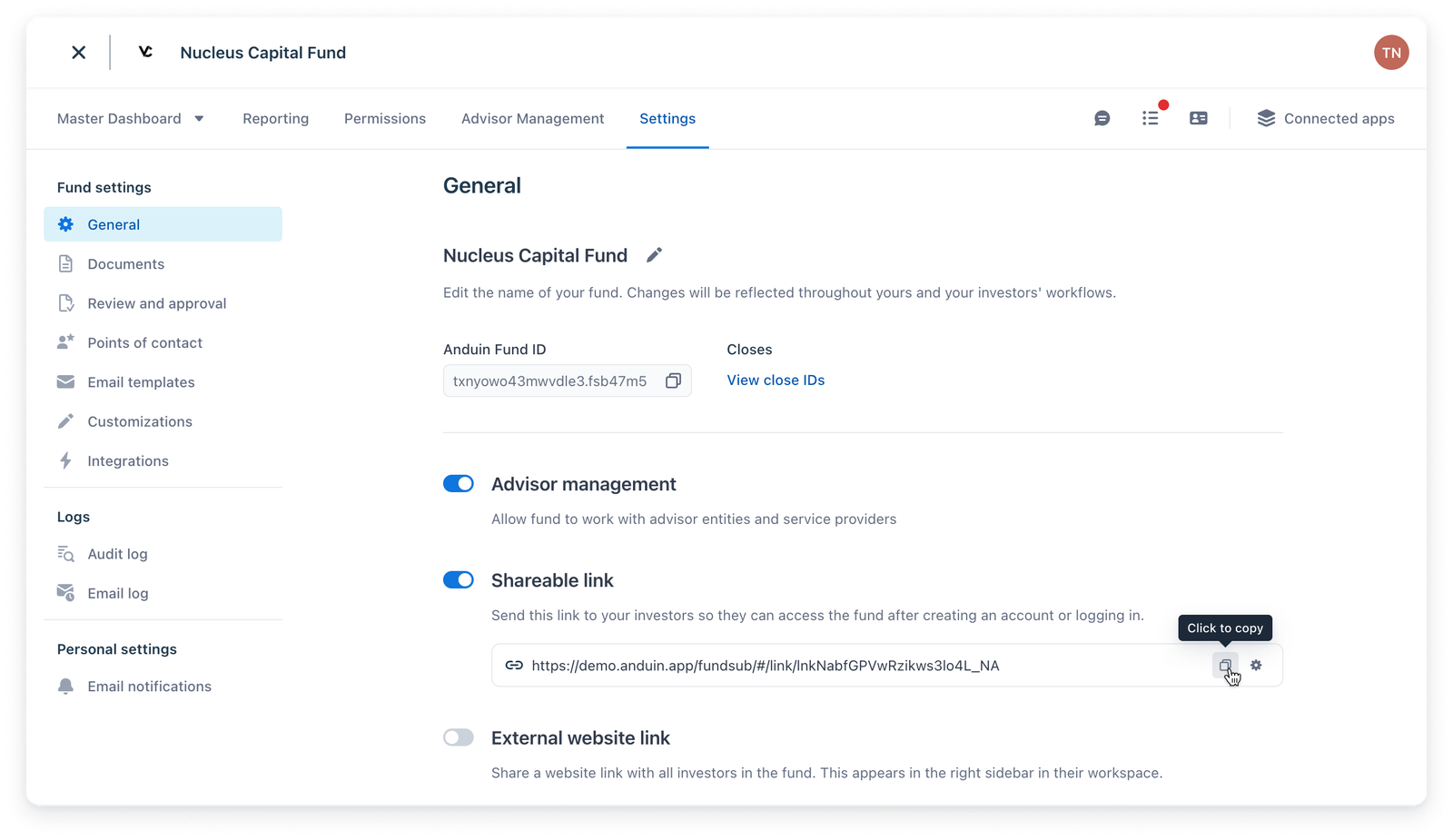
3. Generate the Link Click Create, and a unique shareable link will be generated and ready for distribution.
Investor Experience
When an investor receives and opens a shareable link, their experience follows these steps:
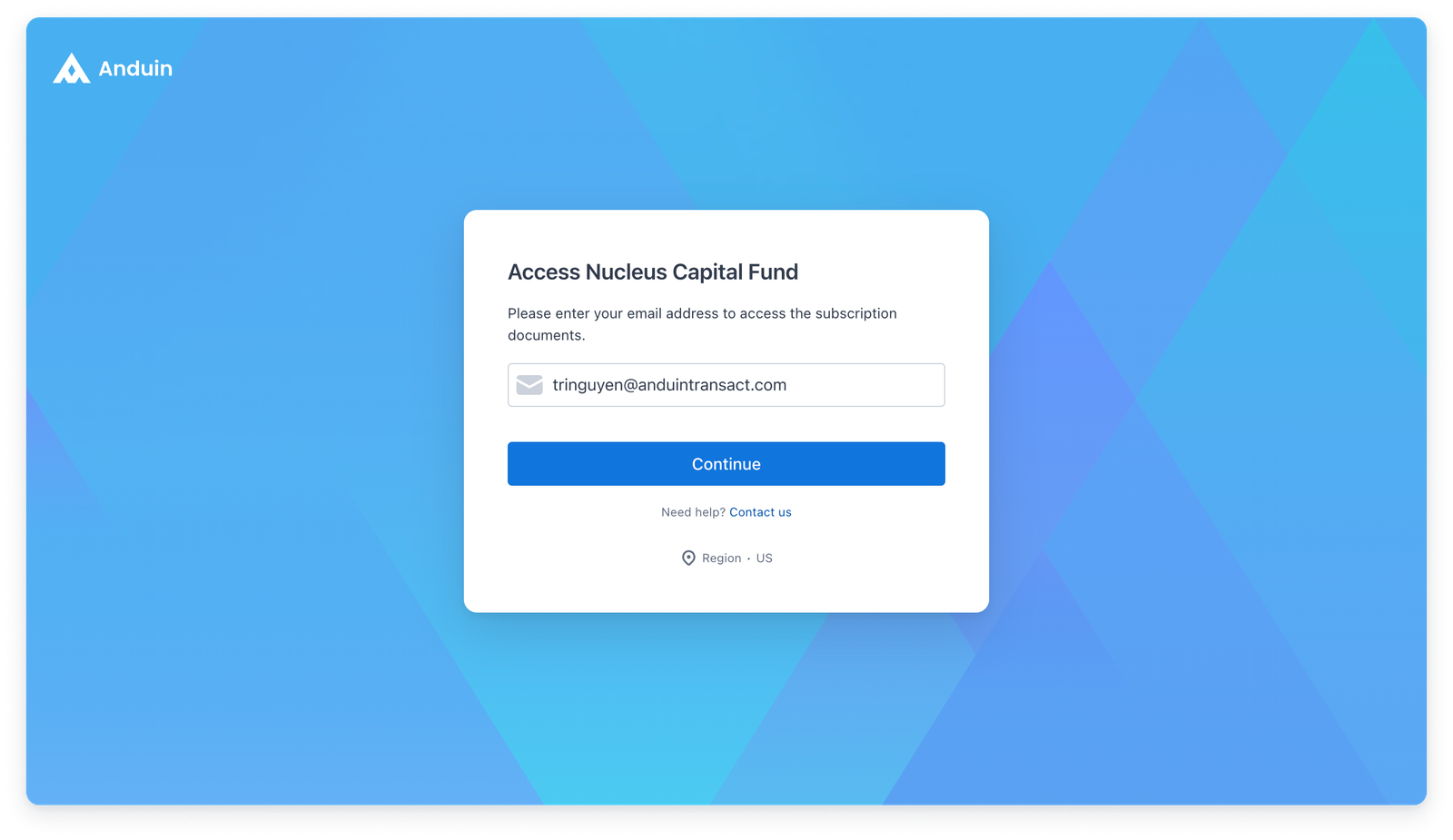
1. Email Authentication
The investor is first prompted to enter their email address to authenticate.
2. Email Confirmation
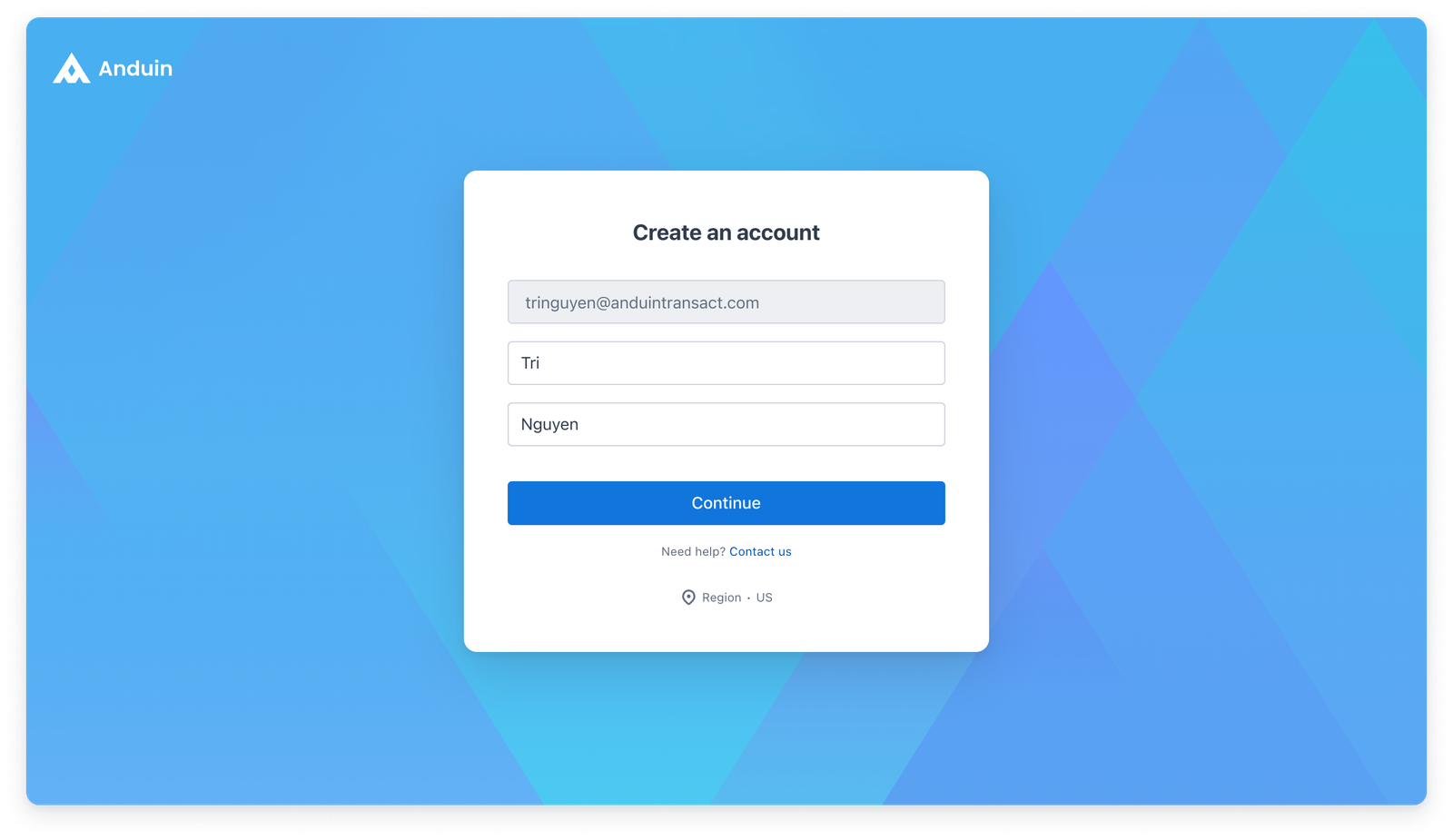
If the email is not linked to any existing Anduin account, the investor must provide their first and last names.
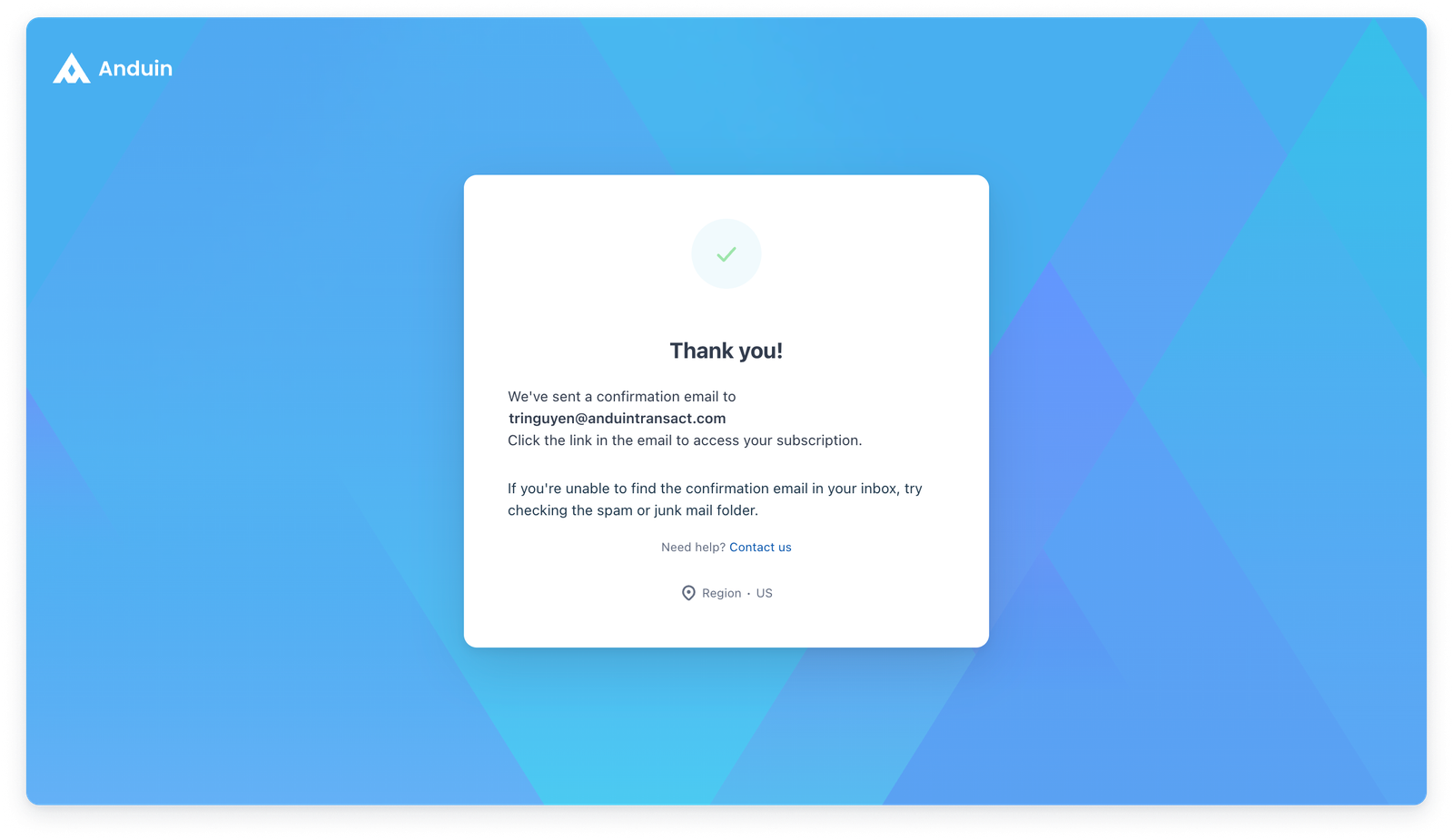
In both cases (new or existing account):
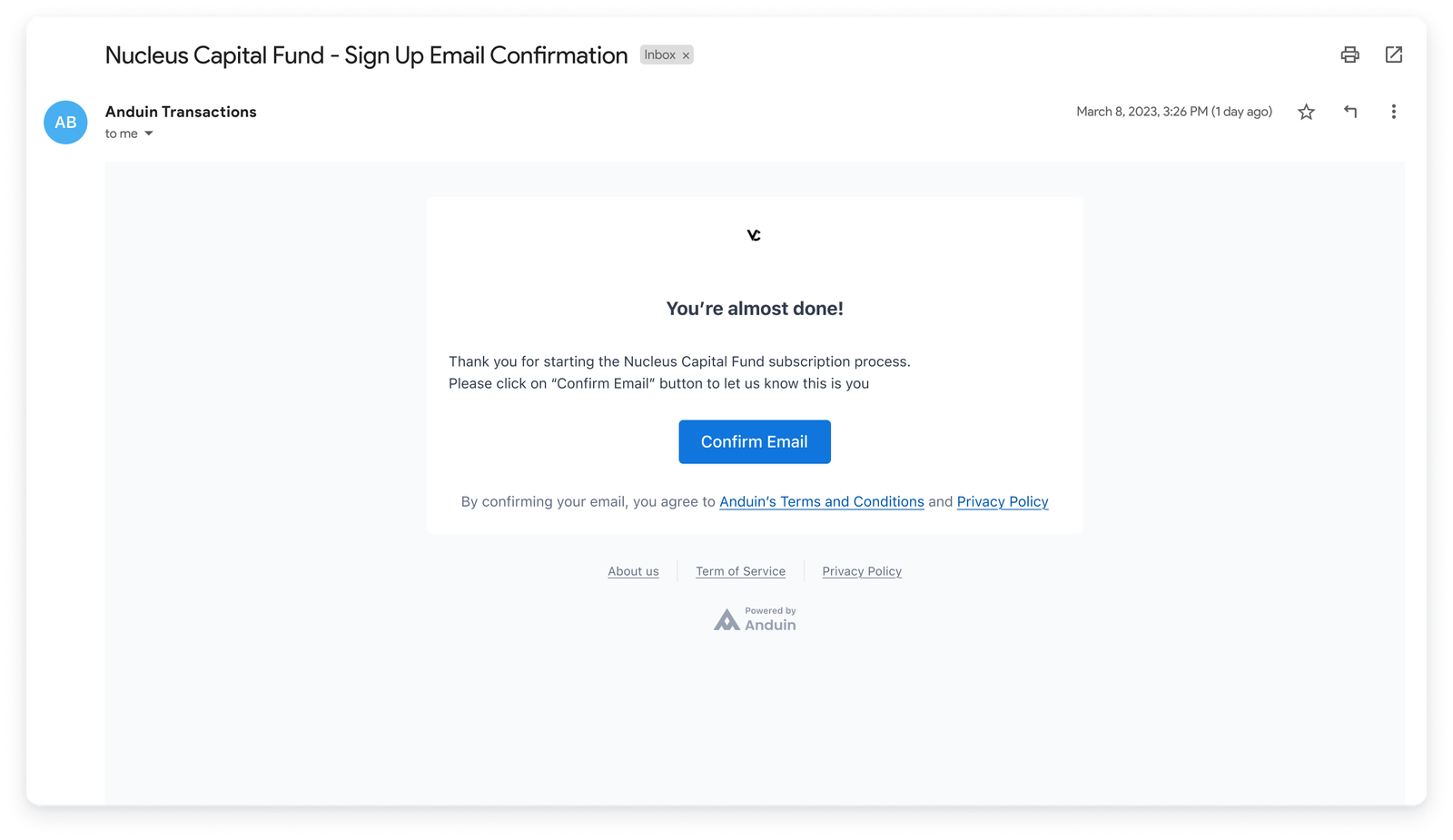
An email is sent to the investor’s inbox to confirm their email address.
3. Account and Subscription Handling
Once the investor clicks the confirmation link in their email:
A. New User (No Existing Anduin Account)
- A new Anduin account is created automatically.
- A new subscription is also created.
- The investor is taken directly to the subscription view to begin the subscription process.
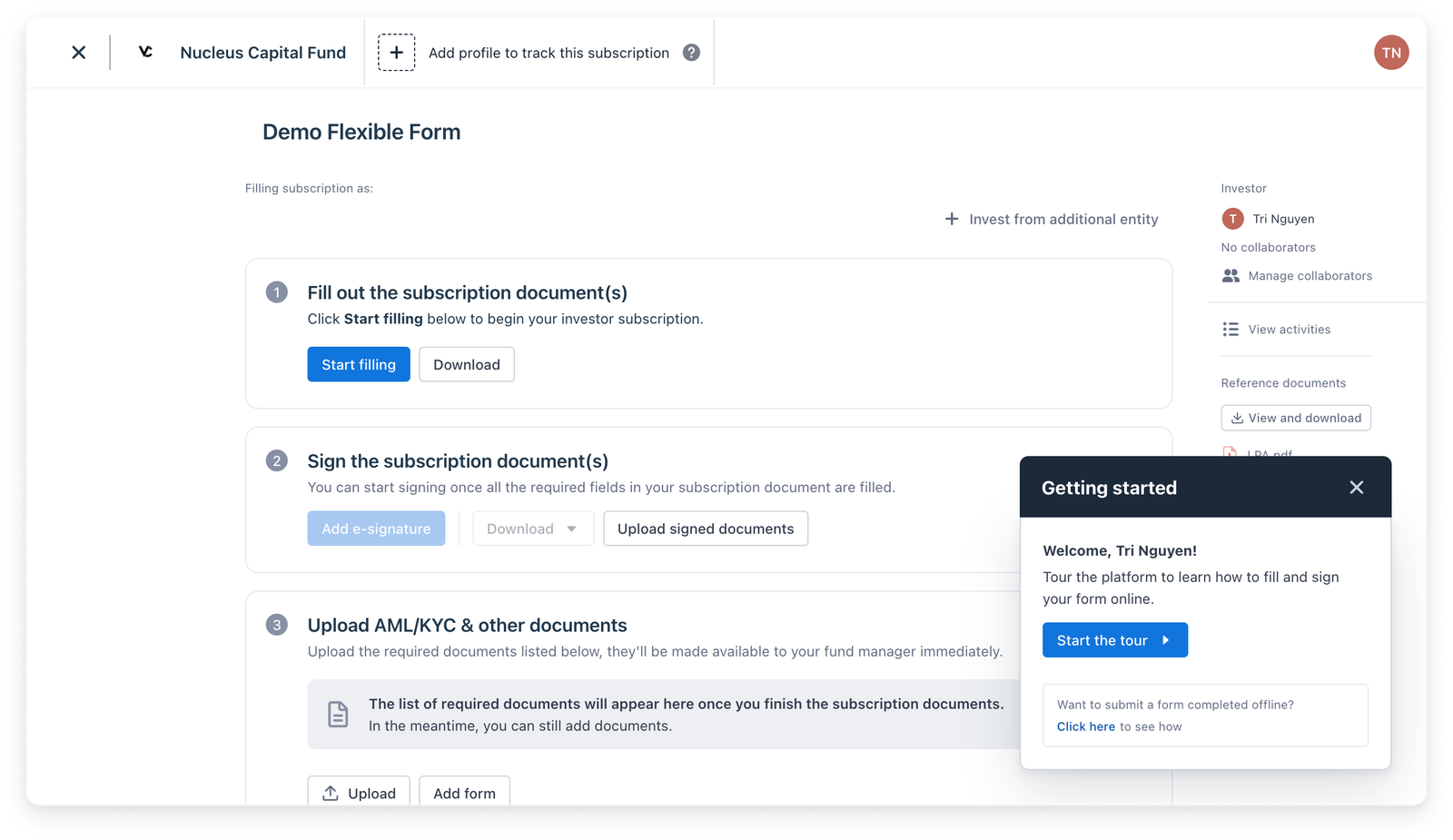
B. Existing User (Email Linked to an Anduin Account)
Case 1: No existing subscription for this fund:
A new subscription is created.
Case 2: The Investor is taken to the subscription view.
One existing subscription for this fund (where the investor is the main investor or collaborator):
The investor is directed to the existing subscription.
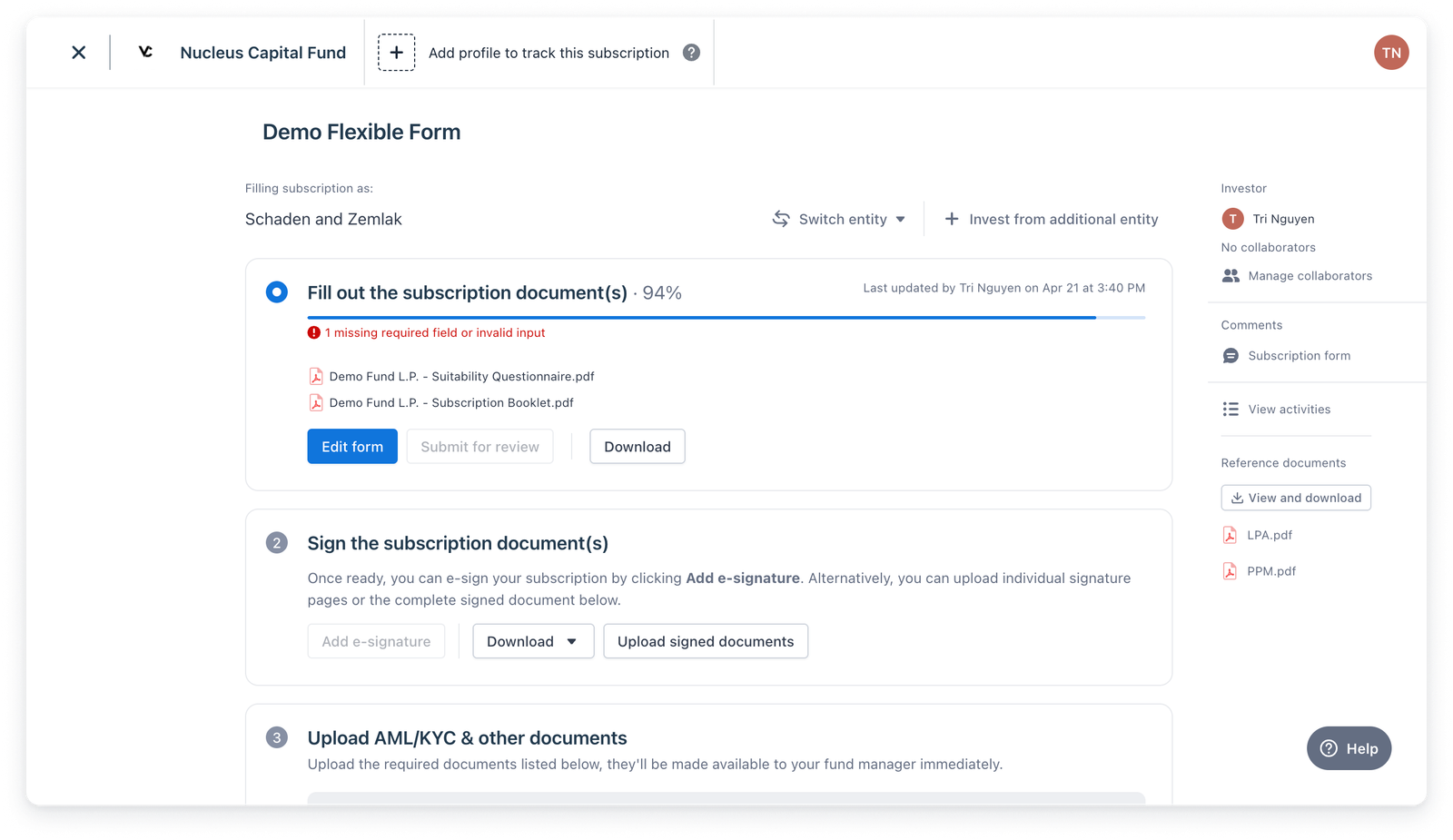
Case 3: Multiple existing subscriptions for this fund (where the investor is the main investor or collaborator):
The investor is taken to a summary view showing all accessible subscriptions.
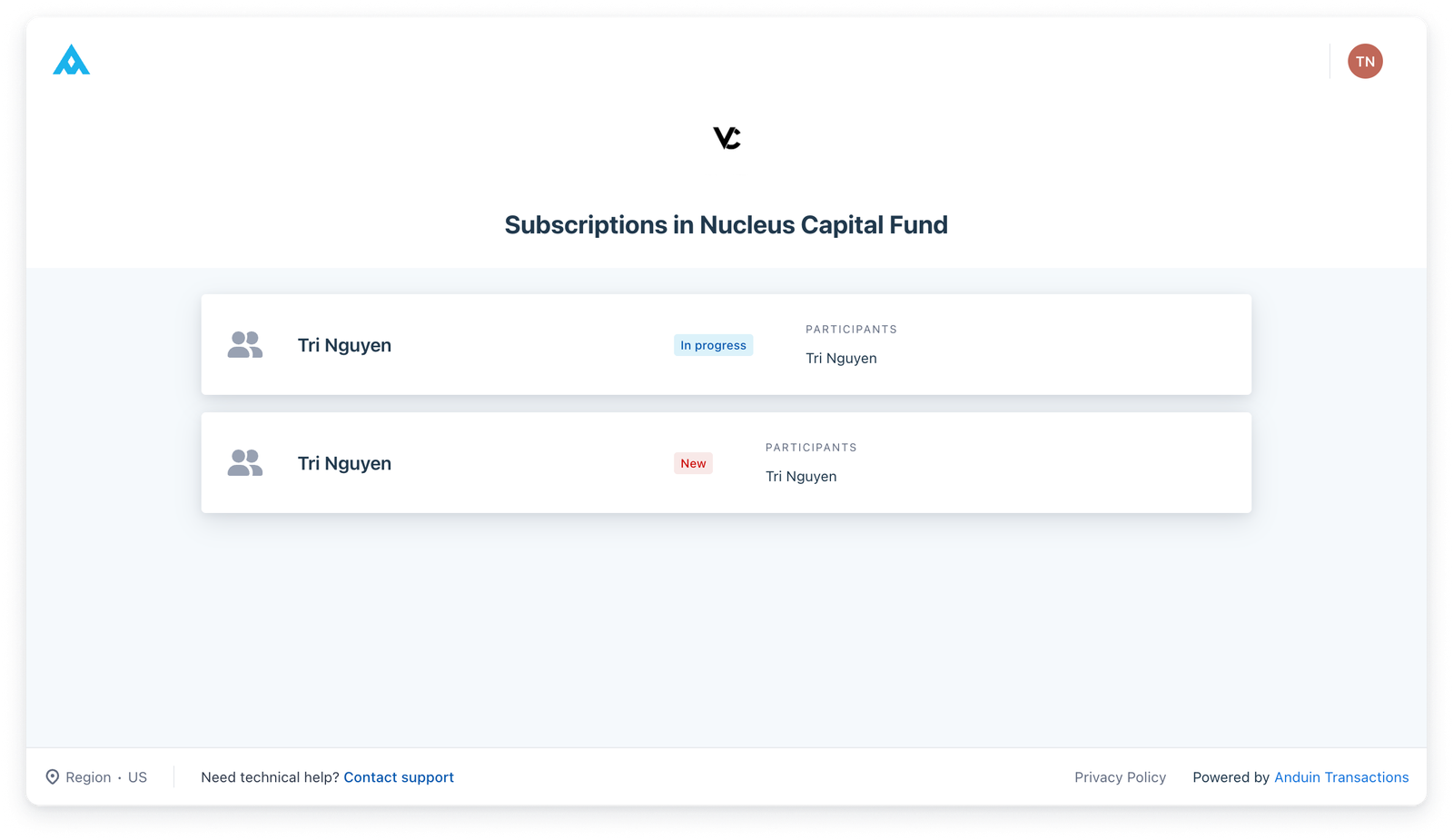
Additional Entity Investments
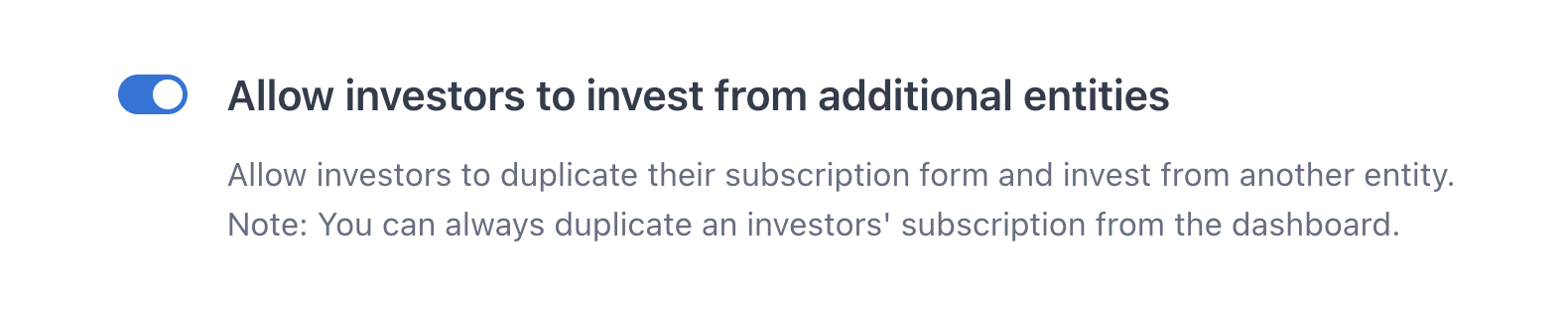
In all of the above scenarios, investors also have the option to invest from an additional entity if the fund manager has enabled this option in the Fund Settings.