

Customize Email Templates
Public
template modificationemail customization
Fund Admins are able to update the wording in the Email Templates for Invitation, Remind, and Countersignature emails In the Admin Portal, in the top Nav
Fund Admins are able to update the wording in the Email Templates for Invitation, Remind, and Countersignature emails
In the Admin Portal, in the top Nav Bar click Settings

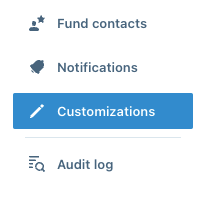
On the right Nav Bar, click Customization:
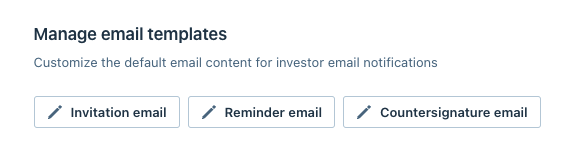
There is a Manual Email Templates section, click into which email template you would like to customize:
From here, you are able to edit the Subject line, as well as the templates for Investors and Collaborators:
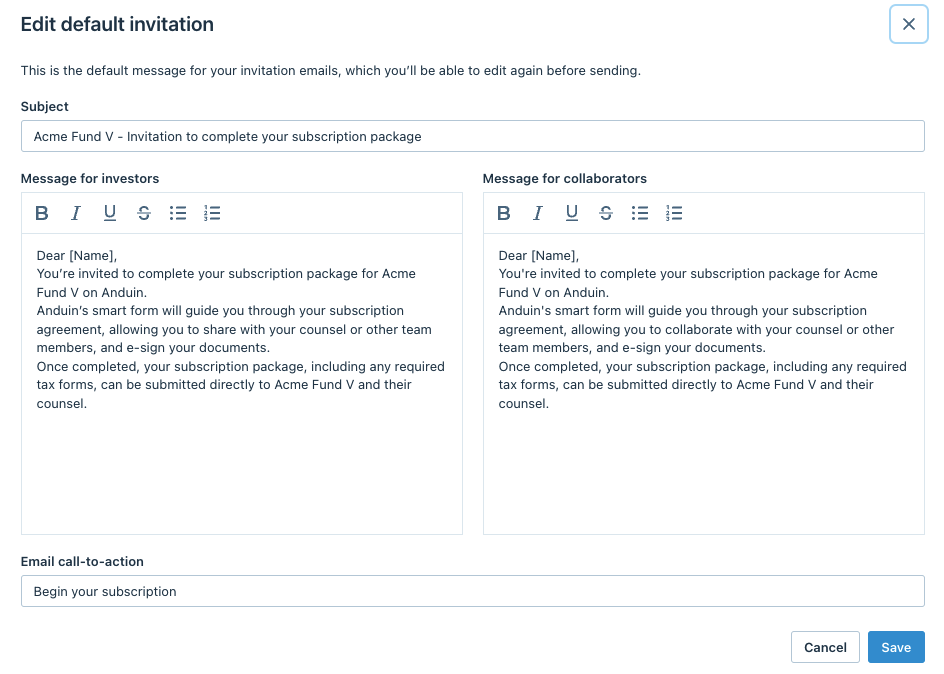
When finished, click Save
Was this page helpful?