

Remind Investors to Submit all Requested Documents
Public
Currently, the platform is set up to prompt investors for the relevant tax documents, KYC/AML documents, and any other supplemental documents based on how
Update
Table of Contents
Currently, the platform is set up to prompt investors for the relevant tax documents, KYC/AML documents, and any other supplemental documents based on how they fill out their digital subscription form (ex. investor type, US vs. non-US person), however, the platform does not require every document in this dynamic document checklist to be submitted before LPs can sign and submit their core subscription documents.
Remind Investors Individually
- In the Fund Subscription Manager Portal, click the Filter button
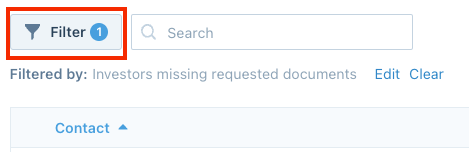
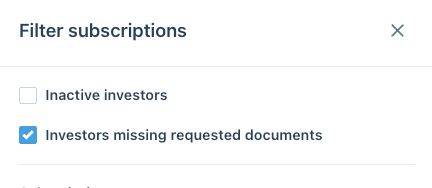
- Filter by Investors missing requested documents
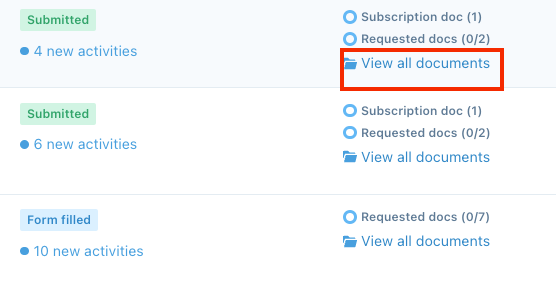
- For the filtered investors, click View all documents
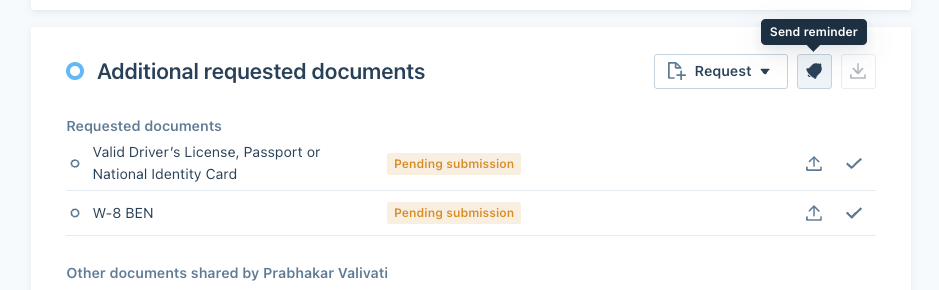
- Finally, click the bell icon to send them a reminder with a call-to-action link to upload these additional documents
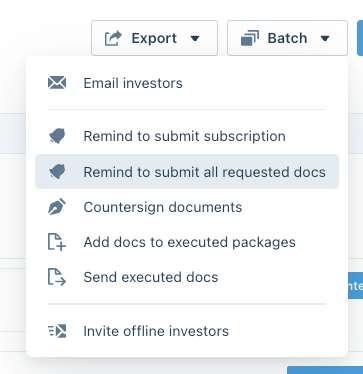
Remind Investors by Batch
Alternatively, via the Batch action button, you can remind investors to submit all requested documents in bulk
Was this page helpful?