

Manage Email Notifications
Public
You have the ability to manage what email notifications you receive based on the Investor actions and where they are in their progress 1. In the top nav
You have the ability to manage what email notifications you receive based on the Investor actions and where they are in their progress
- In the top nav bar, click Settings:

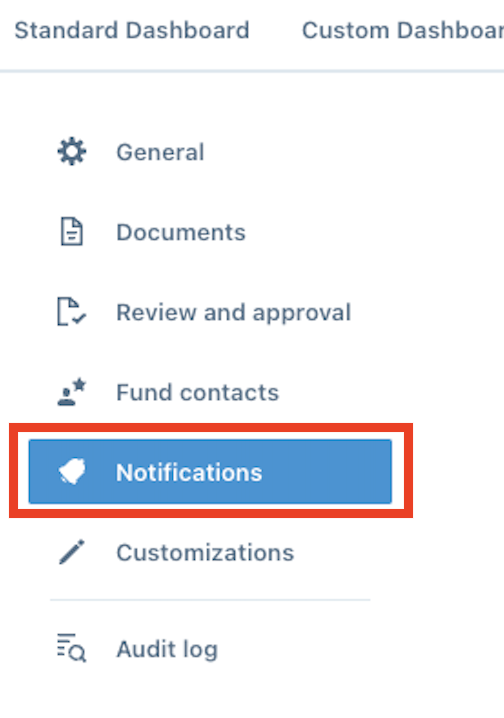
- In the left nav bar, click the Notifications tab:
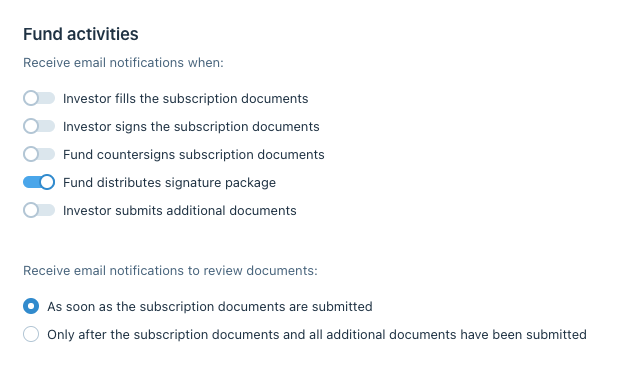
- Choose which notifications you would like to receive and enable the toggle:
Was this page helpful?