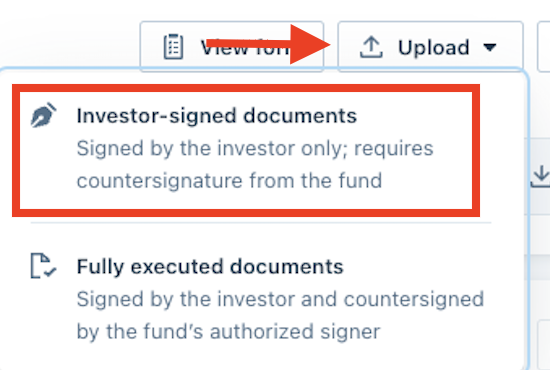
Request to Update Investors Completed Subscription Documents (PDF)
Due to compliance purposes, we are not able to manually edit investors' subscription documents, so we cannot replace the signature pages within the complet
Due to compliance purposes, we are not able to manually edit investors' subscription documents, so we cannot replace the signature pages within the completed PDF. Here is an article for how to manually replace the signature pages
How to Request
In the Fund Subscription, from the Standard Dashboard, find the Investor you would like to request the signature page be updated, click the (...) menu and Access investor's subscription

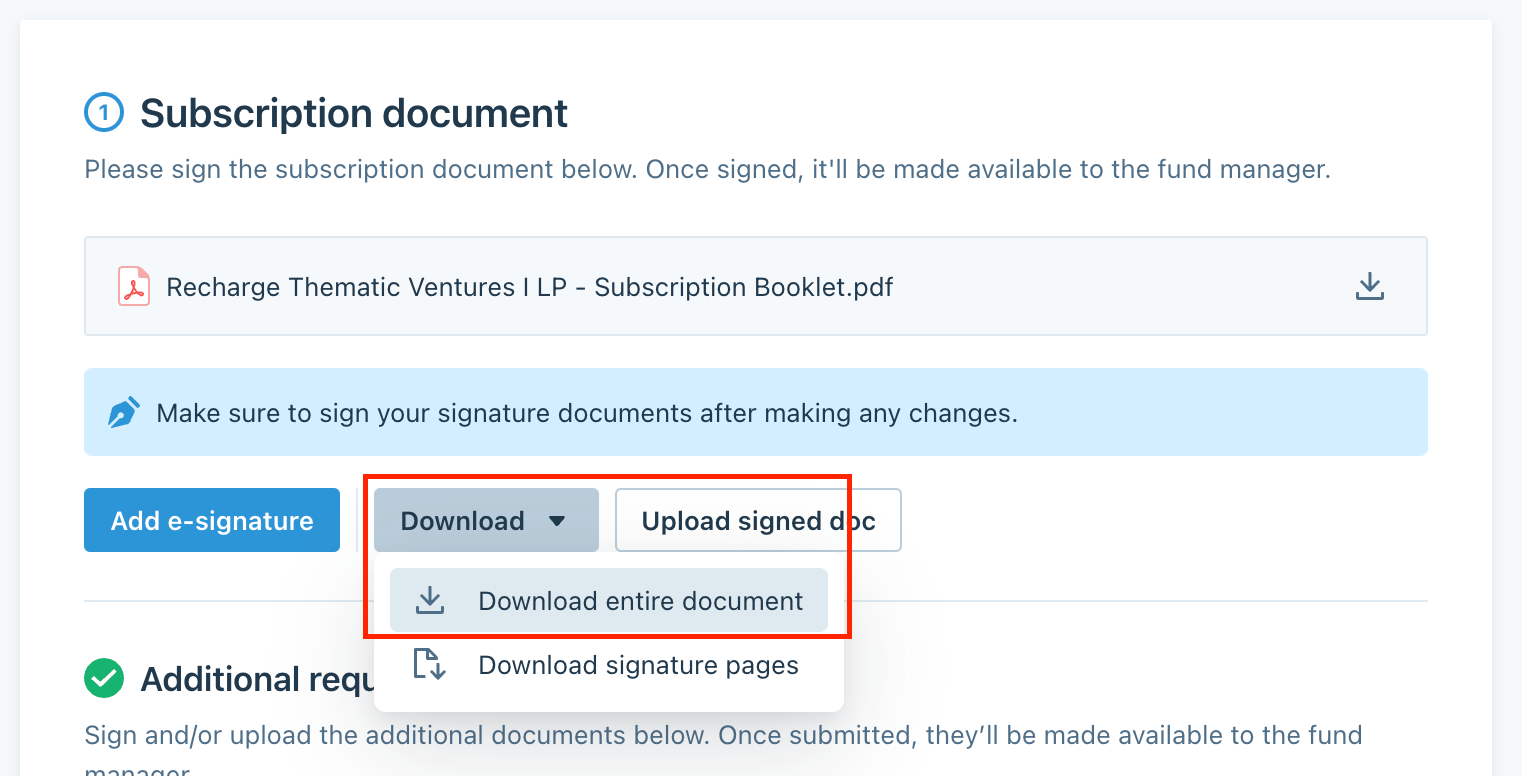
Choose Download and Download the entire document so you can manually replace the signature pages to include the correct signature
Once the PDF has been edited, you can upload it as an investor-signed document to progress the status appropriately
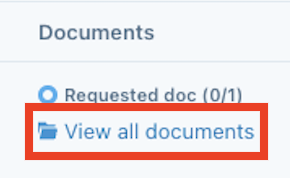
Going back to the Standard Dashboard, find the Investor and click View all documents to access the page
After that, there should be an Upload button in the Subscription documents sectionOnce ready, the updated signed document can be uploaded in the Investor signed sub docs button