Learn about Comments
On the Subscription Document, Investors and Fund Managers are able to leave comments and questions about specific points within the Subscription Document C
On the Subscription Document, Investors and Fund Managers are able to leave comments and questions about specific points within the Subscription Document
Checking for Comments
Within the Admin Portal, in the top right corner click the View All Comments button:
From here, you will be able to see all comments that have been left by Investors
Left Nav Bar
You are able to filter the list by Unread or All Messages from here. You also have the option to filter by a specific Investor
Replying to Comments in the Admin Portal
By clicking on any of the comments, it will open up an option on the right side where you can reply to the Comments:
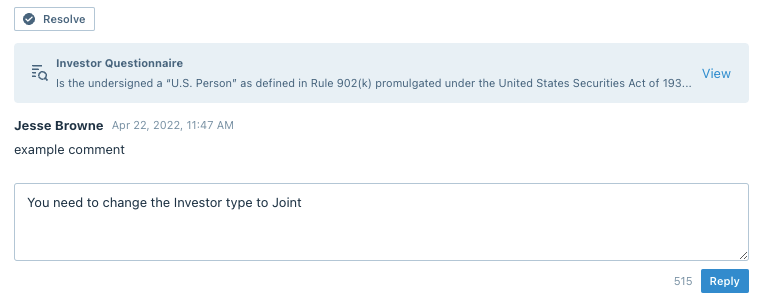
You are also able to close the issue by clicking the Resolve button. Once completed, this will give you the option to Reopen if necessary
Replying to Comments in the Subscription Document
To access the comment in the Subscription Document, click the View button inside the gray comment box:

This will take you directly to the Subscription Document
From here, click the View Comment button:
You can now write a reply and resolve the issue
Notifying Investor of Reply
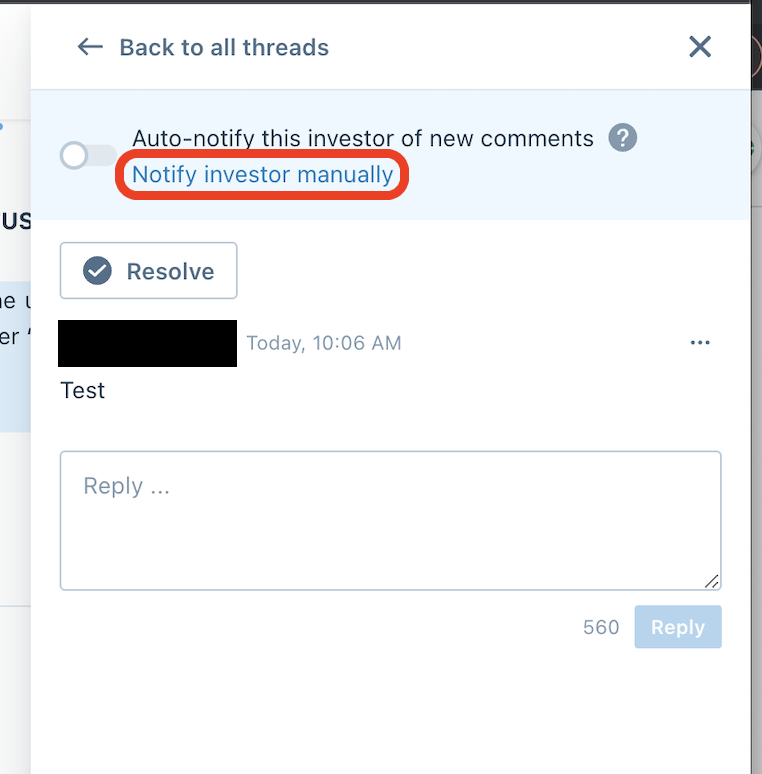
Please note that you will need to select Auto Notify this Investor of new Comments or Notify this Investor Manually for them to receive a notification of your reply
Are Investors Notified of Replies Automatically?
If Investors have Automatic Notifications turned on they will be sent an email that the comment has been replied to
Anduin will warn you at the top if they do not have Automatic Replies turned on:

To resolve this, click the Review and Notify button above:

From here, you are able to select which Investor to notify, which comment to notify them on, and write a customized email to that Investor
Notify Investors of Unresolved Comments
Fund Managers have the option to send out a manual email reminder to Investors of comments that are still pending a resolution.
- From the Dashboard, find the investor and click View Documents:
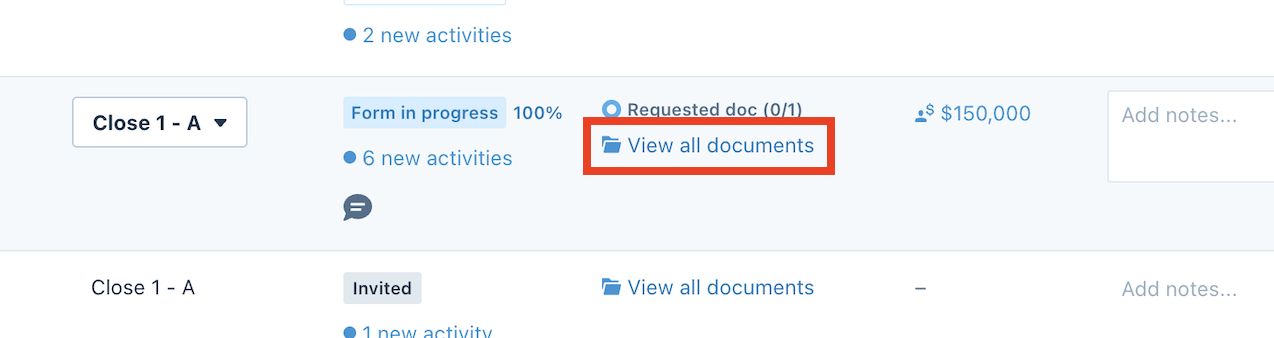
- At the top, click the View Form:

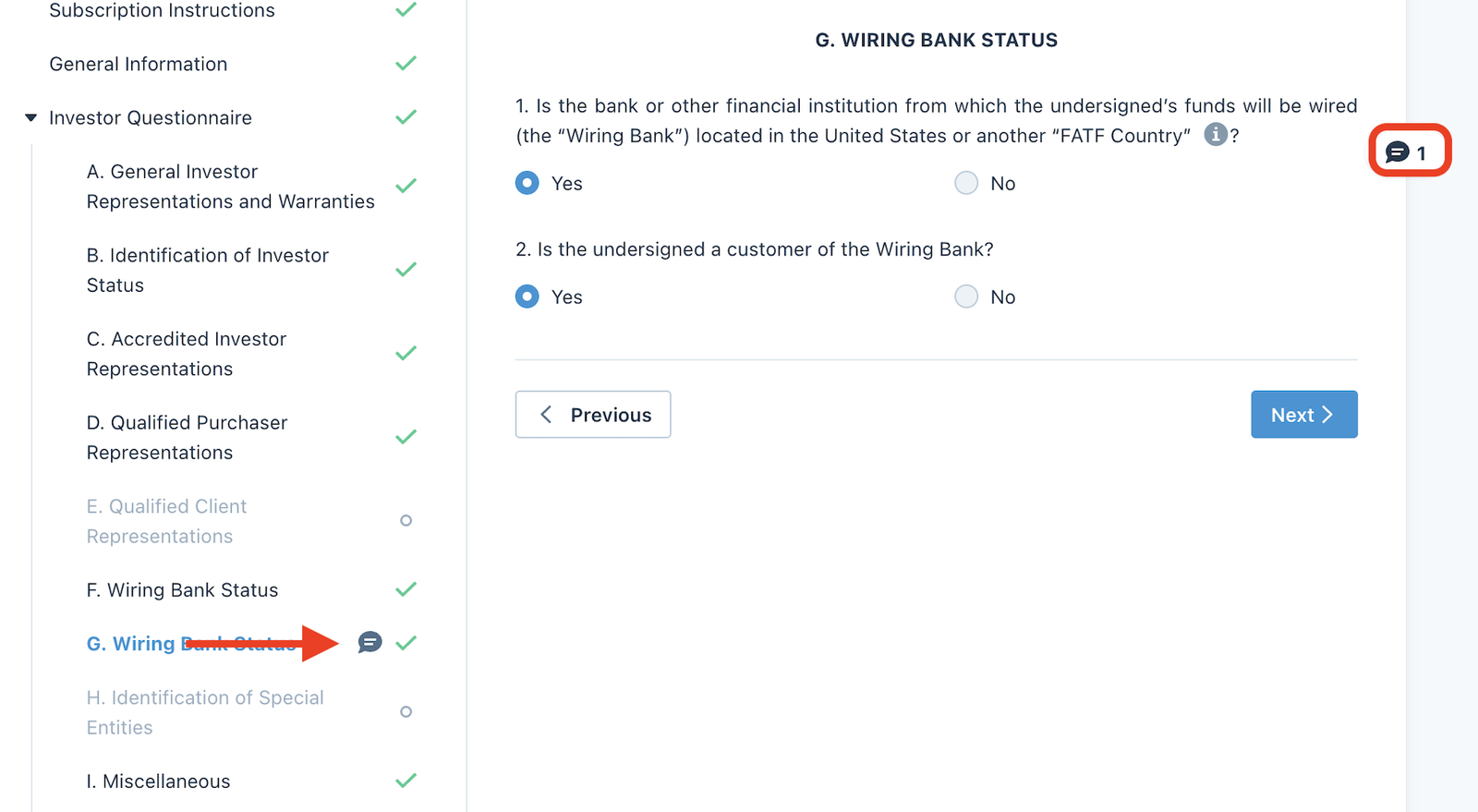
- Find one of the comments within the Subscription Document and click the comment button:
- Choose Notify investor manually:
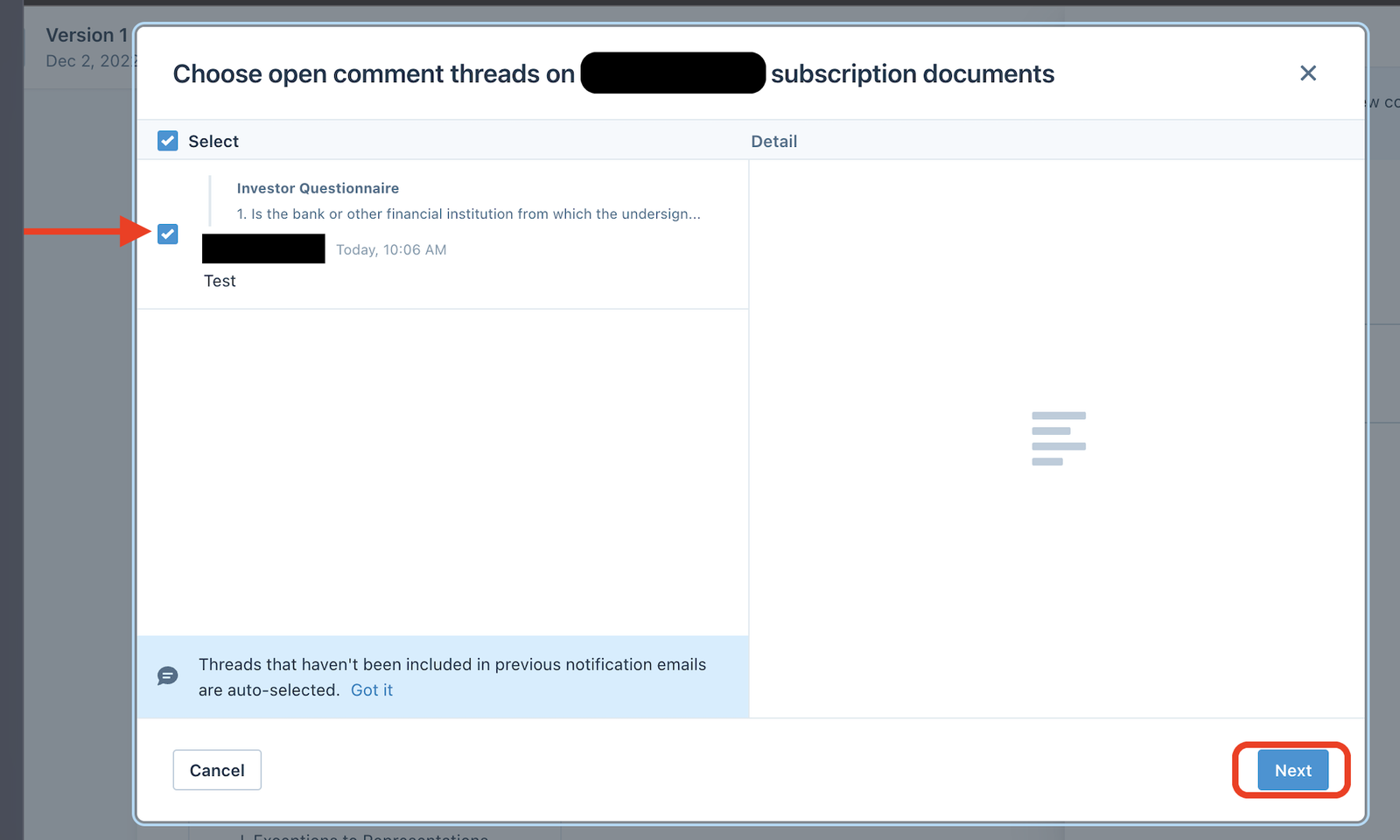
- Check the box(es) next to the comment(s) you would like to send the email reminder on and click Next:
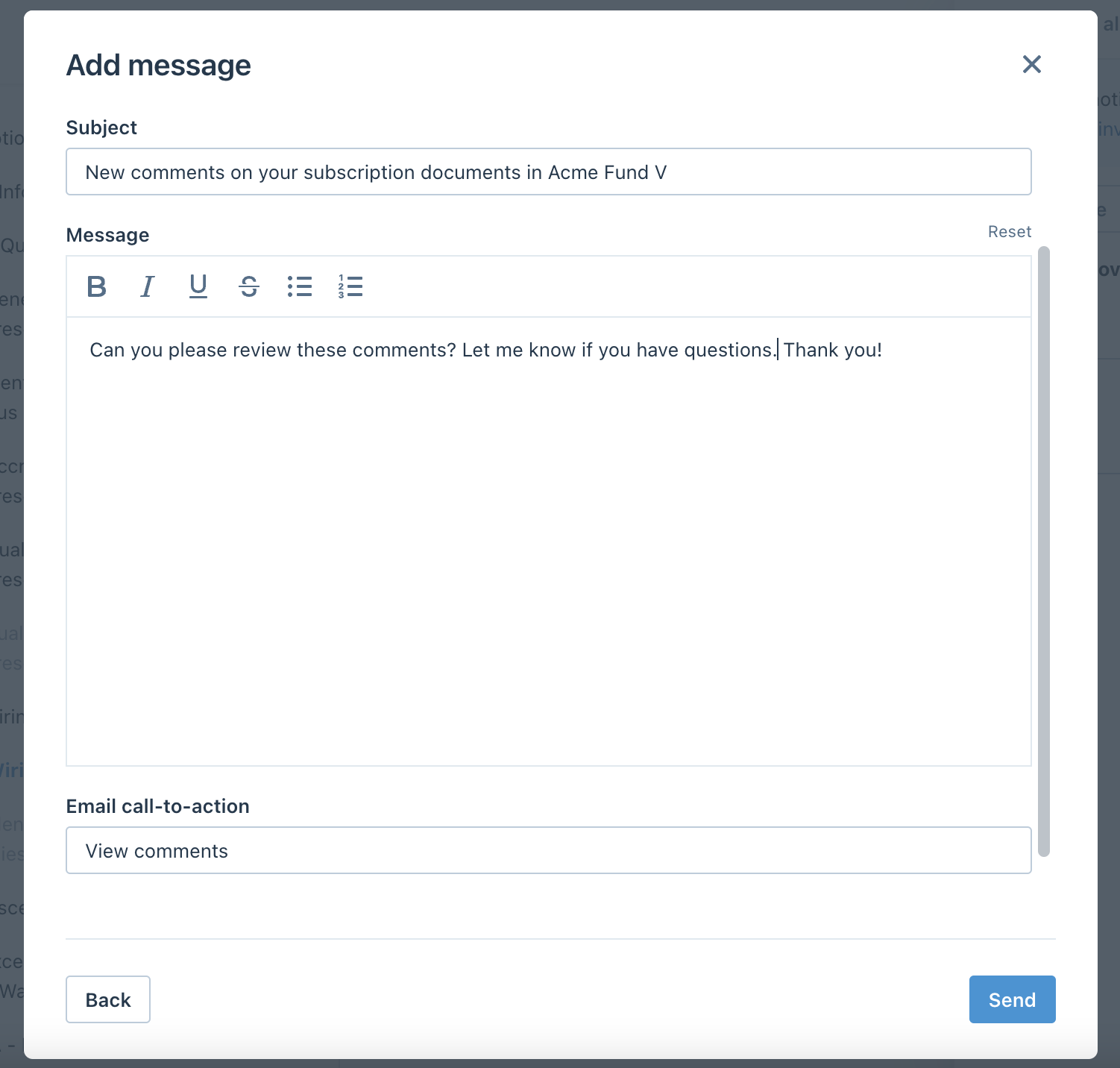
- Type in a custom email message and click Send: