

Auto-Fill Investor Data for new Fund with Investor Data from Previous Fund
Public
When starting a new Fund Subscription, you may find there are existing Investors from previous funds who you would like to add to the new fund, as well as
When starting a new Fund Subscription, you may find there are existing Investors from previous funds who you would like to add to the new fund, as well as any relevant data from the previous fund. This can be done by doing the following:
- From the Admin Portal, select Add Investor:
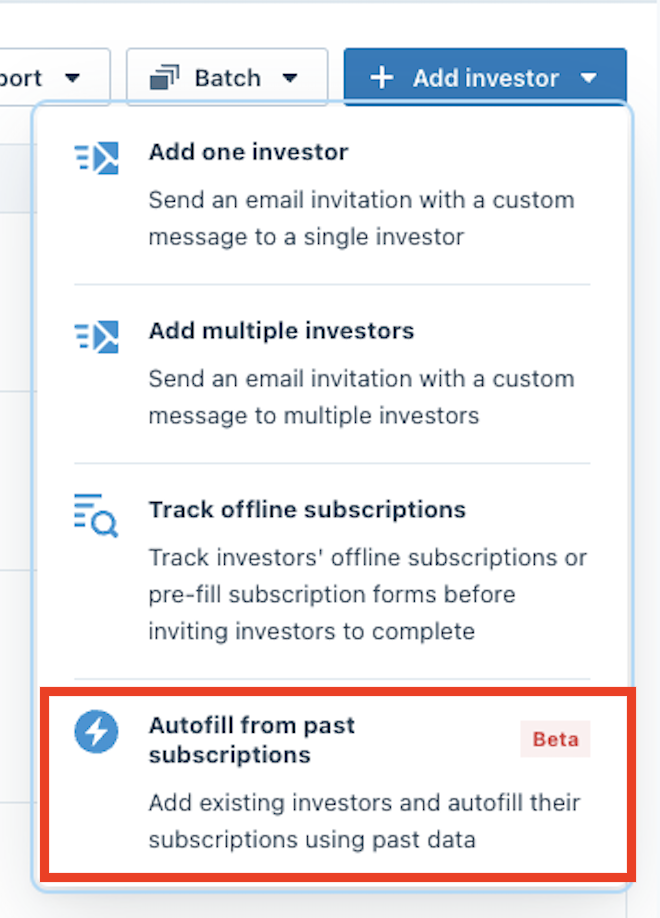
- Choose Autofill From Past Subscriptions:
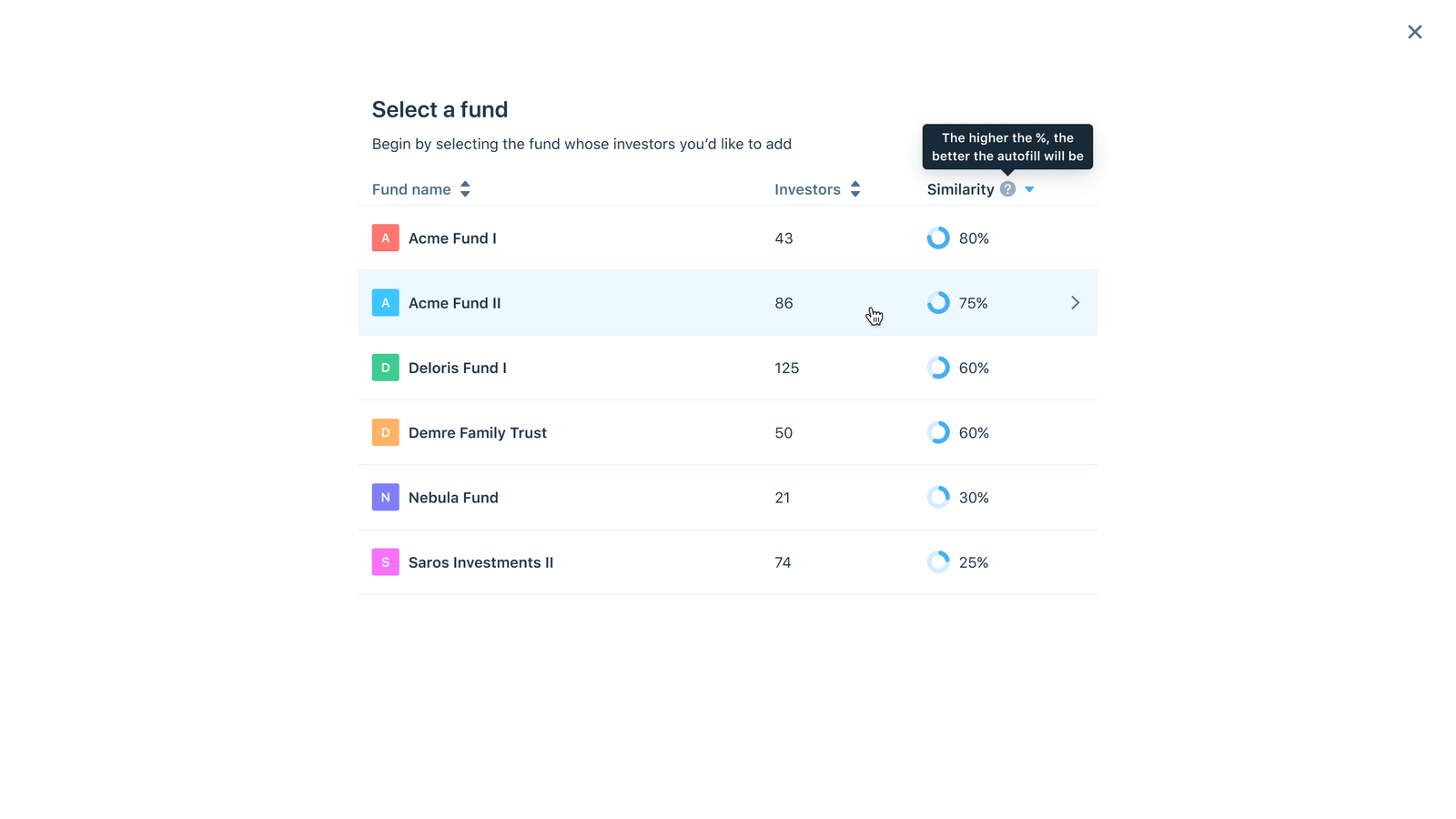
- Select the Fund with the previous Investors you would like to add:
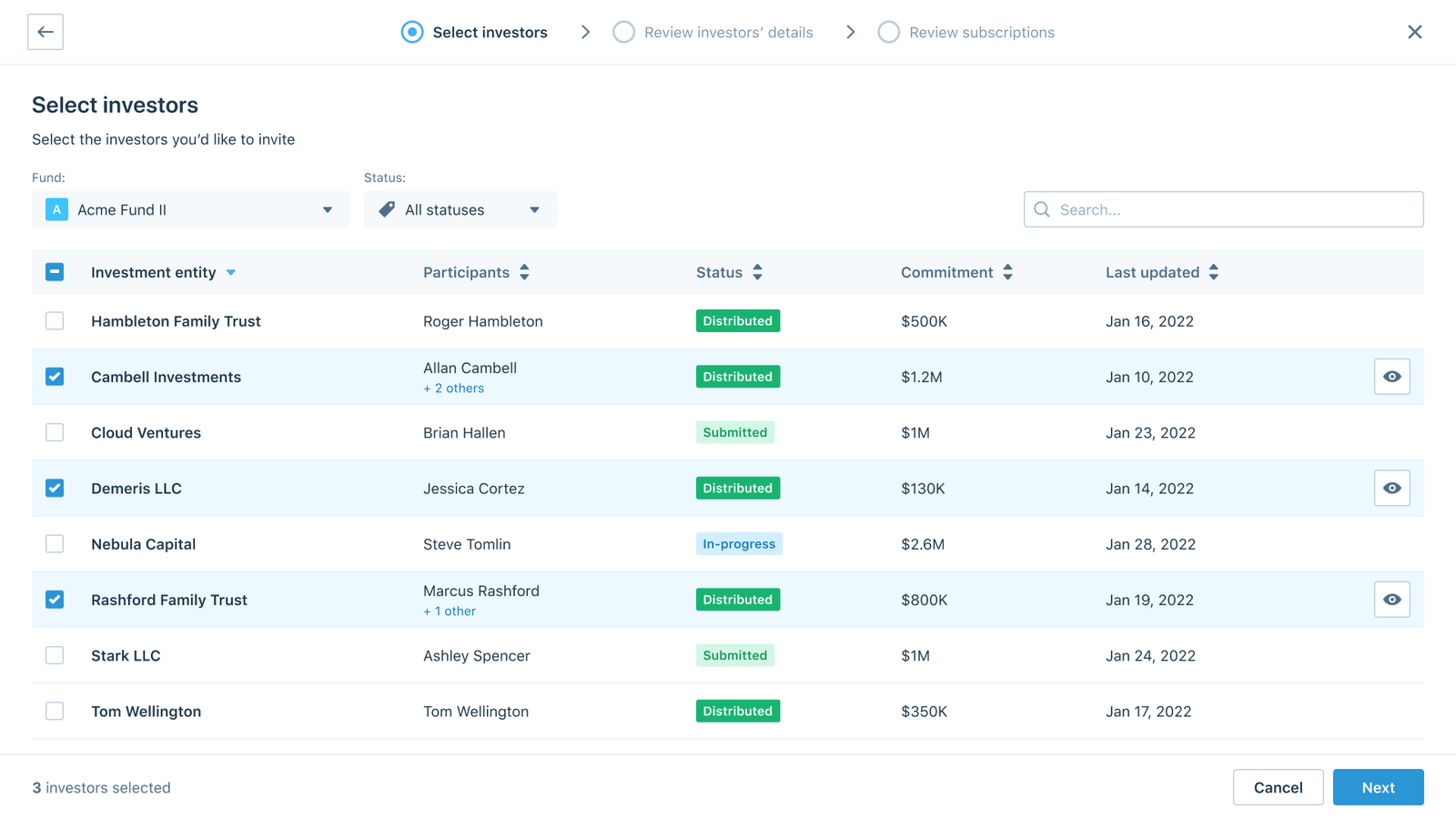
- Select the Investors you would like to create Autofilled Subscriptions for and click Next:
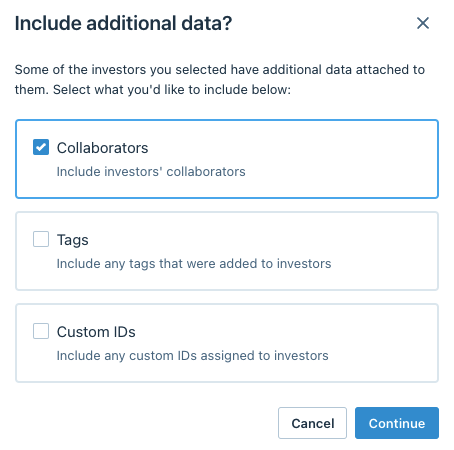
- Choose if you would like to also prefill Collaborators, Tags, or Custom IDs:
- Review the Investor details and make any necessary changes:

- Review the New Subscription Document and click Autofill Subscription when ready:
- When finished, click Done or Download Report
- In the new Fund Subscription you should now see the Investor:

Was this page helpful?