

Add Users from Previous Fund to New Fund
Public
When starting a new fund, Admins now have the ability to copy and add users from previous funds. This will save time in having to manually re-add all users
When starting a new fund, Admins now have the ability to copy and add users from previous funds. This will save time in having to manually re-add all users.
Adding Users to New Fund
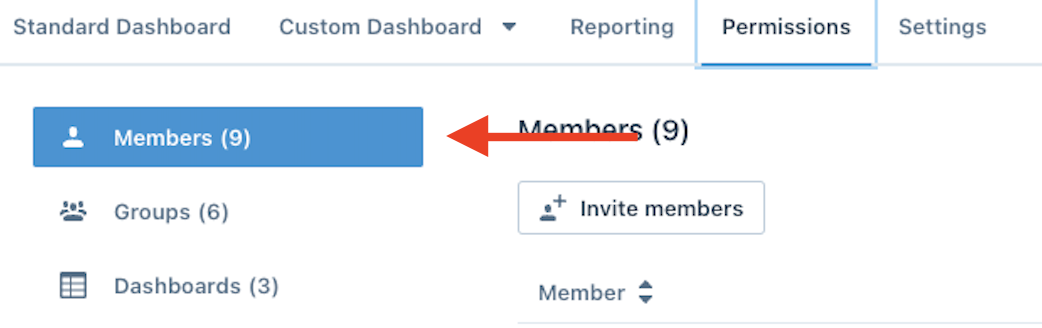
- In the Anduin Portal, in the top Nav Bar click Permissions:

- In the left Nav Bar, click Members:
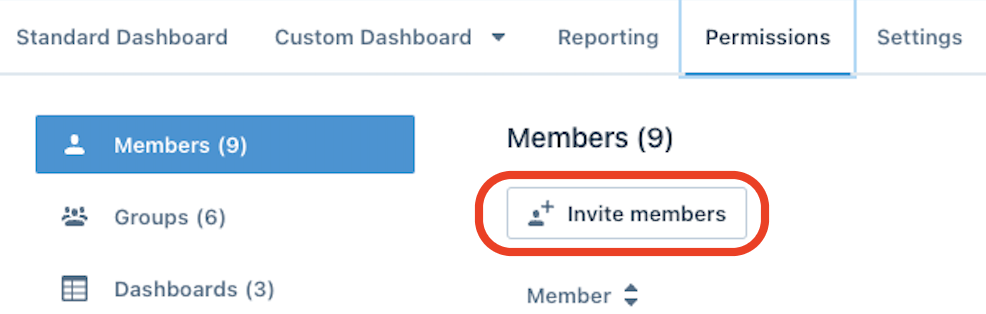
- Choose Invite Members:
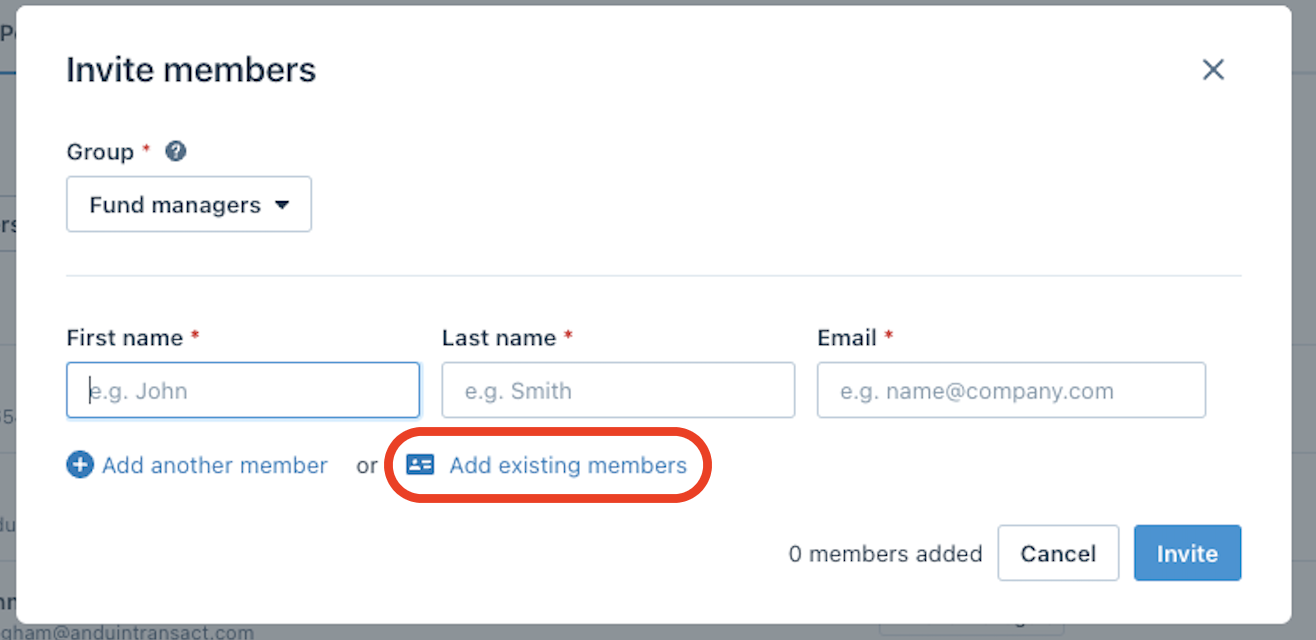
- In the pop up, choose Add existing members:
- At the top, choose whether to filter members by funds or see a list of all members available to add:
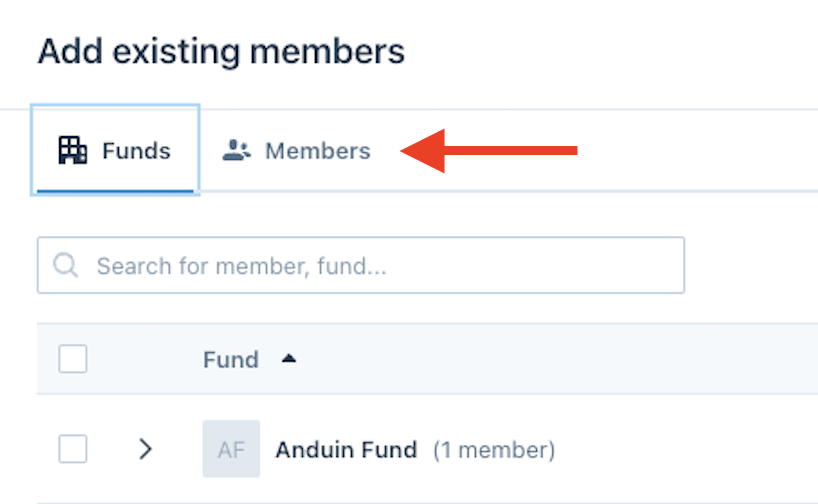
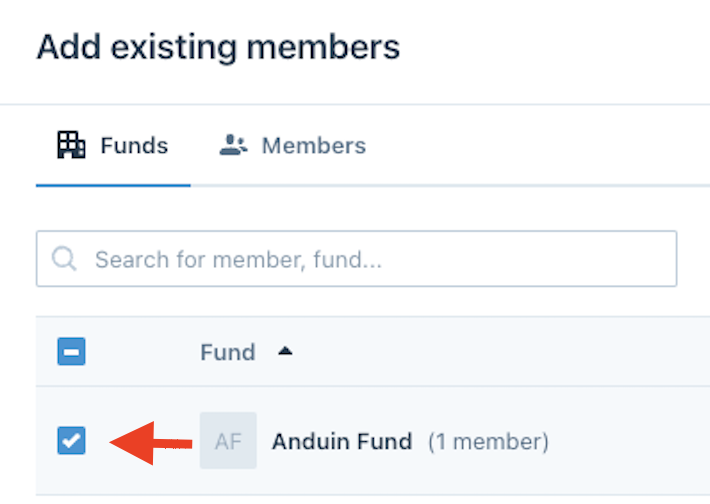
- Select which user(s) or group you would like to add:
- In the bottom right, click Add Members
Was this page helpful?